Create a video

Required photos1
Settings
Mode
Video length12s
Resolution

Cinema Hero Catch AI

Use one image to recast the audience member in a cinema gag.

How the effect works

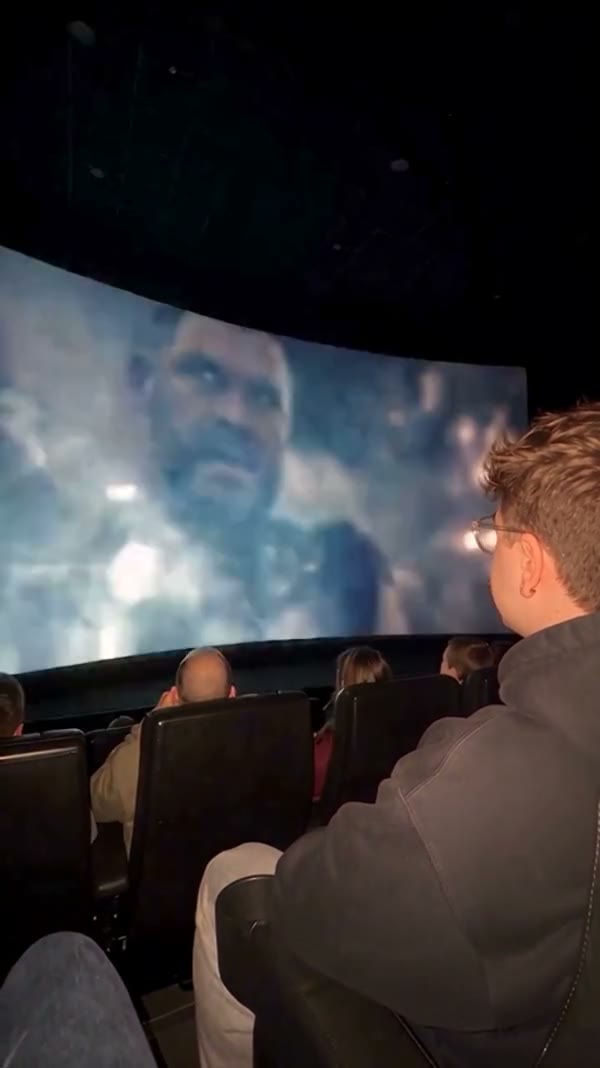
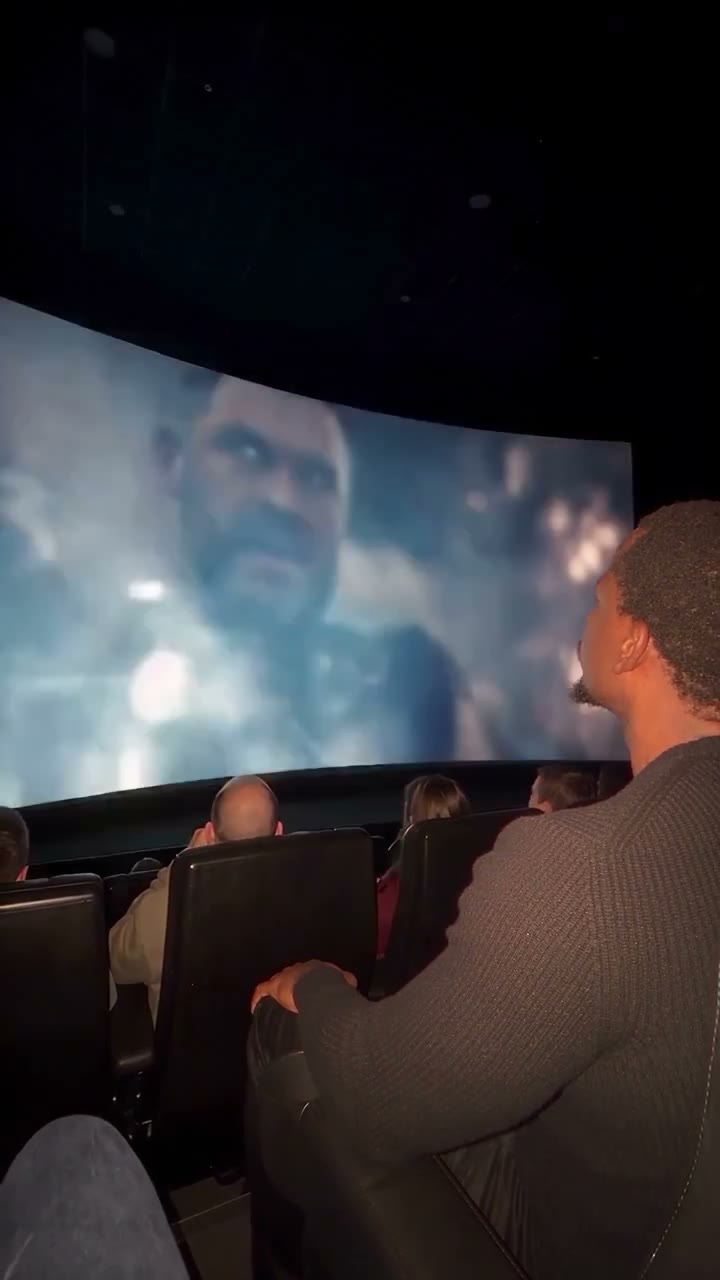
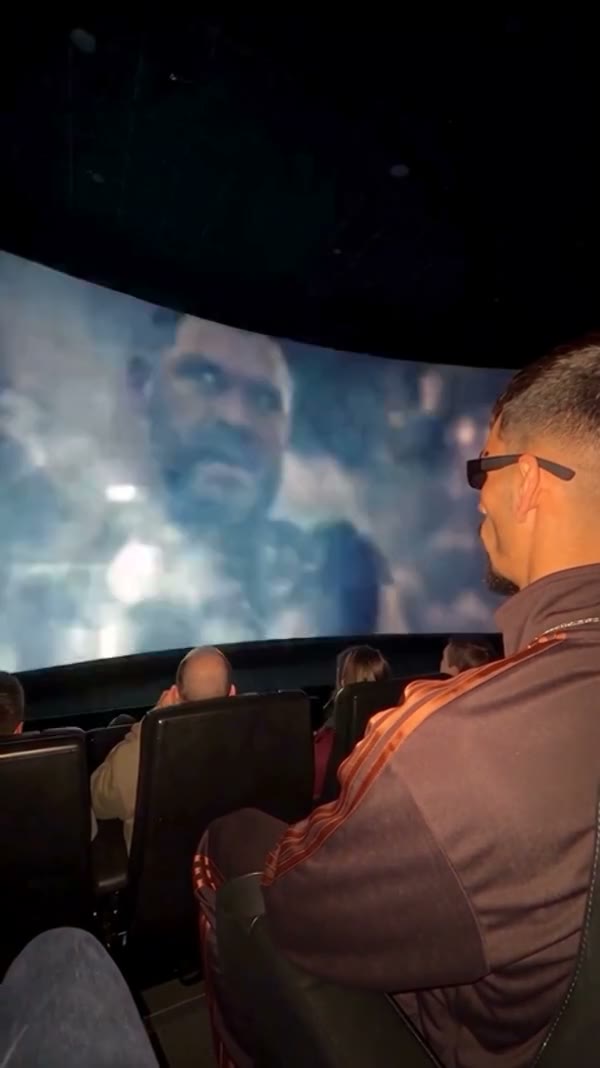
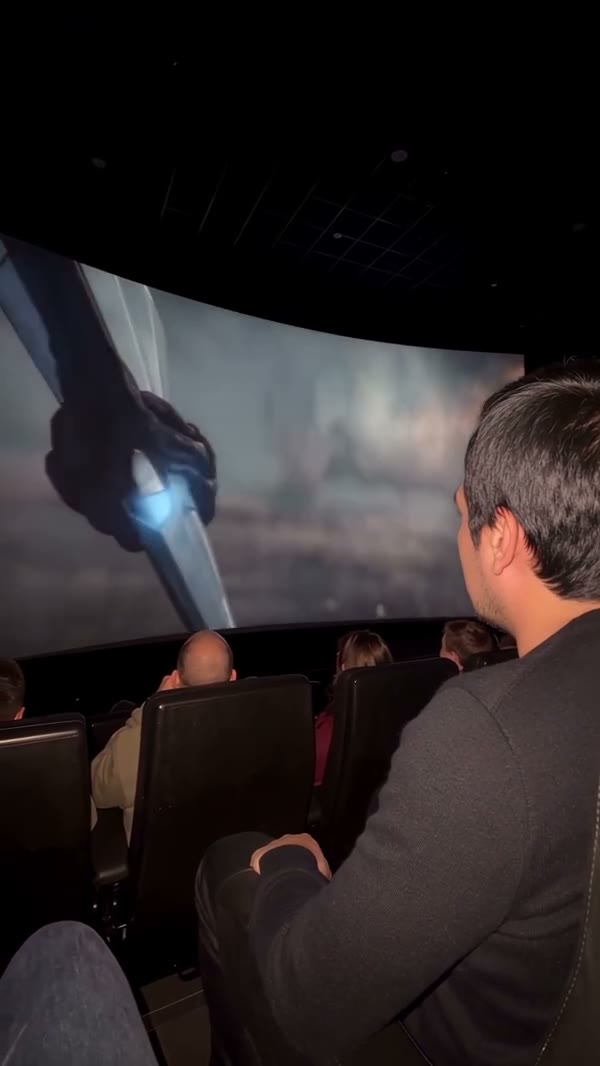
Cinema Hero Catch AI puts one selected person into a prepared theater reaction. A large object appears to move from the screen toward a foreground spectator, who reaches for it and raises it. The photo guides that viewer; the movie image, audience, prop and camera follow the supplied footage. Review the preview before creating to decide whether the specific visual gag fits your project.

A theater audience member catches and raises a large prop

Create with Cinema Hero Catch AI

Use the ready-made reference and inspect the result.

  1. STEP 1

    Select

    Select one person photo for the foreground viewer to identify the subject.

  2. STEP 2

    Choose

    Choose between the available settings for the approximately 12-second scene.

  3. STEP 3

    Watch

    Watch the person’s hands and face during the catch in the generated result.

Understand the motion

An uploaded image guides the subject of this theater reaction.

Map your photo

Upload a clear single-person portrait for Cinema Hero Catch AI. Face, hair and upper-body visibility give the model useful appearance cues, while the reference provides the seated posture and later motion. The spectator is seen from more than one angle, including toward the screen. Details hidden in the still image must be inferred and may not remain exact in a moving result. A heavily filtered or very small image may contain fewer recognizable details. Compare the original with your crop and choose the clearest version before uploading. For Cinema Hero Catch AI, compare the chosen photo with the source preview before submitting. The spectator faces away during part of the shot, so evaluate the available profile and hair as well as the moments when the face is clearer.
Map your photo

Understand the motion

The foreground viewer is the only photo-guided role in Cinema Hero Catch AI. People on the screen and elsewhere in the theater remain part of the fixed scene; there is no separate upload to change them. Follow the reaching hand and the edge of the prop at the apparent contact point. Fast movement or overlapping shapes can alter fingers, grip and the object's outline.

Understand the motion

Compare the options

The Cinema Hero Catch AI source lasts about 12 seconds, so Economy, Standard and Original all use the complete available action with their own settings. Select a mode and check its displayed estimate. When the task finishes, watch from the opening view through the raised prop and listen to the output; source audio restoration is attempted by the workflow.

Compare the options

About the Cinema Hero Catch AI scene

What the reference shows in the theater reaction.

  1. A viewer and an on-screen reveal

    The visual idea joins the cinema screen to a spectator’s reaction. We have not verified the original creator of this version. View the supplied cinema video

Cinema Hero Catch AI questions

Review the choices and limits of Cinema Hero Catch AI before creating.

Does Cinema Hero Catch AI require a seated photo?

No. Cinema Hero Catch AI uses one portrait as an appearance guide and obtains the seated posture and reach from its prepared reference. Choose an image with a clear face and hairstyle instead of trying to recreate the scene in your own photo. The model still interprets views that are not visible in the input.

Who can I replace in Cinema Hero Catch AI?

The uploaded Cinema Hero Catch AI photo guides the foreground audience member. There are no additional slots for the screen character or the people in other seats. Those figures follow the supplied scene. Preview the reference to understand who is visible and how the chosen spectator is framed during the reaction.

Can Cinema Hero Catch AI swap the movie or object?

Cinema Hero Catch AI follows the screen imagery and large prop already in the reference. The fixed workspace does not include a separate movie or prop selector. If your idea depends on another title or object, inspect the preview before generating and consider a different compatible workflow for a different reference.

Why does Cinema Hero Catch AI use the full clip in every mode?

At approximately 12 seconds, the Cinema Hero Catch AI reference is shorter than the prepared short-clip limit. Economy, Standard and Original therefore use the available sequence, though their generation settings and estimates differ. Switching modes does not let you choose a new catch point or extend the original footage.

How can I check the Cinema Hero Catch AI prop catch?

Review Cinema Hero Catch AI at three points: the viewer reaching, apparent contact and the object held up afterward. Look for a continuous arm and a recognizable prop edge, then compare the subject's profile with the uploaded portrait. Generated hand contact and small details can vary even with a clear source image.

Can Cinema Hero Catch AI be used in a vertical edit?

The Cinema Hero Catch AI reference is portrait-oriented and includes both the screen and the spectator. You can add text or other footage in a separate editor after downloading. Keep enough of the screen and raised hand visible for the reveal to make sense, and check whether platform controls cover the action.

Where do I review a Cinema Hero Catch AI video?

Open My creations after Cinema Hero Catch AI completes to watch and download the result. Inspect the face through the turn and the prop near contact, then listen to the final file. The workflow attempts to restore the reference audio, but it is the delivered video that shows the actual outcome.

Can I supply a group photo for Cinema Hero Catch AI?

Cinema Hero Catch AI has one foreground person role. A crowded photograph may make the intended subject ambiguous; a clear individual image or a careful crop is easier to assign. Keep the face and hair visible when cropping, and inspect the profile in the generated clip as the viewer turns.

Can Cinema Hero Catch AI change the camera angle?

The camera and screen-to-seat sequence in Cinema Hero Catch AI come from the prepared reference. This page does not provide a separate angle or motion-path control. If the viewer is seen from behind during part of the preview, the generated result follows that framing rather than making every frame face the camera.

Try Cinema Hero Catch AI

Choose the roles for the theater reaction.

A theater audience member catches and raises a large prop