AI Genjutsu logoAI Genjutsu
Home
LogoAI Genjutsu

Explore Genjutsu AI video editing with Motion Transfer, Object Swap, and ready-made presets. Bring your own clip and references.

Product

  • Hotel Lobby AI
  • STORM II AI
  • Raindance AI
  • Put A Ring On It Dog AI
  • Car Jump AI
  • Burning Bridges AI
  • Gas Station Dance AI
  • Higgsfield Genjutsu motion transfer

Resources

  • Pricing

Legal

  • Privacy Policy
  • Terms of Service
  • Acceptable Use Policy
  • Refund Policy
  • Cookie Policy

support@aigenjutsu.appAI Genjutsu ©️ 2026 All Rights Reserved.

AI Genjutsu is an independent tool and is not affiliated with Higgsfield.

Creation mode
Prompt is required
Estimated credits6 credits
View all

AI Image Generator for Creative References

Create the picture your next idea needs. Use the AI image generator for character looks, product concepts, and original scenes.

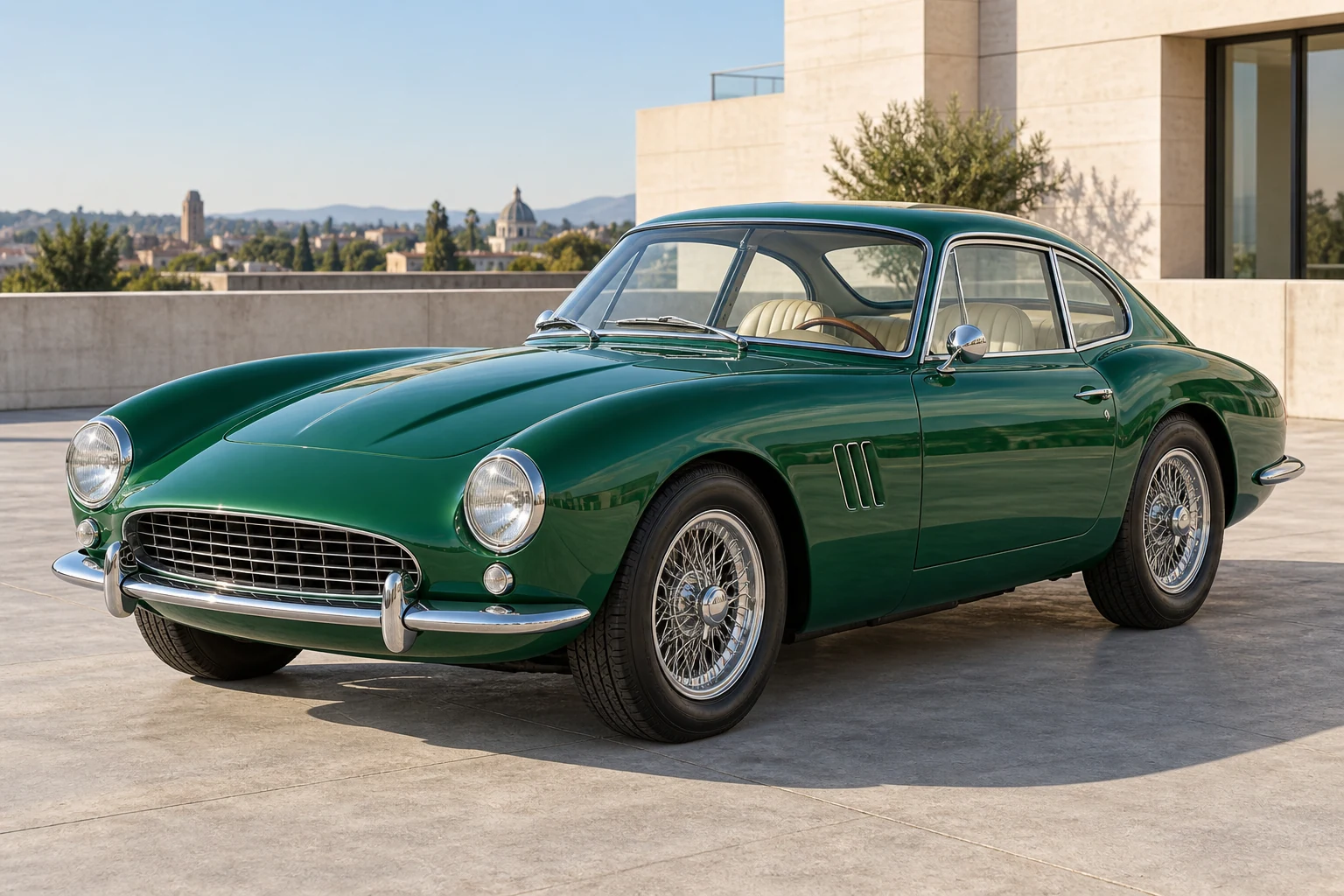
Emerald green vintage coupe parked on a stone rooftop in daylight

Start with a picture worth building on

The AI image generator gives a visual idea a starting point. Describe a new subject or use supported references for an existing appearance. Explore character outfits, product compositions, or imagined settings, then review and download a still. A separate Image to Video step lets you choose what happens next.

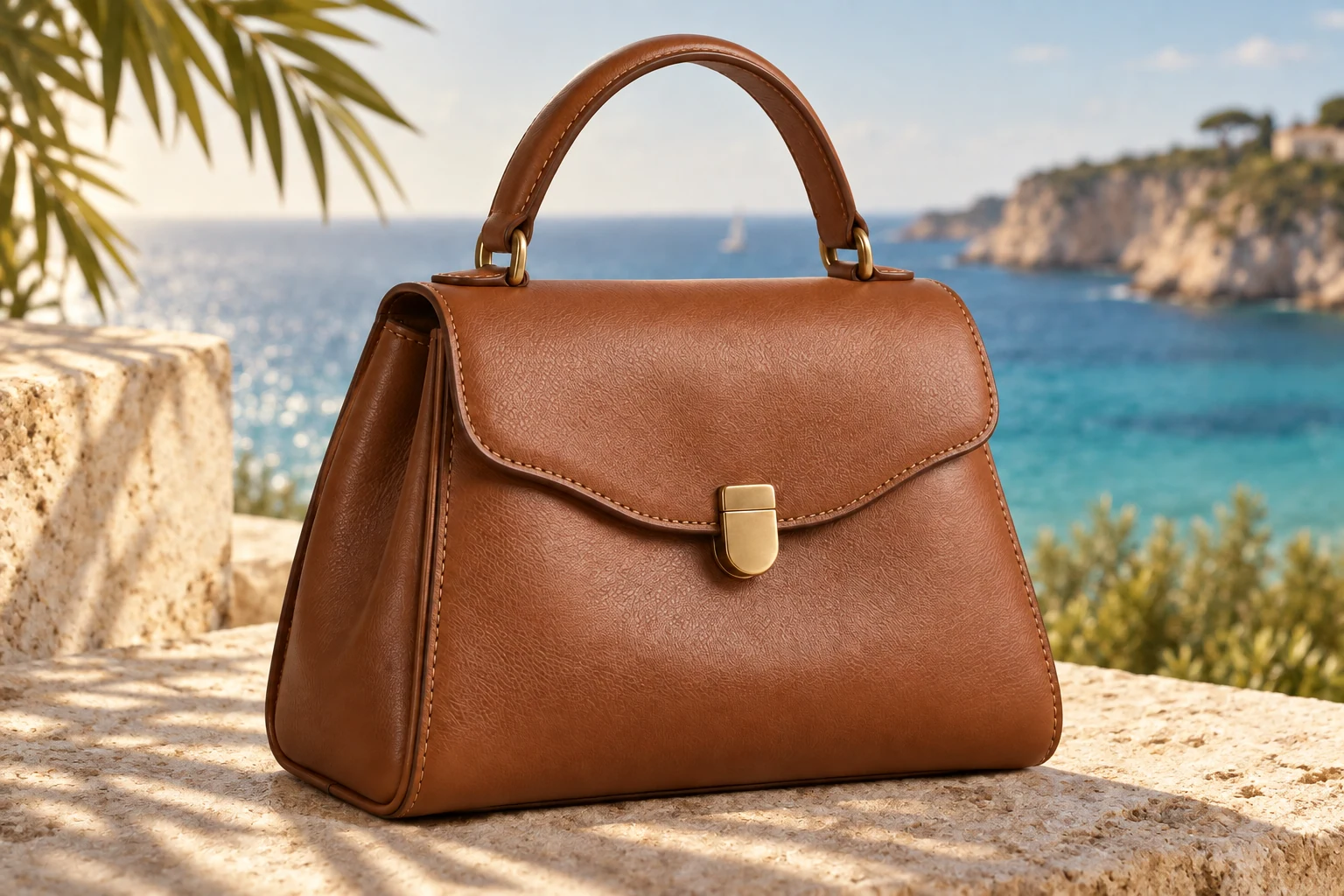
Cognac handbag on a limestone ledge beside the sea

Create with the AI image generator

Prepare your AI image generator inputs, review the settings, and compare the result with your brief.

  1. Prompt

    An emerald coupe on a sunlit stone rooftop, soft shadows and an editorial look.

    Text to image

    STEP 1

    Write or reference your idea

    Describe the picture you want. If a supported reference mode suits the task, add the images and explain the change instead of assuming the model knows which details matter.

  2. Sunburst
    Resolution1K
    Images1
    AspectAuto

    STEP 2

    Choose the output

    Choose your AI image generator model, frame, resolution, and image count. Check the updated total beside Generate before submitting.

  3. Image

    STEP 3

    Review the still

    Sign in and submit when ready. Inspect your AI image generator result in My creations, then download it or prepare a separate video draft.

AI image generator ideas for your next project

Explore characters, products, and places before choosing the visual direction to keep.

Explore the presentation around a product

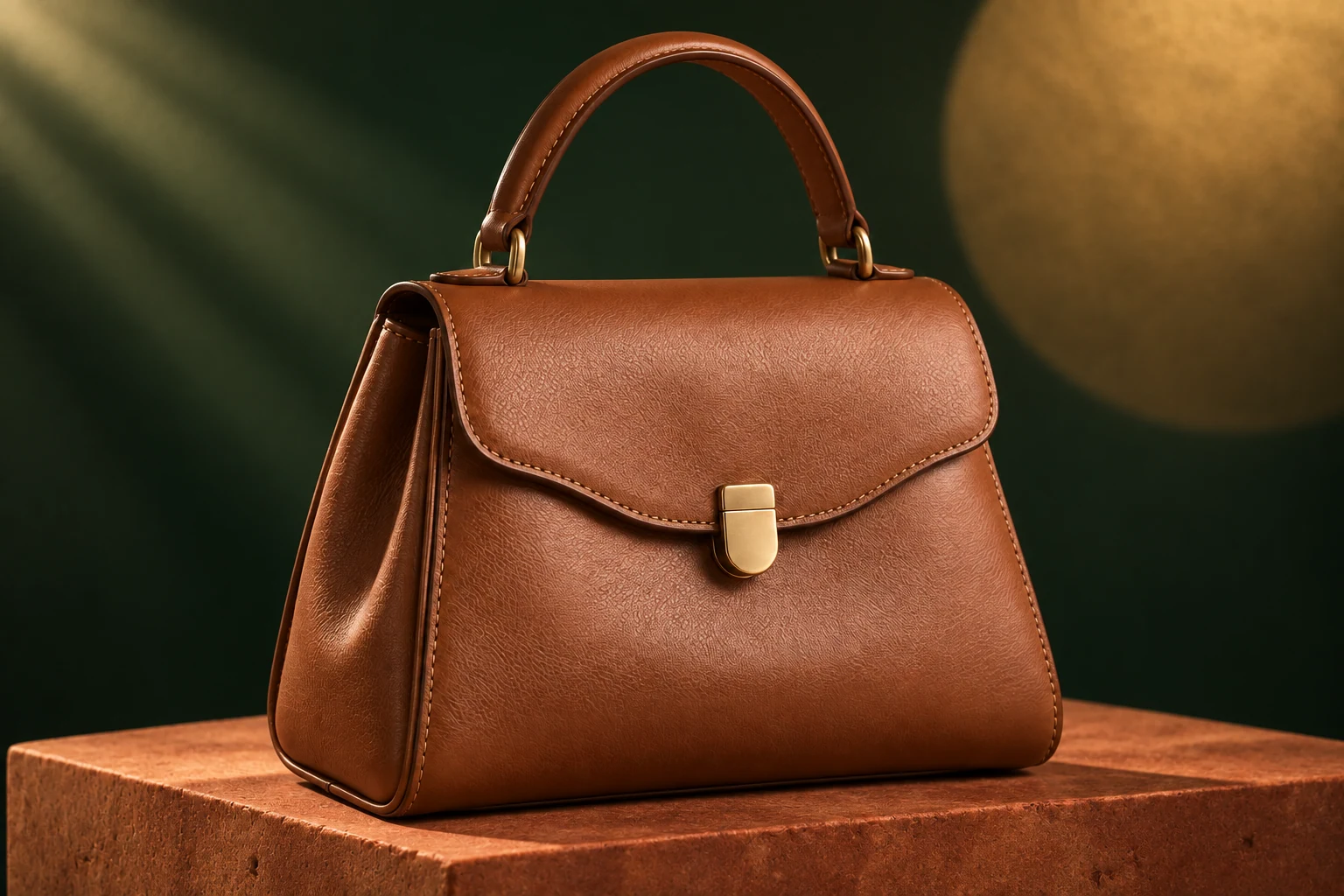
Use the AI image generator to explore a product in a quiet studio, a coastal setting, or a dramatic campaign concept. References guide its appearance while your words describe material, light, and context. These illustrative examples suggest directions; check product shapes, labels, and colors before using a result to represent a real item.

Cognac handbag on a stone block against a dark green studio backdrop

Give a character a recognizable visual direction

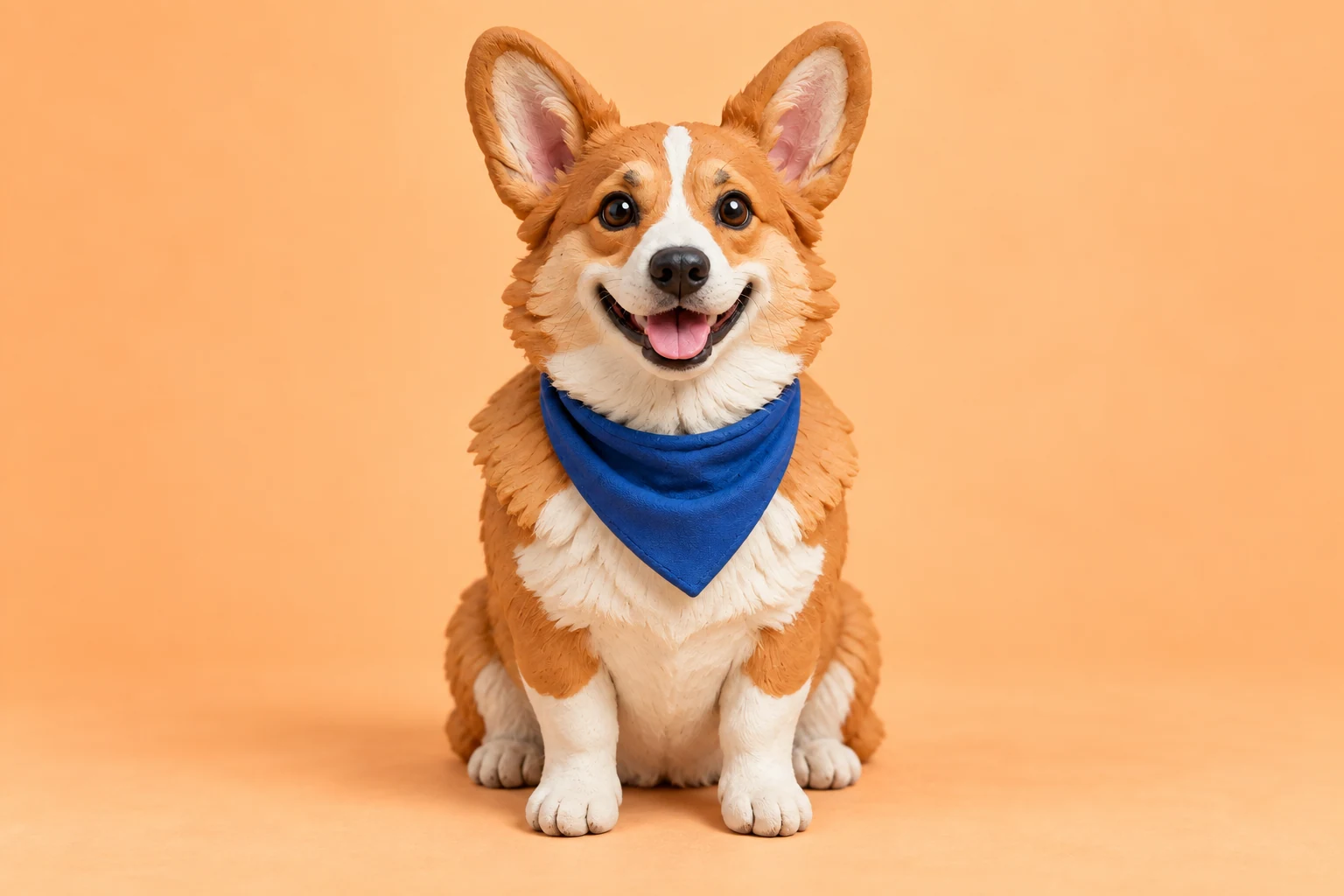
Try an original character’s outfit, expression, or material style with the AI image generator. A readable face and clear silhouette are useful for later video work. Choose a photographic, illustrated, or sculpted direction, then inspect the whole design, including anatomy and accessories, before deciding which version to keep.

Clay-style corgi wearing a blue bandana against an apricot background

Picture the atmosphere of a place

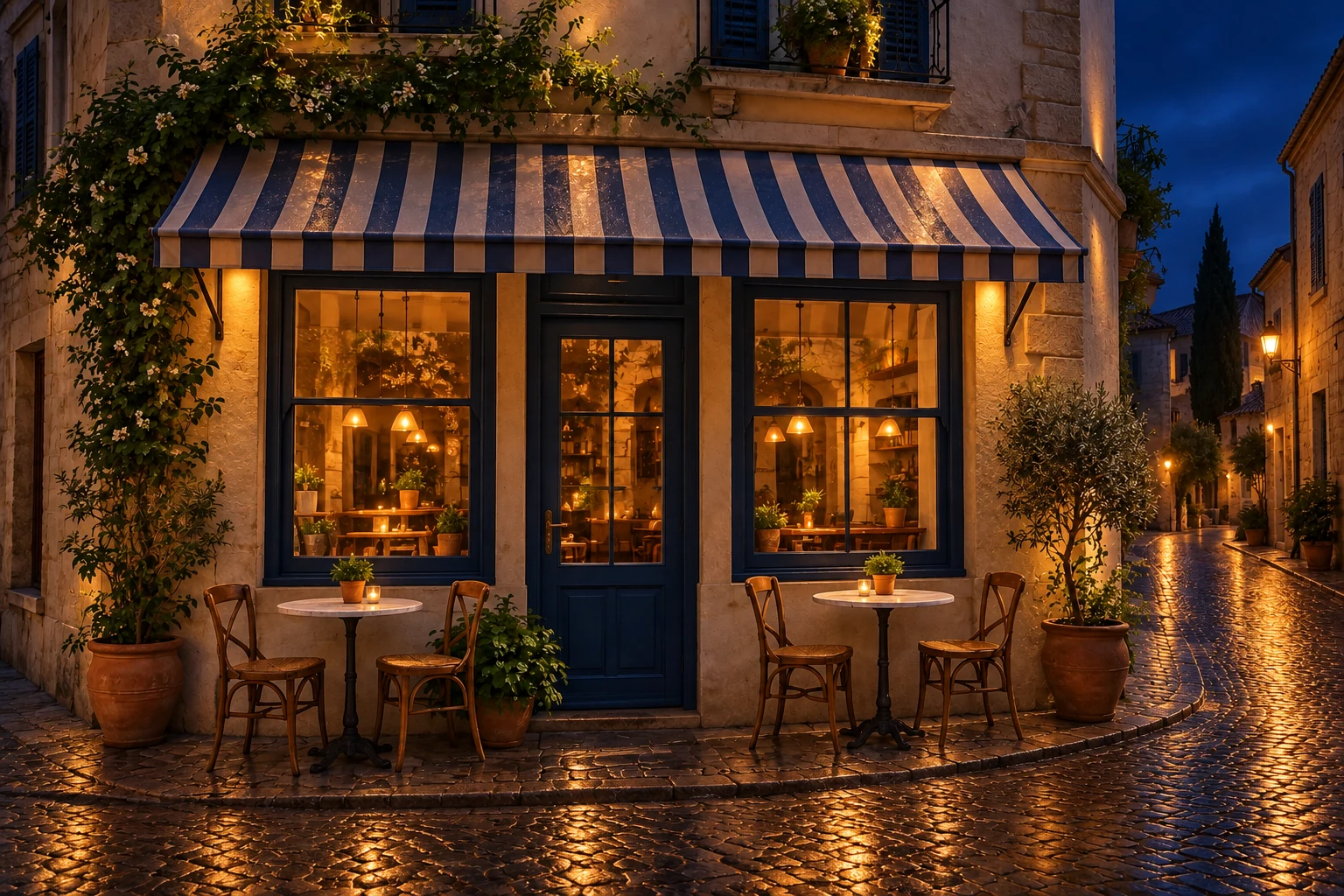
The AI image generator can picture warm windows after dark, pale architecture in daylight, or reflections after rain. Specify the viewpoint and atmospheric features your project needs. The output is an imagined interpretation from text and supported references, not documentation of a real location’s current appearance.

Corner cafe at night with warm glowing windows and wet cobblestones

Compose a still for its next use

Compose with the next use in mind: a banner, post, portrait cover, or video starting image. The AI image generator offers supported framing choices before submission. Review space for the subject and any later typography. Add precise lettering and verified brand graphics in your design editor when accuracy matters.

Emerald green vintage coupe parked on a stone rooftop in daylight

Choose an AI image generator workflow that fits your input

A text prompt is useful when you are inventing the subject.

Develop a character for a video

Prepare a still that clearly communicates identity, clothing, and proportions. The AI image generator can give you a reference for later animation, but saving a picture does not guarantee a future video will preserve every detail.

Compare a visual concept

Create a small number of variations around one brief and compare composition or lighting. Decide which quality you are testing before submitting so a new output answers a creative question instead of adding unrelated options.

Continue from an image you like

Review the completed still, then use the available Image to Video handoff if movement is the next step. The handoff prepares a draft for you to inspect; video generation requires its own settings and submission.

AI image generator controls

Choose the inputs and output format around the picture you need.

Text-led creation

Describe the subject, environment, and intended visual style. A clear brief is enough to begin on a text-to-image model; an upload is not always required.

Reference images

Supported models accept images to guide appearance. The composer shows the current reference limit and accepted formats. Explain which details should stay and which parts of the scene may change.

AI image generator models

The AI image generator exposes the published image models in its picker, including GPT Image, Nano Banana, and Seedream options. Settings and estimates follow the model you select.

Framing and resolution

Choose the AI image generator’s available frame and resolution. A larger output changes the estimate, while anatomy, lettering, and product accuracy still need review.

Up to four outputs

Where shown by the composer, select one image or up to four variations. Read the estimate for the entire request before submitting. More variations create more choices to review, not a guaranteed correct option.

Saved work and continuation

Completed pictures appear in My creations and available image history. You can download a selected result or prepare it as an Image to Video draft when you are ready to add motion.

AI Image credits

The estimate beside Generate reflects your current AI Image Generator request. Preparing a draft does not spend generation credits; a submitted variation is a new request.

Starter

For your first ideas.

$8.3/month

$100.0 charged yearly

2,400 credits/year

Up to 400 images

GPT Image 2Nano Banana Pro

Up to 240 videos

Seedance 2.5Kling 3.0 Motion Control
  • Up to 4K images and HD videos, depending on the model
  • Image editing, video creation & motion transfer
  • Watermark-free image & video downloads
  • Generation history in your account
Popular40% OFF · Save $238.8

Pro

For a steady creative flow.

$30.0/month$49.9/month

$360.0 charged yearly

21,600 credits/year

Up to 3,600 images

GPT Image 2Nano Banana Pro

Up to 2,160 videos

Seedance 2.5Kling 3.0 Motion Control
  • Up to 4K images and HD videos, depending on the model
  • Image editing, video creation & motion transfer
  • Watermark-free image & video downloads
  • Generation history in your account
  • Use credits across image and video models
Best Value50% OFF · Save $599.8

Business

For more creations, more often.

$49.9/month$99.9/month

$599.0 charged yearly

48,000 credits/year

Up to 8,000 images

GPT Image 2Nano Banana Pro

Up to 4,800 videos

Seedance 2.5Kling 3.0 Motion Control
  • Up to 4K images and HD videos, depending on the model
  • Image editing, video creation & motion transfer
  • Watermark-free image & video downloads
  • Generation history in your account
  • Use credits across image and video models

Basic

$0

Try before you subscribe

  • 18 one-time signup credits
  • Generation history included
  • Watermarked previews & downloads
  • Up to 3 images or 1 video
  • Watermark-free downloads require payment

Prices in USD; taxes and total shown at checkout. Subscriptions renew automatically; cancel in Billing settings. Subscription credits expire each period; one-time credits never expire. Refund requests: within 72 hours. Eligible refunds deduct used purchased credits and, where permitted, actual non-returned processing fees. Processing fees are capped at 6% of the original purchase amount, excluding separately charged taxes. Terms · Refund Policy.

AI Image FAQ

Inputs, output choices, credits, and results in the AI image generator.

What can I make with the AI image generator?

The AI image generator makes still pictures from a text brief or supported reference images. Character concepts, product scenes, and imagined places are useful starting points. The page does not generate motion by itself; use a video workflow after choosing a still.

Can the AI image generator work without an upload?

Yes, use the AI image generator’s text-to-image mode when you want to invent a picture from a written description. Reference mode is useful when you already have a subject or visual direction. The selected model controls which modes are available.

Which files can I use as image references?

The AI image generator accepts formats such as JPEG, PNG, and WebP, with the current limits shown beside the upload control. Choose clear source pictures and only upload media you may use and transform.

Does the AI image generator copy text and logos exactly?

AI image generator lettering, logos, and small product details can differ from the reference or prompt. Review them closely. For a final branded asset, add exact typography or verified graphic elements in your own design editor.

How do I choose an AI image generator model?

Use the AI image generator model picker to inspect the options available in this workspace. Match the supported reference mode, output settings, and displayed estimate to your task. This page does not claim that one model will always produce a better result for every brief.

Can I create multiple AI image generator variations?

The AI image generator offers an image-count choice up to four. The estimate reflects the request you select. Compare each result for the qualities you need, and remember that another submitted batch is a new generation.

What does the AI image generator cost?

Read the AI image generator credit estimate after selecting the model, output size, and image count. Draft changes do not spend generation credits. Sign-in and a sufficient balance are needed to submit; the plan examples are not a universal price for every image setting.

Are the pictures here made by this AI image generator?

The AI image generator examples are illustrative assets used to show creative directions. They were not verified as results generated through this site. Your own output depends on the model, brief, references, and settings you choose.

How do I animate an AI image generator result?

Open a completed AI image generator result and use its available Image to Video continuation. It prepares a starting-image draft. Add a motion idea, review the selected model and estimate, then submit separately when ready.

Can I publish the generated picture?

Review the result for accuracy and suitability, and confirm your rights to the inputs and intended use. The tool does not provide a blanket license for third-party characters, trademarks, or likenesses. Follow the applicable site terms and destination rules.

Give the picture its next step

  • Green coupe in a sunlit architectural settingImage to VideoStart with one finished still and describe how it should move.
  • Clay-style character illustrationAI Video GeneratorCreate a new scene from text or supported visual references.
  • A fashion scene with movementGenjutsu AI workspaceUse a performance clip to guide a new character or object edit.

Create with the AI image generator

Open the AI image generator above and choose the starting material for your next idea.

Create
Emerald green vintage coupe parked on a stone rooftop in daylight