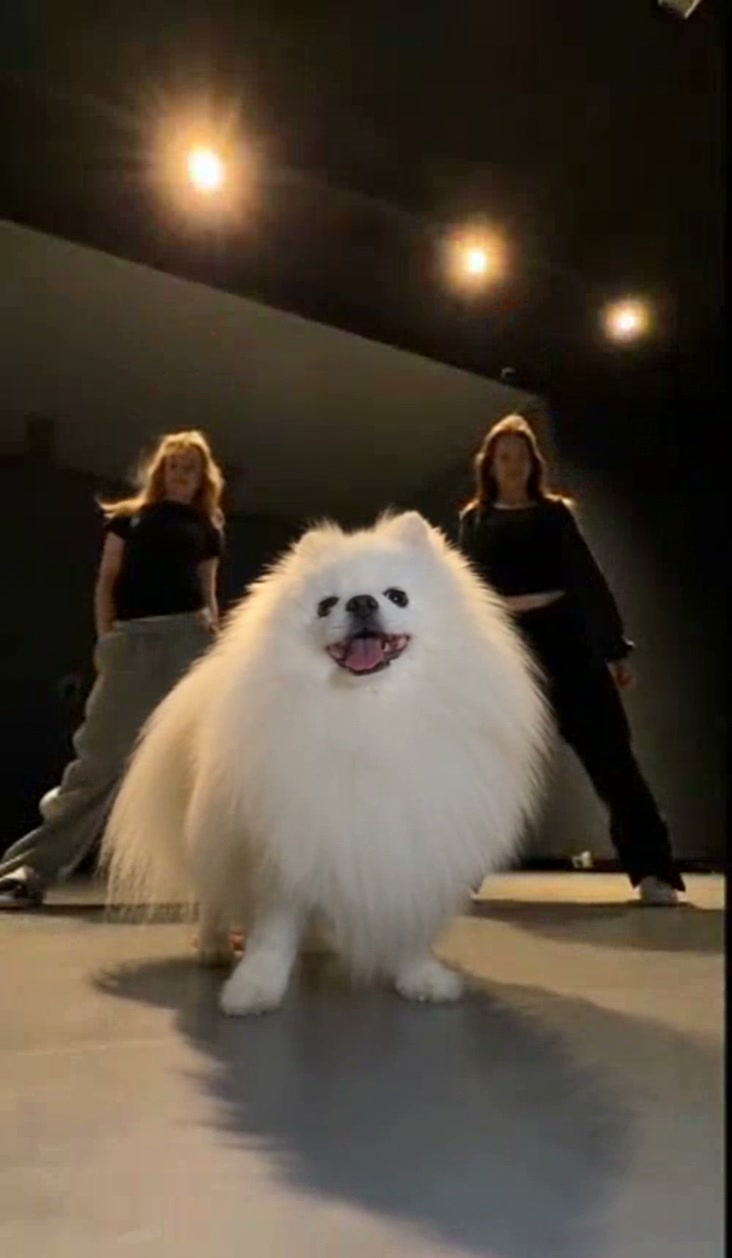
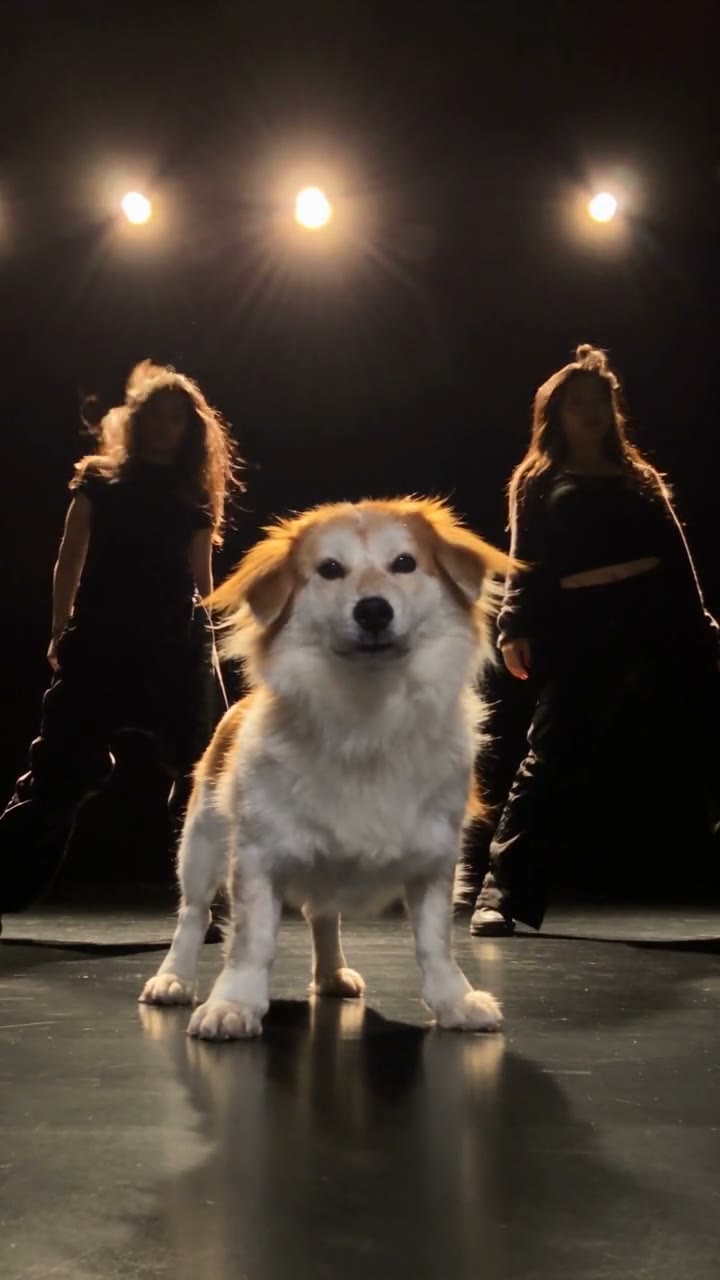
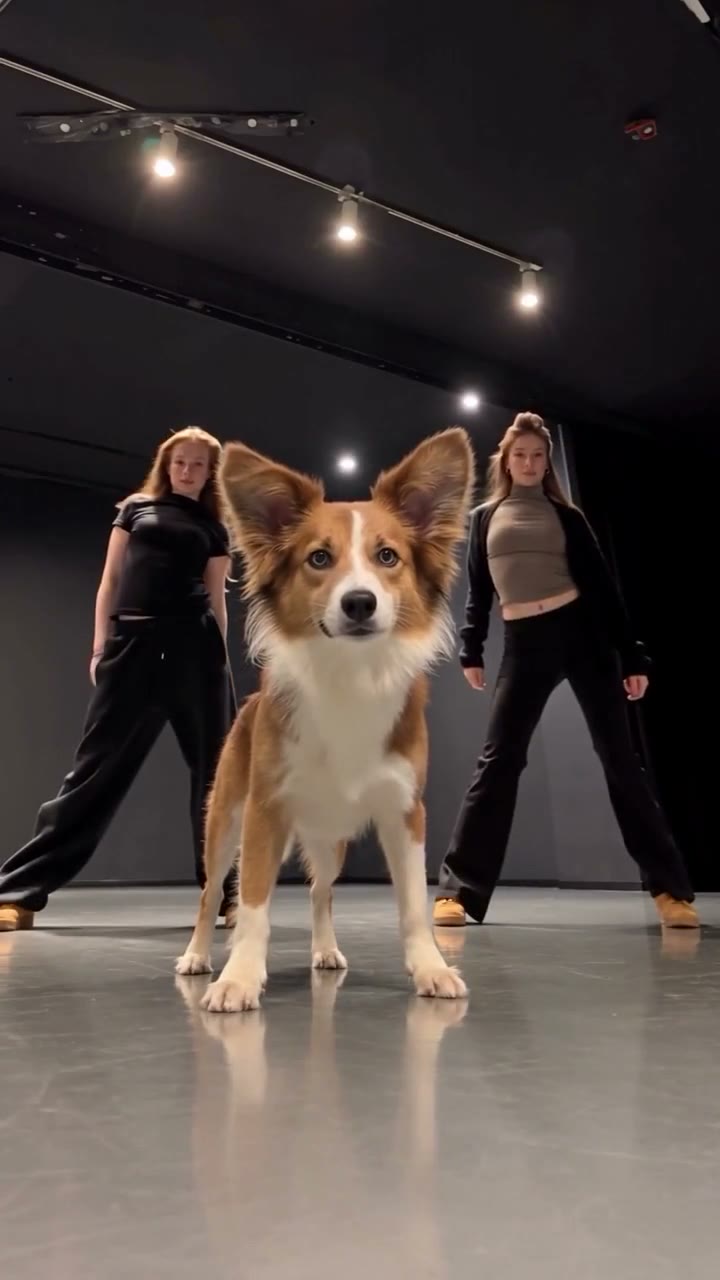
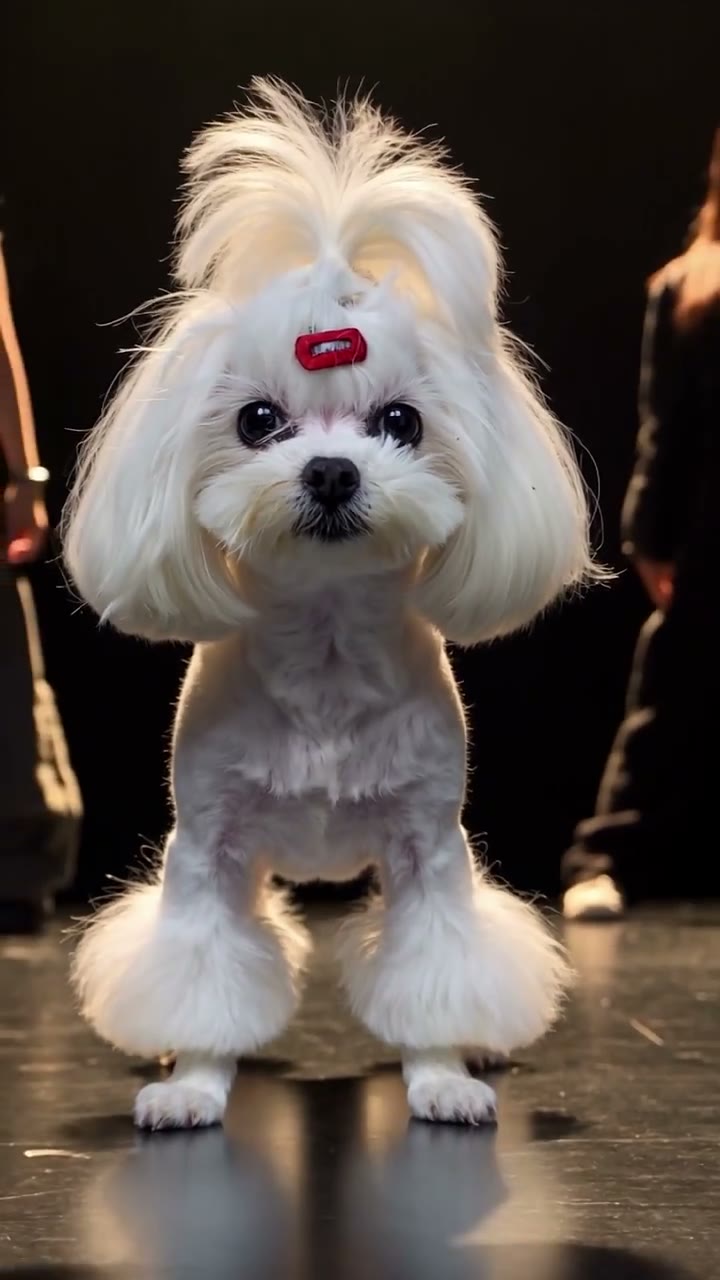
What do I upload for Put A Ring On It Dog?
Put A Ring On It Dog requires one photo. Use a clear pet image with visible ears, body and any intended clothing. Use images you own or have permission to edit. A blurred crop, collage or heavily obscured subject gives the model less evidence to work with.
How are photos assigned in Put A Ring On It Dog?
Put A Ring On It Dog uses the labeled upload positions to identify each replacement role. Use a clear pet image with visible ears, body and any intended clothing. Check the assignment before generating. If the source changes camera angle or the subject moves across the frame, that does not create a new role. Keep the input associated with the same character or object through the sequence; do not use one picture containing several subjects when a slot calls for one.
What stays unchanged in Put A Ring On It Dog?
The prepared video guides the setting, movement, camera framing, edits and timing for Put A Ring On It Dog. The two human dancers stay in the reference. One pet photo supplies the sole replacement role. The instructions request those features, but a generated result can still vary in small details.
Does Put A Ring On It Dog include sound?
The finished video uses the reference soundtrack. For Put A Ring On It Dog, the model creates the new visuals without generating a replacement soundtrack, and the existing delivery flow restores the reference audio. Use the sound control in the preview to hear the supplied track. There is no song selector or text-to-speech field on this page. The new appearance does not imply a newly recorded voice, and using the template does not grant soundtrack rights.
Can I change the length or framing of Put A Ring On It Dog?
The prepared clip is approximately 19 seconds long; its framing and sequence guide your output. Put A Ring On It Dog follows that reference rather than offering a separate timeline or shot editor. Available resolution settings affect the output option and credit quote. They do not turn the prepared routine into a longer story. If you need a different reference performance, use the main AI Genjutsu workspace; for this page, first make sure the shown scene is the one you want.
Do I need to write a prompt for Put A Ring On It Dog?
No. The Put A Ring On It Dog template already supplies its motion instructions and reference video. Your main choices are the input images and available settings. The role descriptions beside the uploads explain how to cast the scene. You do not need to paste a prompt from another site.
How do I get a more recognizable Put A Ring On It Dog result?
Use a clear pet image with visible ears, body and any intended clothing. In Put A Ring On It Dog, the model has to interpret your reference through movement and changing viewpoints. Details that are hidden in the photo may be invented, especially on a back view or near overlapping subjects. Start with a clean, well-lit reference and inspect the animal's paws, body markings and separation from the backup dancers. A clearer image may help, but neither the examples nor a new attempt guarantee perfect identity or anatomy.
Are the Put A Ring On It Dog examples guaranteed results?
No. The videos illustrate the prepared scene and, where supplied, external community variations. They are not a record of a successful generation from your photos on AI Genjutsu. Put A Ring On It Dog has the input roles and fixed sequence described here; an example showing a broader change does not add an upload slot or enable a different workflow.
How much does Put A Ring On It Dog cost?
You can inspect this Put A Ring On It Dog page and its examples before creating a job. To generate, sign in and have enough credits for the quote displayed with your selected settings. The reference duration and resolution matter to that quote. A fresh generation is a new job; watching or downloading a result you already created does not start a new generation. General plan examples may describe a different model or clip length, so use the current Generate quote for this template.
What should I check before sharing Put A Ring On It Dog?
Play the full Put A Ring On It Dog result, including the final moments, and examine the animal's paws, body markings and separation from the backup dancers. Listen to the sound as well as watching the picture. Check the rights and consent relevant to the people, characters, footage and audio in your intended use. Present an invented scene honestly as an AI edit where appropriate.