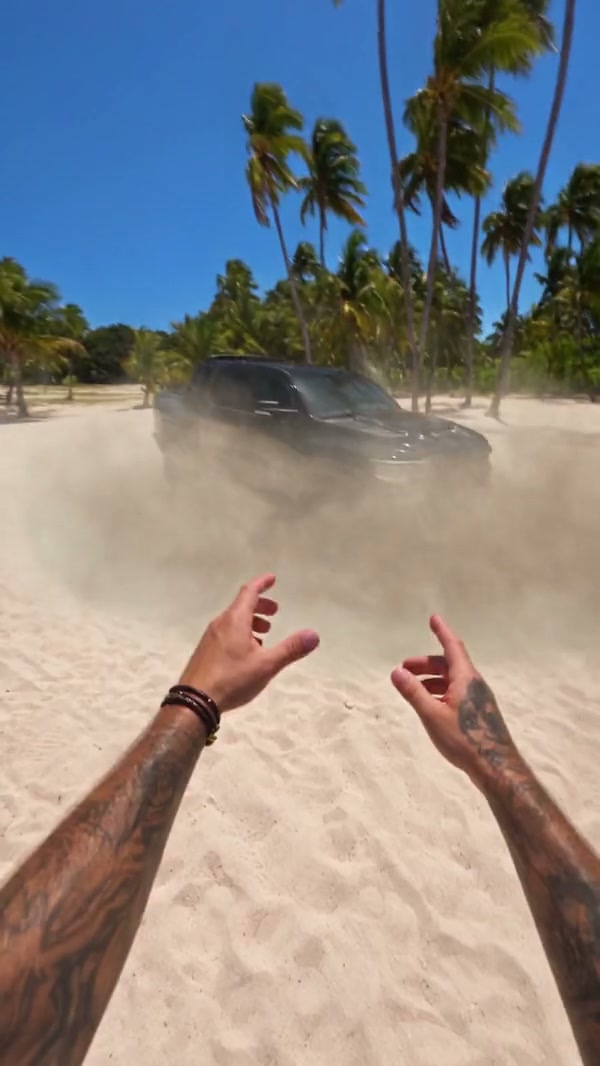
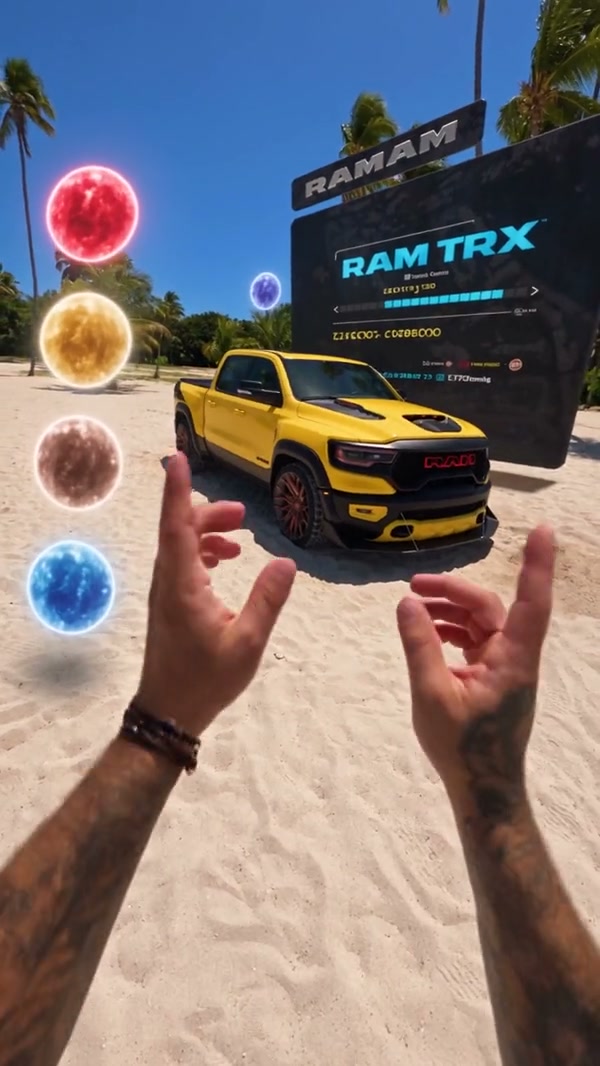
What photos does AI Car Configurator Video need?
One photo of the vehicle is required. You may add up to three more, and each extra photo must be another view of that same vehicle. Four photos is the maximum on this page. A set of different cars needs separate generations.
Which angle should I upload first in AI Car Configurator Video?
Start with a sharp front or three-quarter view so the body and wheels are visible. Add a side or a rear when that part should stay recognizable. A crop that shows only a badge, or a car blocked by other vehicles, gives the morph less of the body to follow.
Will AI Car Configurator Video add a brand badge?
There is no badge control. The prompt does not request added branding, but a logo from the reference or photo may appear or change. Review the generated vehicle before sharing it.
How do the AI Car Configurator Video modes differ?
Economy, Standard and Original all use the full 10 second reference, so none of them is a shorter highlight. They can differ in resolution and in the credit estimate shown beside Generate. Read that estimate before you submit.
Does AI Car Configurator Video include sound?
Yes. The beach reference has audio, and the result restores that track for the prepared clip. You do not upload a song or record a voice. Listen before you share the file, especially if you plan to replace the sound in an editor later.
Can I type a prompt or change the beach in AI Car Configurator Video?
No. AI Car Configurator Video follows the prepared sandy setting, floating spheres and timing. There is no prompt field for a different location or a selectable vehicle finish. For an indoor scene, try AI Car Showroom Video.
Will the vehicle match my photos the whole way through in AI Car Configurator Video?
A clear photo helps identify the body, but the sequence changes the vehicle’s look and the model may alter glass, wheels or panels. Compare the result with your photos; an exact match is not guaranteed.
How is AI Car Configurator Video different from the showroom page?
AI Car Showroom Video moves around a car indoors. AI Car Configurator Video follows a falling entrance and changing looks on sand. Toy Car to Real Car AI starts from a toy.
How much does AI Car Configurator Video cost?
The generator shows a credit estimate for the mode and resolution you select. An account with enough credits is required. Plan details live on the Pricing page.
Where do I download my AI Car Configurator Video?
My creations holds the finished clip. Play it with sound, check the body against your photos, and use the download control on that result.