Create a video

Object · Photo 1

Roadster AI from one photo

Roadster AI answers a simple request: put this vehicle, or this object, through the night ramp clip. You upload one photo. The path, the camera, and the landing stay with the reference.

What is Roadster AI?

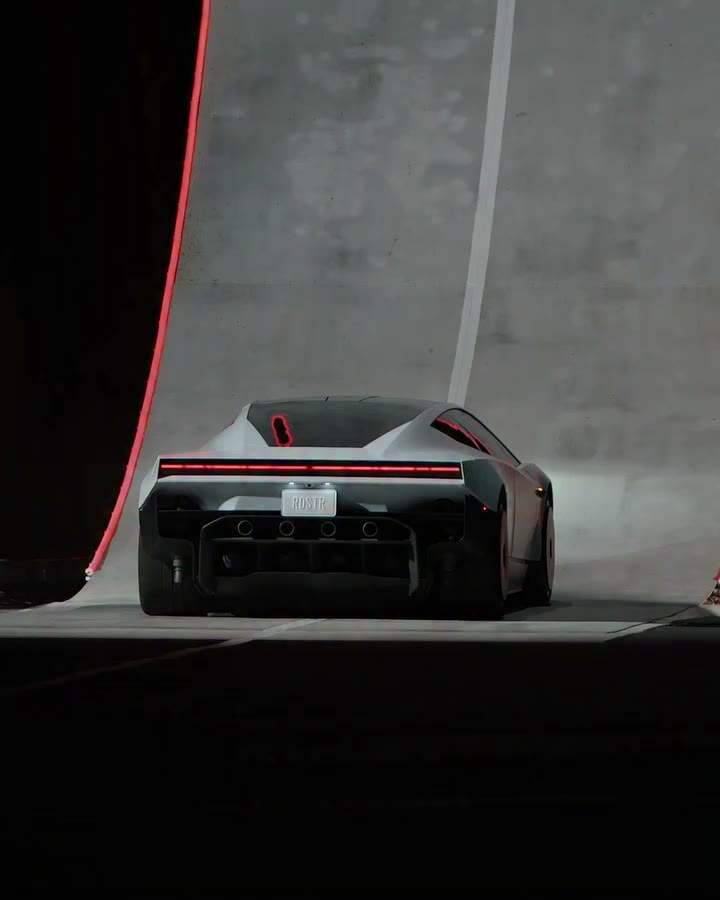
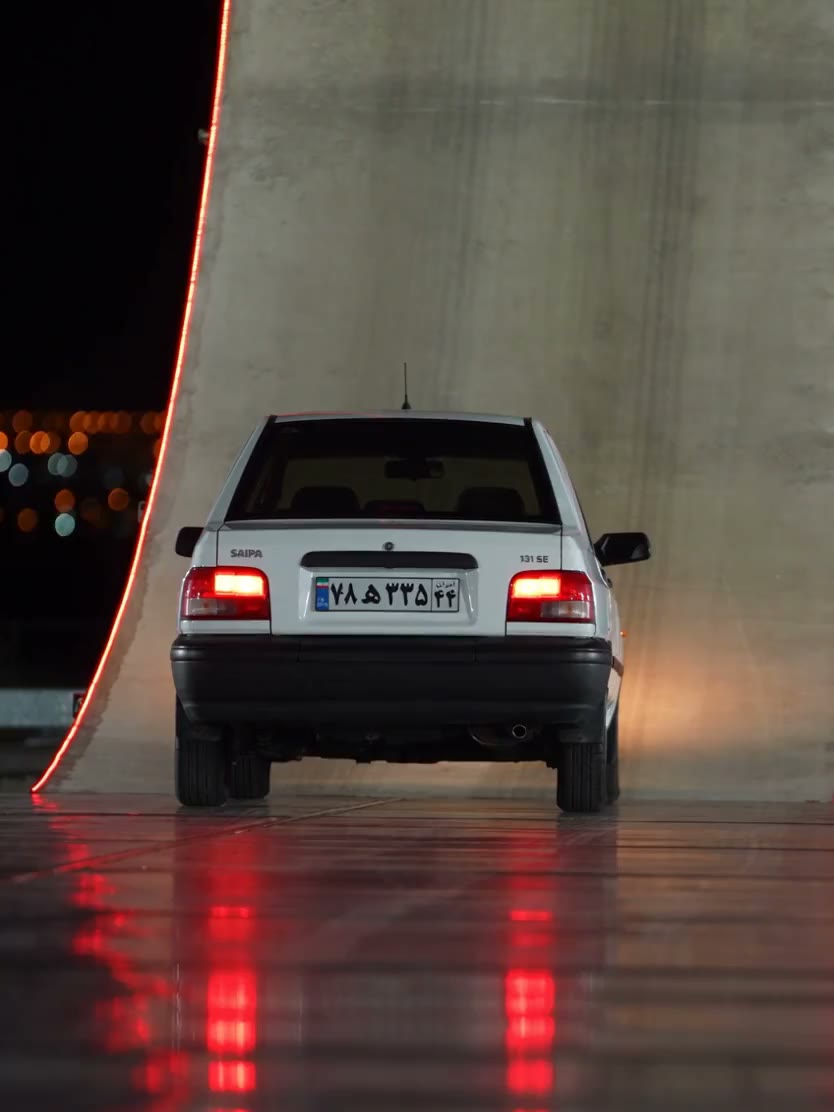
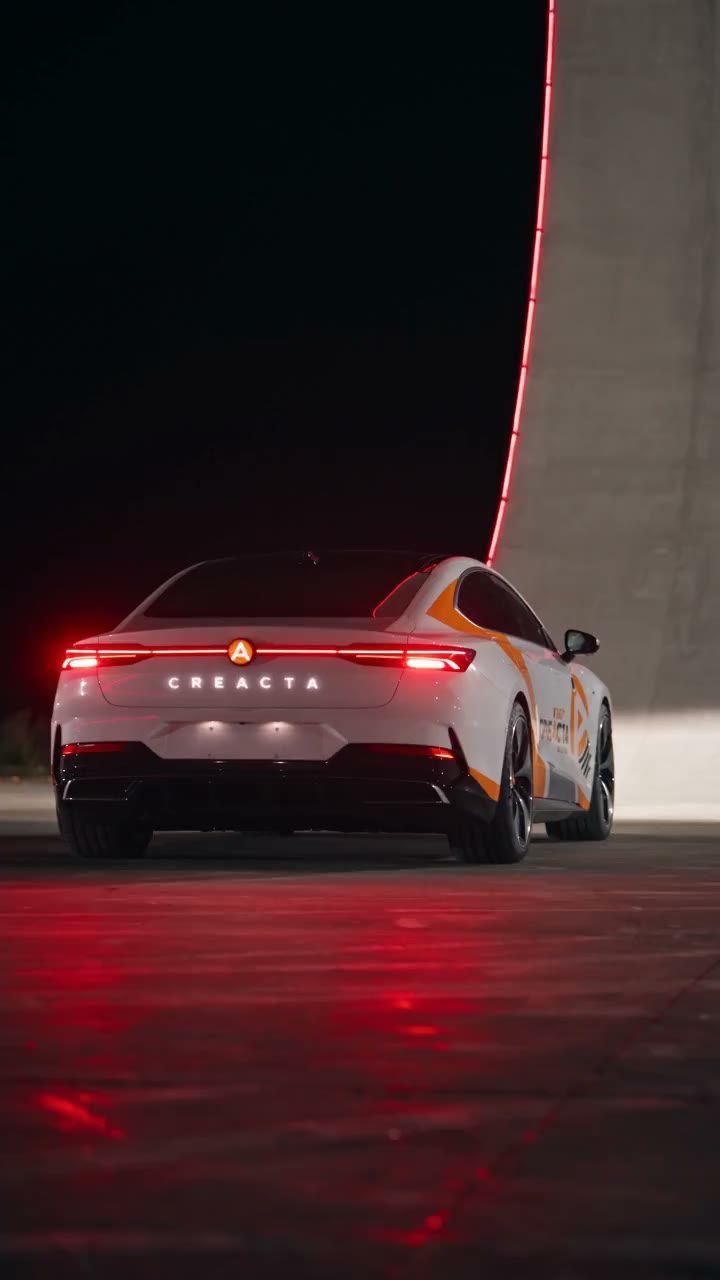
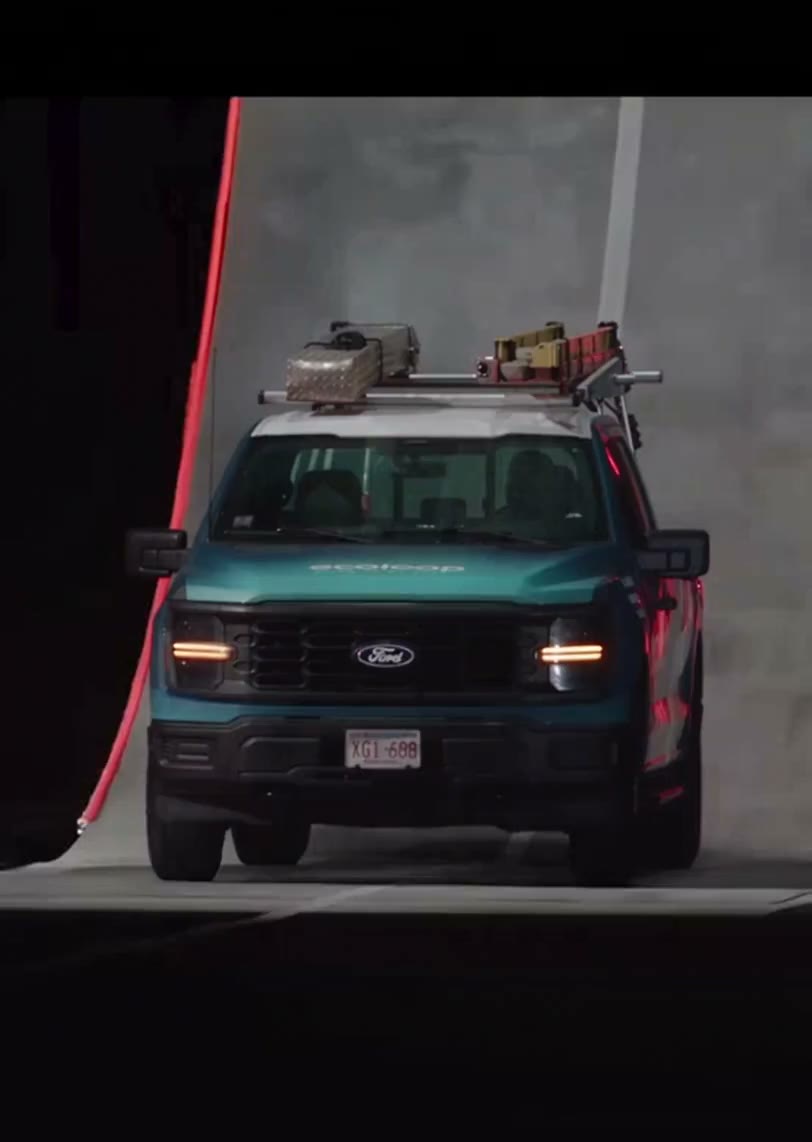
Roadster AI is a fixed edit of a night ramp stunt. The reference is about 17 seconds. A low sports car climbs a tall curved ramp edged in red light, rotates in the air, and comes down into smoke. Your photo replaces that car. The subject is the object on the ramp, a vehicle or another object that should keep its own shape through every shot. The quote uses an 18-second duration setting because the composer follows the reference length. The picture is edited without new model audio, then the reference soundtrack is restored. The hatchback, decorated sedan, and pickup on this page are community examples. The decorated-sedan file is silent, and the pickup replay is longer than the tool reference. The number on Generate is the credit cost for the selected resolution. Choosing a photo leaves the request waiting until you press Generate.

A light hatchback starting up the same red-edged ramp.

How do you make a Roadster AI video?

One photo, the loaded ramp, then a full playback.

  1. STEP 1

    Photograph one subject

    Use one picture of one vehicle or one object. Keep the full shape and the color readable, with that subject alone in the frame.

  2. STEP 2

    Read the quote before you generate

    The reference is about 17 seconds. This page quotes an 18-second duration setting plus the resolution you select. Uploading the photo is free.

  3. STEP 3

    Check the small frames

    In My creations, pause on the upper ramp, the rotation, and the landing. Download the file when it is still the thing you uploaded.

Same ramp, different Roadster AI subjects

A hatchback, a silent decorated sedan, and a longer pickup replay show the range of bodies. Your upload is the subject in the request.

What photo does Roadster AI accept?

One photo, and it has to show the whole subject. A car, a truck, or another vehicle is the closest match, because the source body is a car. Another object is allowed. For a sofa, sculpture, or product, the instruction asks to retain its own form without adding headlights, wheels, or a grille. Inspect the output to confirm that this instruction was followed. It still has to read as itself while it follows a car path, so that result needs a stricter look. Show the silhouette, the color, and one detail you can still recognize when the subject is small, such as a roof rack or a contrasting roof. A badge crop leaves the body to be invented. Two vehicles in one frame make the subject ambiguous. A person standing beside the object can be read as part of it, so frame the object on its own. The page has one subject slot. A different subject means a new photo in that slot.
What photo does Roadster AI accept?

What does a Roadster AI result keep?

The ramp, the red edge light, the camera, the smoke, and the timing stay with the reference. Your photo supplies the body. The useful check is whether the same object is still recognizable when it is small on the upper ramp, during the rotation, and again in the smoke. A shape that is right at the start and becomes a generic sports car at the top has drifted. On a non-vehicle, wheels or lamps mean the edit treated it as a car. Judge the soundtrack on the finished file in My creations. The decorated-sedan example is silent, and the pickup example is a longer community replay, so its runtime belongs to that file. For a product presentation, inspect the object when it reappears after the smoke. A matching opening frame alone is insufficient to show that a handle, roof rack, or body shape survived the entire stunt.

What does a Roadster AI result keep?

Which photo is worth a Roadster AI render?

The subject gets small and then spins. A shape you can name from across the frame is more useful than a tiny logo.

A silhouette you can tell from the sports car

A hatchback, a pickup, or a long sedan gives you something to compare with the original sports car. The edit has something to prove when you can still name the body while it is high on the ramp.

One color you can find in the smoke

Use a visible body color, contrasting roof, or rack as a comparison point after landing. Tiny plate lettering is hard to assess while the subject is distant or obscured by smoke.

A non-vehicle that stays itself

The instruction asks to preserve the uploaded object without invented car parts. Inspect a sofa or product in the airborne frames; unexpected wheels or lamps indicate an unwanted transformation.

What does Roadster AI cost?

Use the figure on Generate. The 18-second duration setting and the selected resolution determine this quote. A longer community replay on the page still leaves the quote on that 18-second setting.

Starter

For your first ideas.

$8.3/month

$100.0 charged yearly

2,400 credits/year

Up to 400 images

GPT Image 2Nano Banana Pro

Up to 133 videos

Seedance 2.5Kling 3.0 Motion Control
  • Up to 4K images and HD videos, depending on the model
  • Image editing, video creation & motion transfer
  • Watermark-free image & video downloads
  • Generation history in your account
Popular40% OFFSave $238.8

Pro

For a steady creative flow.

$30.0/month$49.9/month

$360.0 charged yearly

21,600 credits/year

Up to 3,600 images

GPT Image 2Nano Banana Pro

Up to 1,200 videos

Seedance 2.5Kling 3.0 Motion Control
  • Up to 4K images and HD videos, depending on the model
  • Image editing, video creation & motion transfer
  • Watermark-free image & video downloads
  • Generation history in your account
  • Use credits across image and video models
Best Value50% OFFSave $599.8

Business

For more creations, more often.

$49.9/month$99.9/month

$599.0 charged yearly

48,000 credits/year

Up to 8,000 images

GPT Image 2Nano Banana Pro

Up to 2,666 videos

Seedance 2.5Kling 3.0 Motion Control
  • Up to 4K images and HD videos, depending on the model
  • Image editing, video creation & motion transfer
  • Watermark-free image & video downloads
  • Generation history in your account
  • Use credits across image and video models

Basic

$0

Try before you subscribe

  • 18 one-time signup credits
  • Generation history included
  • Watermarked previews & downloads
  • Up to 3 images or 1 video
  • Watermark-free downloads require payment

Prices in USD; taxes and total shown at checkout. Subscriptions renew automatically; cancel in Billing settings. Subscription credits expire each period; one-time credits never expire. Refund requests: within 72 hours. Eligible refunds deduct used purchased credits and, where permitted, actual non-returned processing fees. Processing fees are capped at 6% of the original purchase amount, excluding separately charged taxes. Terms · Refund Policy.

Roadster AI questions

The photo, the ramp, the quote, and the file you keep.

What is Roadster AI?

It is a one-photo edit of a night ramp stunt. The photo replaces the car. The climb, the rotation, the landing, the camera, and the smoke stay with the reference video.

How many photos does Roadster AI accept?

One. That photo is the vehicle or the object. A second picture is rejected, so use the clearest single view of the subject.

Does the subject have to be a car?

No. Another object can replace the ramp vehicle, although vehicles fit the source action most closely. The instruction asks to preserve the uploaded form without invented car parts. Review unusual objects throughout the rotation; accepting the photo does not guarantee a convincing physical result.

Can I put myself in the driver seat?

No. Roadster AI replaces the main object on the ramp and has no separate driver-photo control. Use Tesla Roadster Meme for the chase driver or Flying Tesla Roadster AI for the coffee-scene driver; both are linked below.

Do I write a Roadster AI prompt?

No. A prepared object-replacement instruction runs with Seedance 2.5 Edit. Select the subject photo and resolution. To change the subject, replace that photo; the ramp and camera sequence remain the loaded reference.

Why does the page mention both 17 and 18 seconds?

The reference file is about 17 seconds. The duration setting used for the quote is 18 seconds. Community files can differ, including a silent decorated-sedan clip and a longer pickup replay.

Does the result include the original audio?

The picture is edited without new model audio, then the reference soundtrack is restored. Listen in My creations. The decorated-sedan example on this page is silent, so judge the soundtrack on the finished file.

Is Roadster AI an official Tesla tool?

AI Genjutsu is an independent editor. The page name is the ramp edit people look for, and the result is a generated scene.

Can I publish the clip?

Check the permissions for your uploaded image and the reference footage and audio before publication. Receiving a generated video does not establish those rights. Label synthetic content when the platform or context requires it.

Where do I download it?

My creations or video history. Playback and download use the finished file. A new generation starts when you replace the photo and submit again.

What if my object turns back into a sports car during the jump?

Compare the upper-ramp frame, the airborne side view, and the landing. A return to the source car means the replacement was not maintained. Before retrying, make sure the photo contains one complete object with a visible outline, rather than a close-up or several competing subjects. Non-vehicle objects remain an experimental fit for this car-shaped motion; another generation is not a guaranteed repair.

Start Roadster AI with one photo

One object covers the climb, the rotation, and the landing. Review the small frames before you keep the file.

A silver sports car at the base of a curved ramp edged with red light, before the climb.