Create a video

ModelSeedance 2.5 Edit

Configured for this template

AI rap duo performance · 23.0s

Left person
Right person

AI Rap Duo Video Maker

Put your favorite pair on the same stage. Make an AI rap duo from two photos and a ready-made performance.

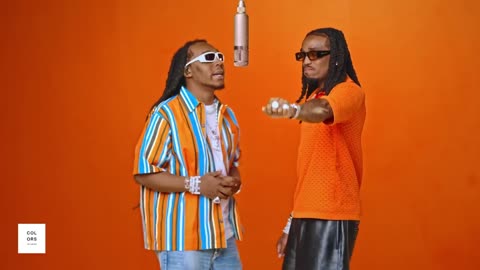
Two performers on an orange stage under a hanging microphone

How a pairing changes the scene

These community duet remixes illustrate different casts on the same stage. They are not performance or quality guarantees for this site.

Cat meets dog
A golden duo
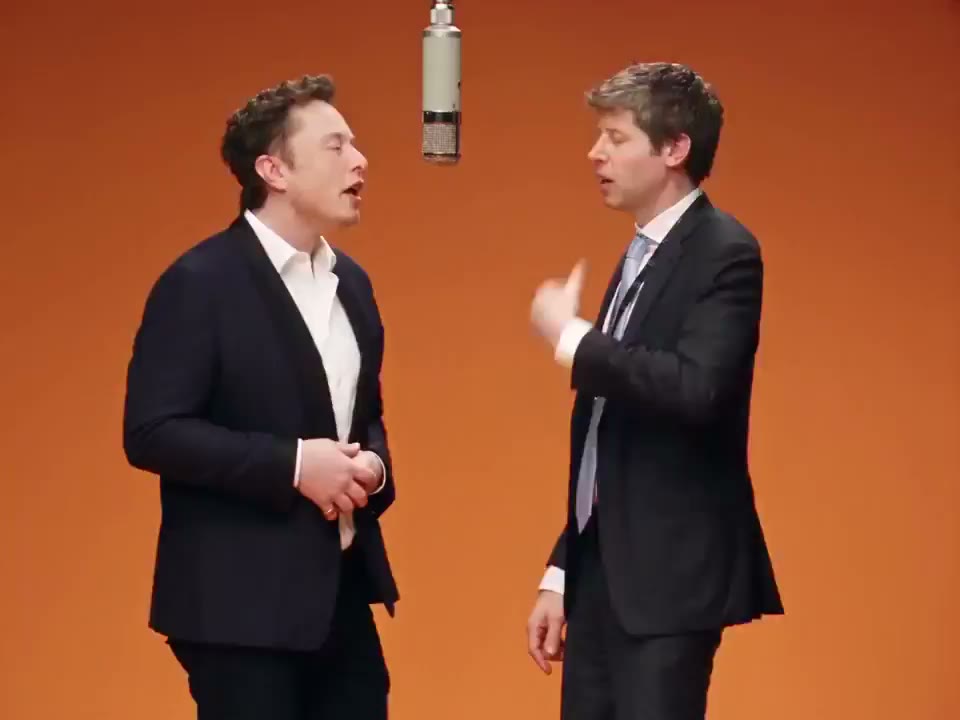
A black-tie remix
Two cats, one mic
Friends on stage
A feline co-star

Give two characters a shared moment

An AI rap duo gives two separate character pictures a joint on-screen performance. Choose friends, collaborators, rivals, or a fictional double act. The orange studio and performer movements come from the prepared reference, while your photos assign the cast. This visual edit does not compose an original song or record new vocals.

Two suited characters standing together in the orange studio

Start your AI rap duo

Build an AI rap duo by choosing the cast, settings, and version to keep.

  1. STEP 1

    Watch the stage

    Preview the full reference to see how the two people interact. Decide whether their movement suits the relationship you want to show.

  2. STEP 2

    Assign both pictures

    Upload one person or character for each side, then check the previews together. Replace a weak photo before choosing a resolution and checking credits.

  3. STEP 3

    Create and compare

    Submit when ready and open My creations to watch the output. Compare both identities, gestures, and clothing before downloading or planning a revised pairing.

AI rap duo styling ideas

Use the familiar stage to explore the relationship between your characters.

Style the pair as an act

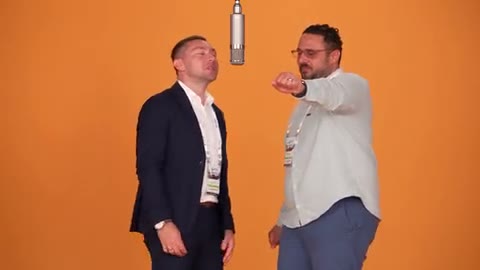
Build your AI rap duo as a pair: matching colors suggest a group, while different silhouettes separate their personalities. Their photo backgrounds can differ because the stage comes from the source. Individual pictures and explicit left/right slots keep the cast assignment clear before you submit.
Style the pair as an act

Turn a collaboration into a clip

Mark a creative partnership with an AI rap duo: friends launching a project, artists introducing a collaboration, or two people celebrating a milestone. Pick images that express that relationship. The existing gestures supply the performance, and consent from anyone depicted remains part of preparing a personal clip.

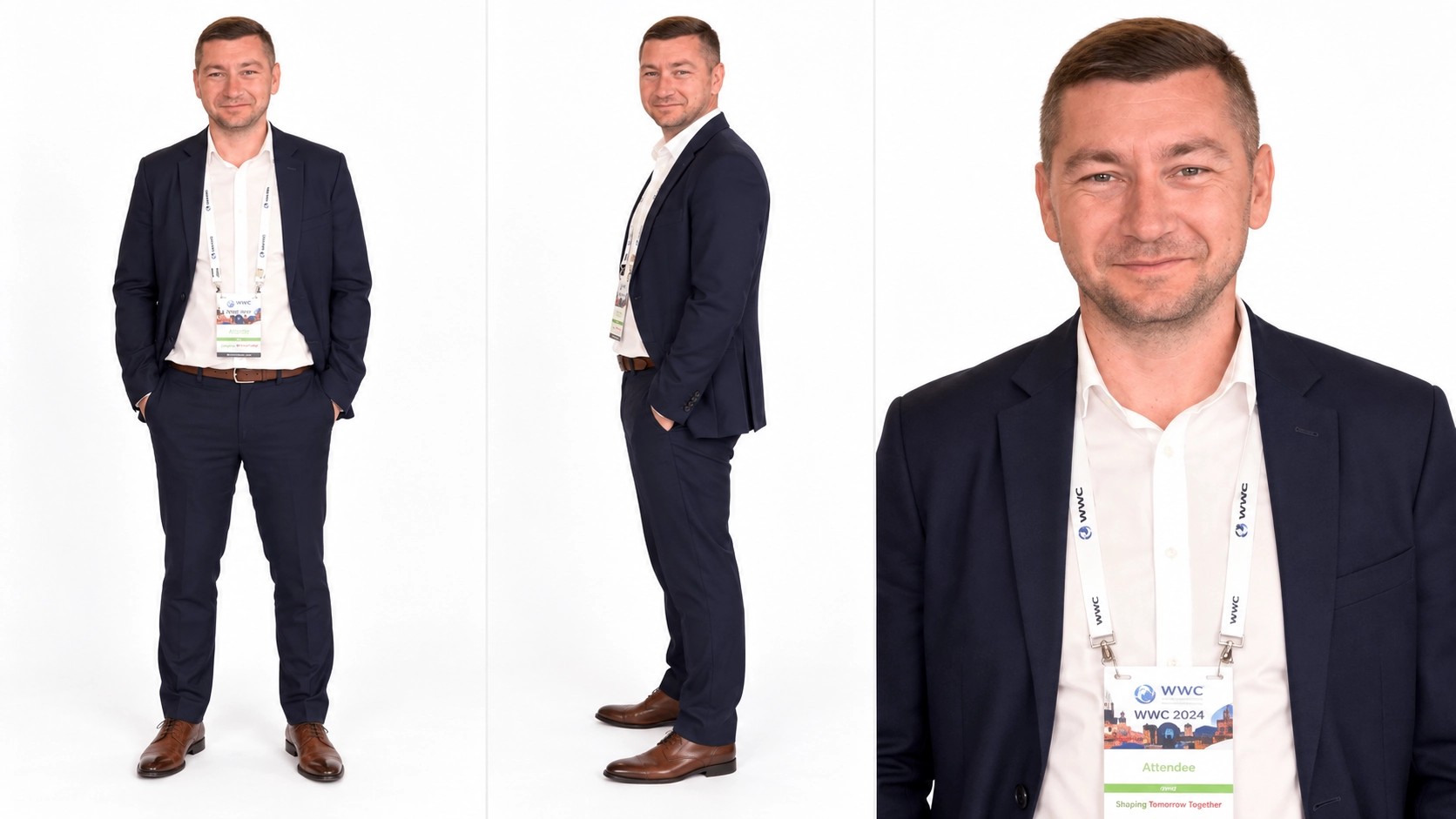
Character sheet with a navy suit, a wider body view, and a face crop

Let original characters meet

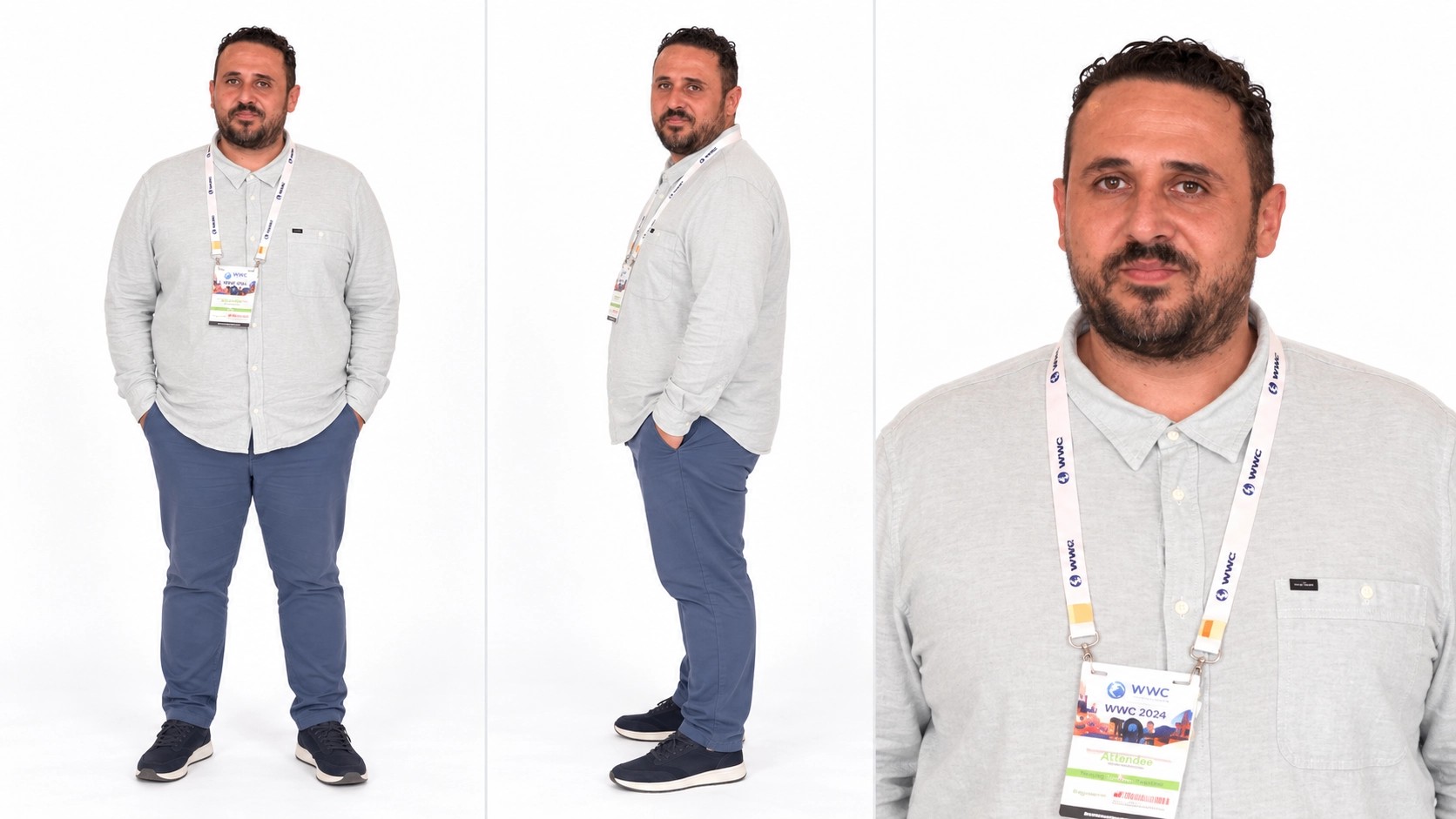
Original designs can meet in an AI rap duo without being drawn together first. A refined costume beside casual streetwear creates a different relationship from matching uniforms. Readable faces and visible clothing help communicate the designs. Unusual anatomy or tiny features can become harder to recognize as the characters move.

Change the partner, keep the concept

Keep one character selected and replace the other when comparing your AI rap duo. Change one creative choice at a time: the partner, outfit, or photo clarity. Check both previews before another submission. That makes each new version answer a specific casting question rather than simply adding more results.

Character sheet with a light shirt and several views of one person

Choose your AI rap duo pairing

An AI rap duo works best as a short visual idea with two clear leads.

Friends with different styles

A casual look beside a sharply dressed partner makes the contrast visible at once. Keep the photos expressive enough to identify both people, while letting the reference provide their movements. Consent matters even for a private joke.

A fictional double act

Pair two characters you own and use the AI rap duo as a concept for how they might perform together. Look at scale and costume balance as well as facial likeness. Your generated clip is an interpretation to review.

A coordinated project teaser

Use colors or outfits associated with a collaboration to give a short teaser a consistent visual identity. Add final text and branding in your own editor after downloading; the preset does not supply custom titles or a finished campaign layout.

AI rap duo controls at a glance

Set the cast and output size around the prepared performance.

One slot per performer

Left person controls the left role; Right person controls the right role. Both uploads are needed, even when your concept features two versions of the same character.

Prepared performance settings

The AI rap duo runs through the configured Seedance 2.5 Edit template. You can start with its existing instructions instead of describing the gestures, camera, and role mapping yourself.

Three resolution choices

Select 480p, 720p, or 1080p and review the revised estimate. Resolution affects output size and cost, while picture clarity and the moving scene still limit the visual result.

Performance audio

The finished clip is set up to use the source soundtrack. Your uploads provide appearances, not voices. Play the completed video with sound enabled before deciding how to use it.

A source-sized clip

The AI rap duo keeps the reference’s landscape framing and duration. If you need a short vertical excerpt, plan that edit after downloading and consider whether both performers will fit in your crop.

AI Rap Duo credits

The estimate beside Generate reflects your current ai rap duo request. Preparing a draft does not spend generation credits; a submitted variation is a new request.

Starter

For your first ideas.

$8.3/month

$100.0 charged yearly

2,400 credits/year

Up to 400 images

GPT Image 2Nano Banana Pro

Up to 240 videos

Seedance 2.5Kling 3.0 Motion Control
  • Up to 4K images and HD videos, depending on the model
  • Image editing, video creation & motion transfer
  • Watermark-free image & video downloads
  • Generation history in your account
Popular40% OFFSave $238.8

Pro

For a steady creative flow.

$30.0/month$49.9/month

$360.0 charged yearly

21,600 credits/year

Up to 3,600 images

GPT Image 2Nano Banana Pro

Up to 2,160 videos

Seedance 2.5Kling 3.0 Motion Control
  • Up to 4K images and HD videos, depending on the model
  • Image editing, video creation & motion transfer
  • Watermark-free image & video downloads
  • Generation history in your account
  • Use credits across image and video models
Best Value50% OFFSave $599.8

Business

For more creations, more often.

$49.9/month$99.9/month

$599.0 charged yearly

48,000 credits/year

Up to 8,000 images

GPT Image 2Nano Banana Pro

Up to 4,800 videos

Seedance 2.5Kling 3.0 Motion Control
  • Up to 4K images and HD videos, depending on the model
  • Image editing, video creation & motion transfer
  • Watermark-free image & video downloads
  • Generation history in your account
  • Use credits across image and video models

Basic

$0

Try before you subscribe

  • 18 one-time signup credits
  • Generation history included
  • Watermarked previews & downloads
  • Up to 3 images or 1 video
  • Watermark-free downloads require payment

Prices in USD; taxes and total shown at checkout. Subscriptions renew automatically; cancel in Billing settings. Subscription credits expire each period; one-time credits never expire. Refund requests: within 72 hours. Eligible refunds deduct used purchased credits and, where permitted, actual non-returned processing fees. Processing fees are capped at 6% of the original purchase amount, excluding separately charged taxes. Terms · Refund Policy.

AI Rap Duo FAQ

Inputs, voices, credits, and sharing an AI rap duo.

What does this AI rap duo actually generate?

An AI rap duo is a video that replaces the appearance of two performers in a loaded duet. The stage, gestures, timing, and reference audio supply the performance. The photos guide who appears in it. Songwriting and new vocal recording are outside this preset.

Can an AI rap duo use two pictures of one person?

The AI rap duo slots can describe the same authorized character if that is your idea. Choose each image intentionally, for example two outfits that distinguish the roles. The model may interpret the appearances differently, so inspect both sides throughout the result.

Do the two AI rap duo photos need matching backgrounds?

An AI rap duo does not need matching photo backgrounds. The prepared stage comes from the reference video. Prioritize clear faces, visible clothing, and a useful body view; a busy background is less helpful than a clean picture of the intended performer.

Can I add a third rapper?

This AI rap duo has two assigned roles. Adding another person to an upload does not create a third position on stage. For a crowd-focused performance, the STORM II AI tool provides a lead and a separate surrounding-cast reference.

Does the AI rap duo reproduce my outfit?

For an AI rap duo, your outfit is part of the reference appearance. The edit can reinterpret small details as arms move or people overlap. Distinct shapes and colors are easier to assess than tiny text, jewelry, or intricate prints.

Is the AI rap duo the same template as Hotel Lobby?

Yes. These entrances use the same orange-stage duet. This page focuses on building a two-person act; the Hotel Lobby page is the direct route for recreating that named performance. Changing entrances does not unlock a different song or choreography.

When does an AI rap duo cost credits?

A submitted AI rap duo uses the estimate shown for the selected output settings. Preparing or replacing the two pictures does not itself start a request. Sign in and check that your balance covers the estimate before generating.

Can I share my AI rap duo publicly?

For an AI rap duo, use characters and photos you have the right to transform, and confirm any required permission from the people depicted. The preset does not clear the performance or music for publication. Preview the complete output and check the destination’s rules before sharing.

Create your AI rap duo

Choose two characters with a reason to share the stage.

Two performers on an orange stage under a hanging microphone