Create a video

Person · required
Car · required
Background · optional
Original 2 card · optional
Original 4 card · optional

Unforgettable Car AI, frame by frame

Unforgettable Car AI keeps the card swipe and the parked reveal. A person photo and a car photo are required. The setting and the two card designs are separate choices you can leave untouched.

What the Unforgettable Car AI sequence actually shows

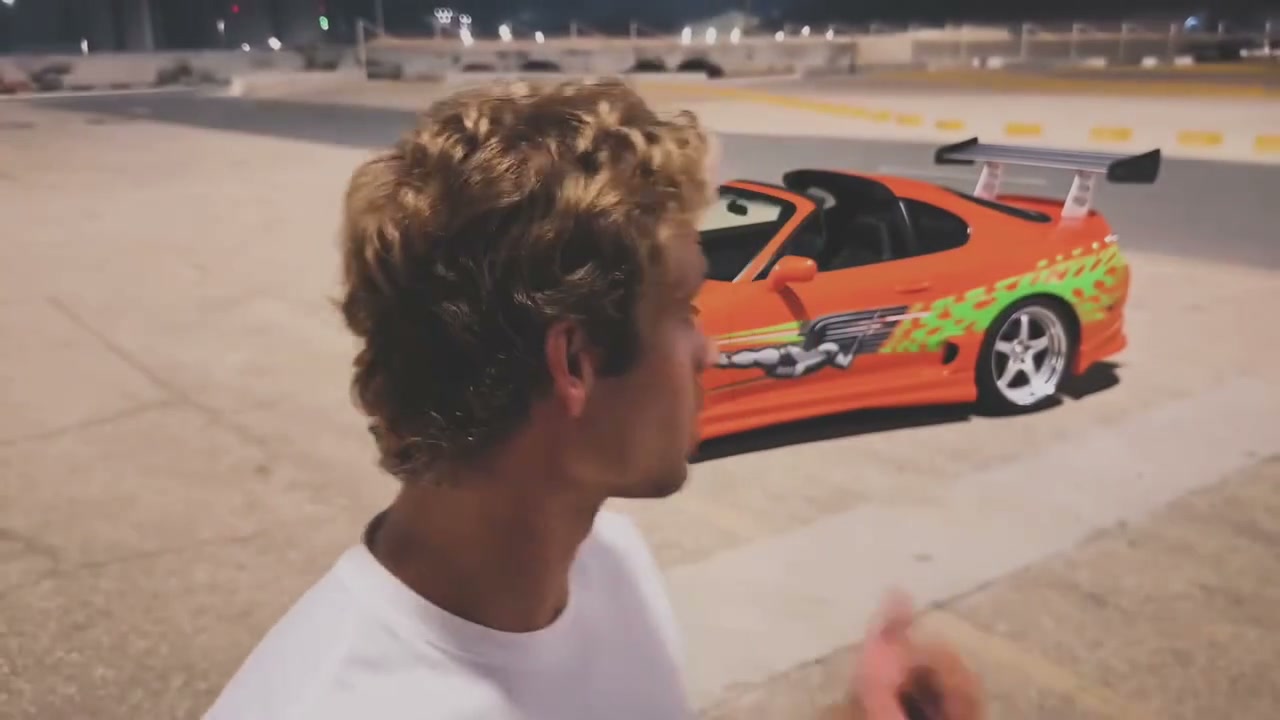
Unforgettable Car AI is a landscape card-reveal study, not a freeform driving scene. The loaded reference opens on a person, shows green cards, and only later places a car in the parked pose behind them. The source runs about 11 seconds. The price depends on the reference duration and your selected resolution. Watch the player above before you choose pictures, because the timing of the swipe is the part you are asking the edit to follow. Community clips on this page are examples of that same idea with different people, cars, and settings. They are not a promise that your upload will match their clothing, license-plate text, or exact lighting. The Generate button shows the current credit cost for the resolution you select. Adding photos only prepares the draft.

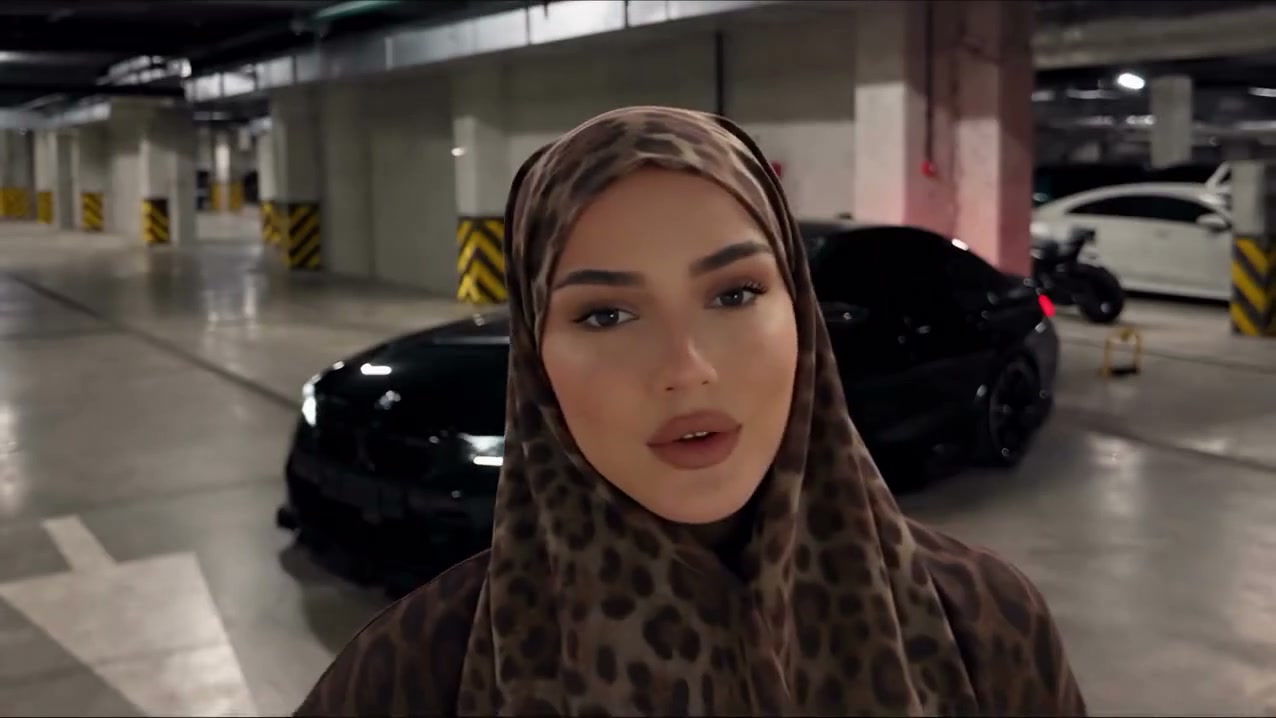
A garage example of the card swipe, with the car still out of view until the reveal.

Set up an Unforgettable Car AI edit

The swipe is already loaded. Your job is the cast and any optional pictures.

  1. STEP 1

    Add the person and the car

    Put one person in the required person slot and one car in the required car slot. Leave the background and both card slots empty if you want the source setting and the source card designs.

  2. STEP 2

    Add only the options you mean

    Open an optional slot only for the background, the 2 card, or the 4 card you want to replace. Each option can be removed on its own. Extra draft photos that are not part of the current recipe stay listed so you can delete them.

  3. STEP 3

    Read the cost, then review the reveal

    Choose a resolution and read the credit amount on Generate. Sign in when asked. In My creations, play the whole Unforgettable Car AI result and check that the car stays hidden until the swipe.

Compare Unforgettable Car AI settings, not slogans

Use the examples to see how a person, a car, and an optional setting change the same swipe. Then judge your own frames the same way.

The person and the car are the only required pictures

Unforgettable Car AI needs two photographs before an optional slot means anything. Photo 1 is the person: face, hair, and the clothes you want read as one character. Photo 2 is the car: body, wheels, and color, large enough to judge the silhouette. Those two files stay required even if you later add a setting or a card design. Do not collapse the optional pictures into the next empty numbered slot and hope the edit guesses. The person should not be a collage with the car already in frame, and the car photo should not include a second vehicle you do not want. A three-quarter or side view of the car is easier to check than a tiny distant shape. After a result finishes, compare the face in the opening and the car only once it is supposed to be visible.
The person and the car are the only required pictures

Background, 2 card, and 4 card are independent options

Unforgettable Car AI treats three more pictures as optional, and each one can be present or absent on its own. The background is a scene with room for the parked car. The 2 card is artwork for the original 2 card. The 4 card is artwork for the original 4 card. You can add only the background, only one card, both cards, or all three. Leaving a slot empty keeps that part of the source: the original setting, the original 2 card, or the original 4 card. These slots do not become a required sequence of three extra uploads, and they do not follow a lead-plus-background rule from another trend. The form waits to offer an optional upload until the person and the car are both in place. If a restored draft contains extra pictures that do not map to the current recipe, those pictures stay visible so you can delete them instead of losing them inside a shorter role list.

Background, 2 card, and 4 card are independent options

Check the hidden car and the parked pose

The useful check in Unforgettable Car AI is temporal, not a single thumbnail. The car should stay hidden until the original card-swipe reveal, then sit in the source position and orientation. Scrub the opening for a vehicle that appears too early, then scrub the reveal for a car that faces the wrong way, floats, or changes color. Card edges, fingers, and the numbers on the 2 and 4 cards are the other fragile details. If you supplied card artwork, confirm that artwork lands on the matching card rather than swapping the two designs. If you left the cards empty, the source card designs should remain. Lighting can still drift between the person, the cards, and the car. Keep a take only when the sequence holds together from the first card to the parked car. The reference soundtrack is restored on the finished edit. Showcase clips on the page are for looking at the idea. Listen on your completed result.

Check the hidden car and the parked pose

Choose what Unforgettable Car AI is allowed to change

The interesting decision is which parts of the frame you replace and which parts you leave as evidence from the source.

A likeness check against the swipe

Use a person you have permission to edit and see whether the face and clothes survive the card motion. The car photo is a separate check, because it should not be visible in the opening.

A setting test that leaves the cards alone

Upload a background and skip both card slots. Unforgettable Car AI should keep the original 2 card and 4 card while the new scene holds the parked car.

A card-art test with the source street

Upload one or both card designs and leave the background empty. Confirm each design stays on its own card through the swipe, including the moment the car is revealed.

Unforgettable Car AI credits

The amount on Generate is the cost of the current request. The reference runs about 11 seconds; its duration and your resolution determine the quote. Plan examples elsewhere on the page can describe other models and lengths.

Starter

For your first ideas.

$8.3/month

$100.0 charged yearly

2,400 credits/year

Up to 400 images

GPT Image 2Nano Banana Pro

Up to 133 videos

Seedance 2.5Kling 3.0 Motion Control
  • Up to 4K images and HD videos, depending on the model
  • Image editing, video creation & motion transfer
  • Watermark-free image & video downloads
  • Generation history in your account
Popular40% OFFSave $238.8

Pro

For a steady creative flow.

$30.0/month$49.9/month

$360.0 charged yearly

21,600 credits/year

Up to 3,600 images

GPT Image 2Nano Banana Pro

Up to 1,200 videos

Seedance 2.5Kling 3.0 Motion Control
  • Up to 4K images and HD videos, depending on the model
  • Image editing, video creation & motion transfer
  • Watermark-free image & video downloads
  • Generation history in your account
  • Use credits across image and video models
Best Value50% OFFSave $599.8

Business

For more creations, more often.

$49.9/month$99.9/month

$599.0 charged yearly

48,000 credits/year

Up to 8,000 images

GPT Image 2Nano Banana Pro

Up to 2,666 videos

Seedance 2.5Kling 3.0 Motion Control
  • Up to 4K images and HD videos, depending on the model
  • Image editing, video creation & motion transfer
  • Watermark-free image & video downloads
  • Generation history in your account
  • Use credits across image and video models

Basic

$0

Try before you subscribe

  • 18 one-time signup credits
  • Generation history included
  • Watermarked previews & downloads
  • Up to 3 images or 1 video
  • Watermark-free downloads require payment

Prices in USD; taxes and total shown at checkout. Subscriptions renew automatically; cancel in Billing settings. Subscription credits expire each period; one-time credits never expire. Refund requests: within 72 hours. Eligible refunds deduct used purchased credits and, where permitted, actual non-returned processing fees. Processing fees are capped at 6% of the original purchase amount, excluding separately charged taxes. Terms · Refund Policy.

Unforgettable Car AI checks before you generate

Roles, optional pictures, the reveal, sound, and the finished file.

How many photos does Unforgettable Car AI require?

Two. One person and one car. You may add up to three optional pictures, for a total of five: background, the original 2 card, and the original 4 card. Two photos is a complete request. Five photos is only for the case where you want to replace the setting and both card designs.

Can I upload the 4 card without the 2 card?

Yes. The 2 card and the 4 card are separate optional roles. You can supply either one, both, or neither. An empty card slot keeps that card's original design. Do not place card artwork in the person or car slot to force an order.

Does the background follow another trend's photo rules?

No. The background here is one optional scene for this reveal. It is not a stack of background plates, and it is not required just because you added a car. Leave it empty to keep the source setting, including the space where the car parks.

When should the car appear?

The car stays hidden until the original card-swipe reveal, then it should be parked in the source position and orientation. If you see the vehicle in the opening frames, or if it faces a different direction after the swipe, that take failed the check even if the face looks right.

Do I write an Unforgettable Car AI prompt?

No. The page selects the fixed recipe that matches the optional pictures you filled. The default recipe is the person and the car, with the original background and both original cards. You do not type image tags. A restored draft keeps its saved pictures and settings for you to edit.

Why does a draft show pictures I cannot assign?

A saved draft can contain more images than the current recipe uses. Those extra pictures stay on screen and can be deleted. Generate stays unavailable until the person and the car are present and the filled roles match one of the eight recipes. Removing an optional role while an unmapped extra remains will not silently drop that extra.

How long is the Unforgettable Car AI result?

The source performance is about 11 seconds in a wide frame. Check Generate for the current credit quote. There is no duration or aspect picker for a different scene. Resolution changes the requested output size, not the swipe.

Does Unforgettable Car AI keep the reference audio?

The edit is made without new model audio, and the reference soundtrack is restored on the result. You do not upload music. Page examples can be watched as picture references. Listen to the soundtrack on the finished video in My creations. If a result reports an audio-processing problem, use the recovery action shown there before you share it.

What should I inspect besides the face?

Hands on the cards, the 2 and 4 designs if you replaced them, the moment the car becomes visible, the car's color and facing direction, and whether the background you chose actually continues behind the parked car. Small text on clothing or on the car can change. A sharp first frame is not the whole edit.

Where do I save the clip, and what can I post?

Open My creations or video history and use the download action for your account. Use photos you have permission to edit. Access to this preset does not transfer rights in the reference footage or soundtrack. Label the clip as an AI edit where that matters, and follow the site where you publish.

Check your Unforgettable Car AI reveal

Start with a person and a car. Add a setting or a card design only if that part of the frame should change.

A person holds green cards in a wide landscape shot before the car is revealed behind them.