
Keep the reference movement
The camera and gestures are part of the prepared source. Use the scene for a style-focused character moment when those movements suit the image you want to animate.
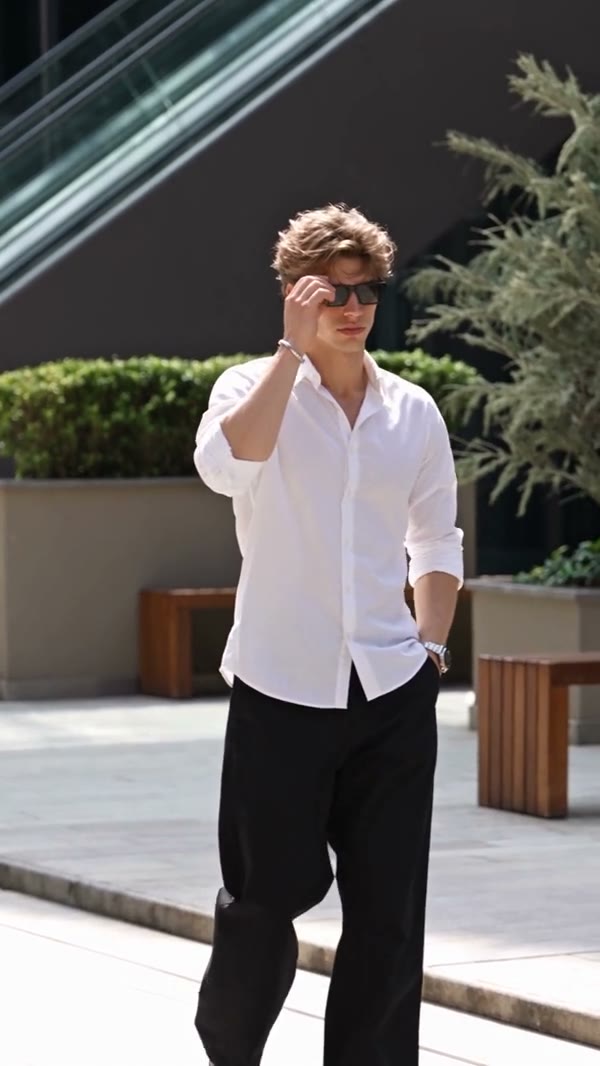
Place a chosen person into a short street-style performance.
AI Walk Video recasts the person in an existing outdoor sequence. The lead walks, touches their sunglasses, poses and turns. One photo guides the new appearance while the video supplies the motion.
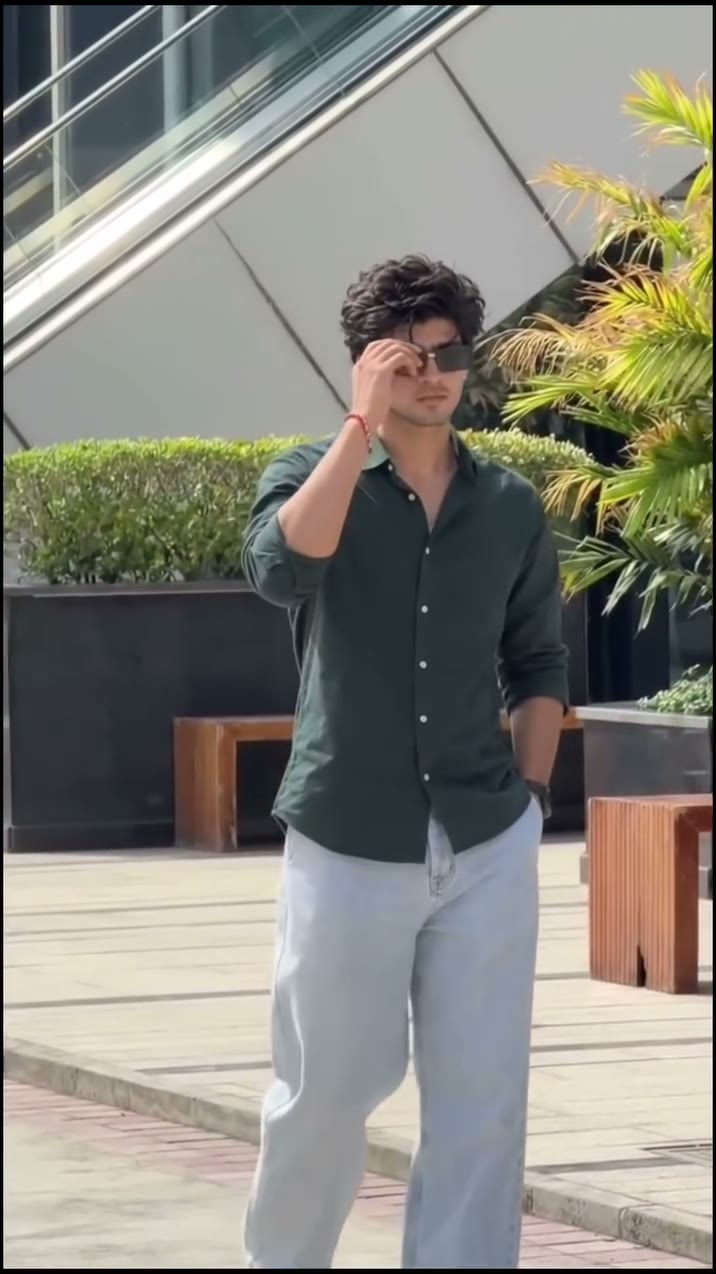
Place a chosen person into a short street-style performance.
STEP 1
Select a clear photo of the lead.
STEP 2
Review the source and set the mode.
STEP 3
Generate, then check the person across the turn.
Place a chosen person into a short street-style performance.
The camera and gestures are part of the prepared source. Use the scene for a style-focused character moment when those movements suit the image you want to animate.
Choose an authorized image where one person, their face and their clothes are visible. A full-body or three-quarter view can provide more context for the poses than a tightly cropped portrait.
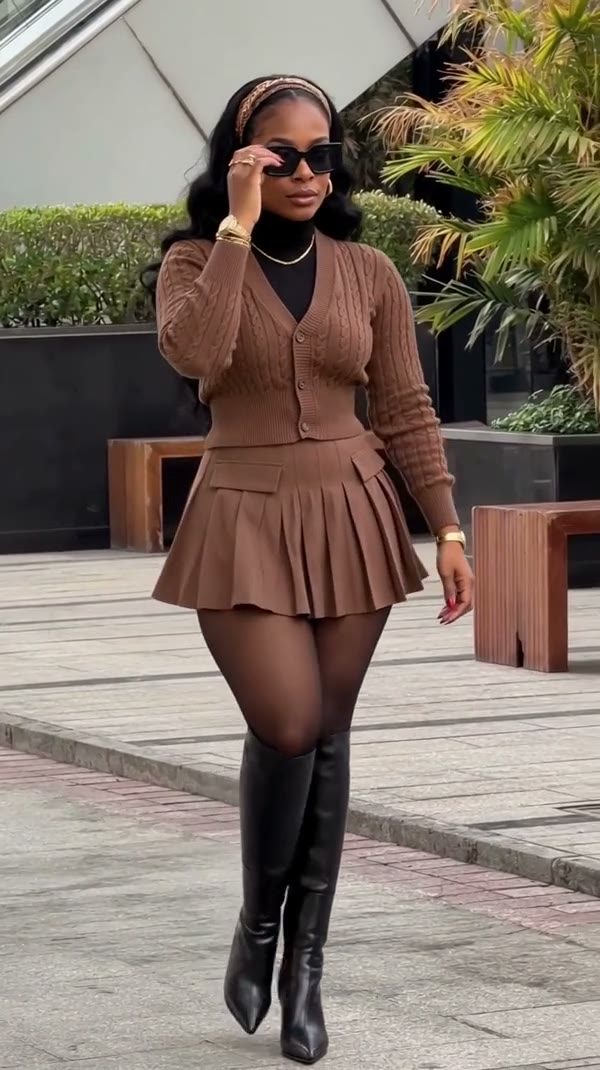
The scene is about 11 seconds. The three modes apply different generation settings to the available source. Check the finished clip for facial changes, clothing shifts and hands around the sunglasses gesture.
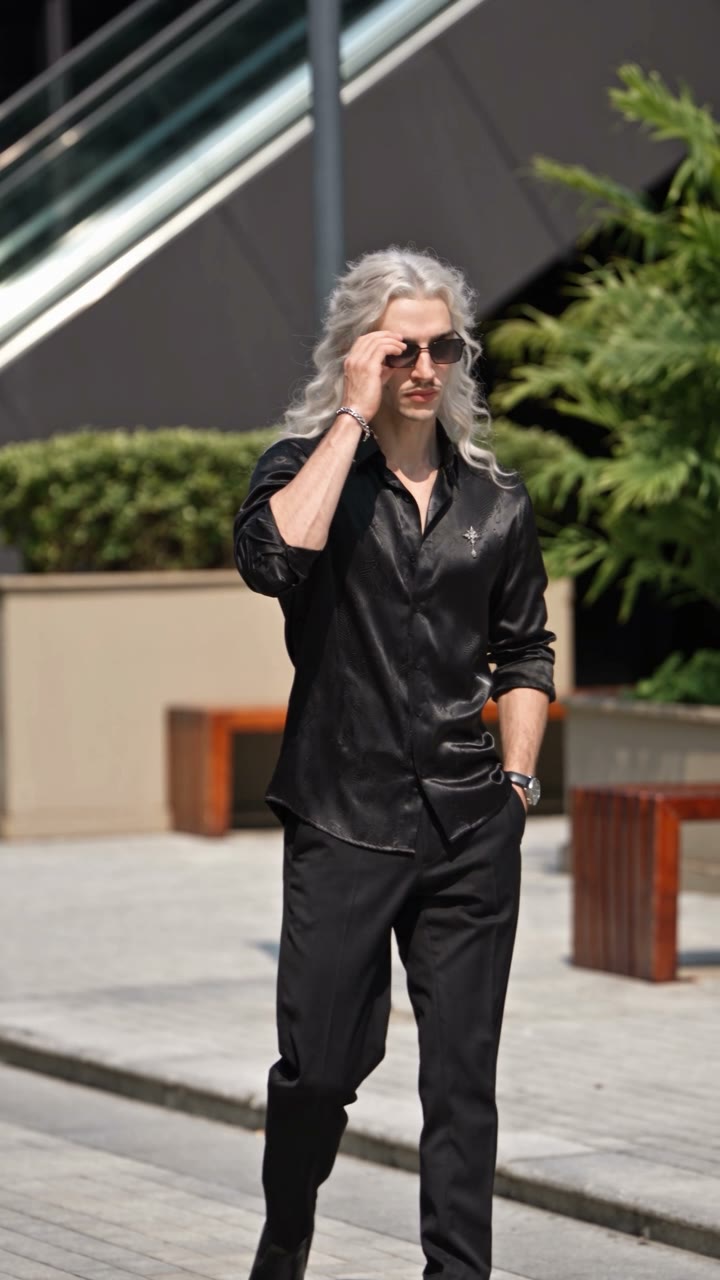
Understand this recast before you begin.
This page uses the fixed walk. The general workspace supports other references.
No. This scene has one required person photo.
The outdoor background comes from the fixed video.
The workflow attempts to restore the source audio.
Place a chosen person into a short street-style performance.