
Use the whole entrance as a character introduction
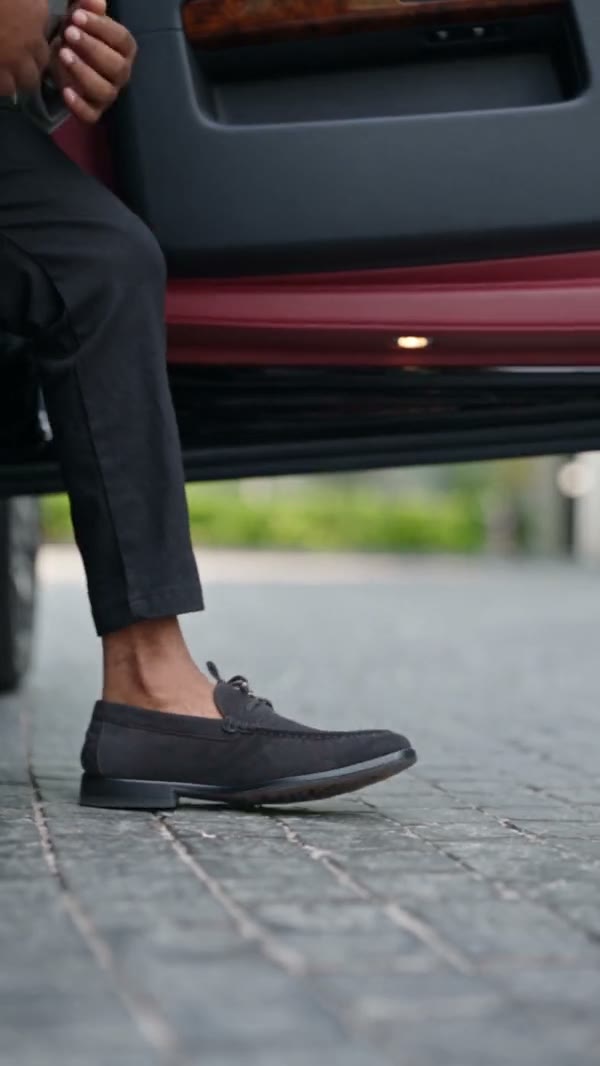
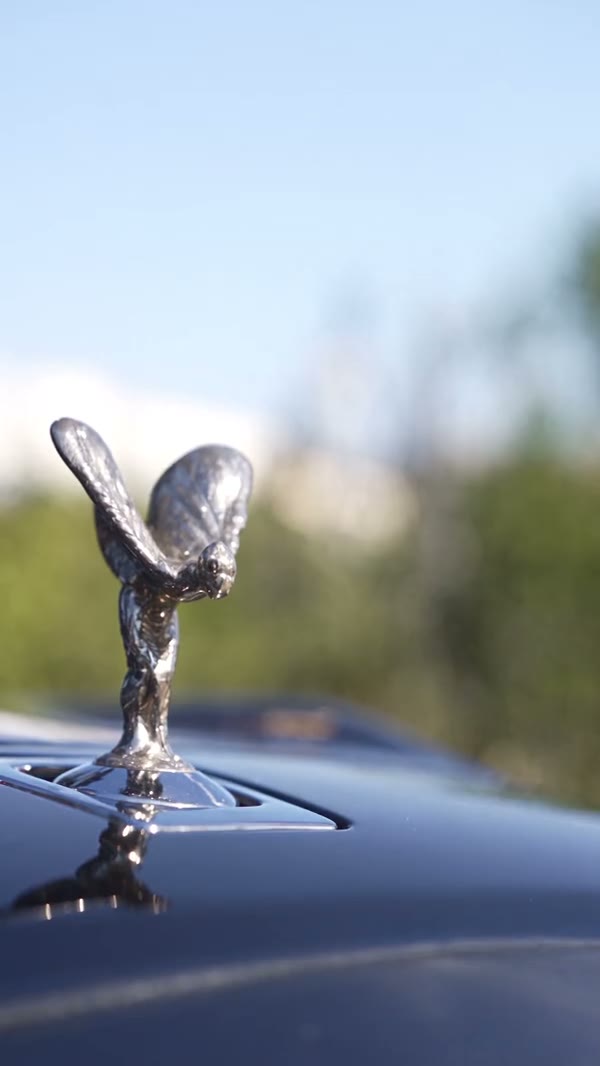
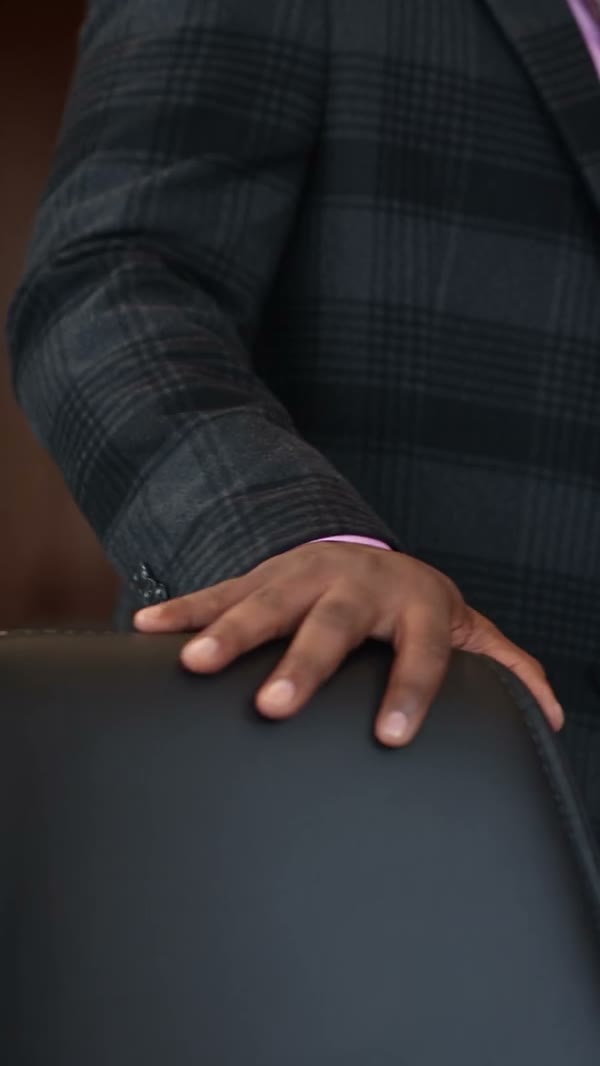
The reference moves from a vehicle reveal through a glass lobby and towards an office. It is useful when that sequence matches your story, while the location and order of events remain fixed.
Give the executive arrival a new lead from one photo.
CEO Walk AI follows a prepared video of a person leaving a car and entering an office building. One uploaded image guides the lead character; the reference retains its camera moves, background and other people.
Give the executive arrival a new lead from one photo.
STEP 1
Choose one person to recast.
STEP 2
Pick the complete reference or its opening segment.
STEP 3
Generate and inspect the character across all shots.
Give the executive arrival a new lead from one photo.
The reference moves from a vehicle reveal through a glass lobby and towards an office. It is useful when that sequence matches your story, while the location and order of events remain fixed.
Choose a photo with one clear face and enough clothing visible to indicate the intended appearance. The model has to infer side and back views, so review any face or outfit changes across edits.
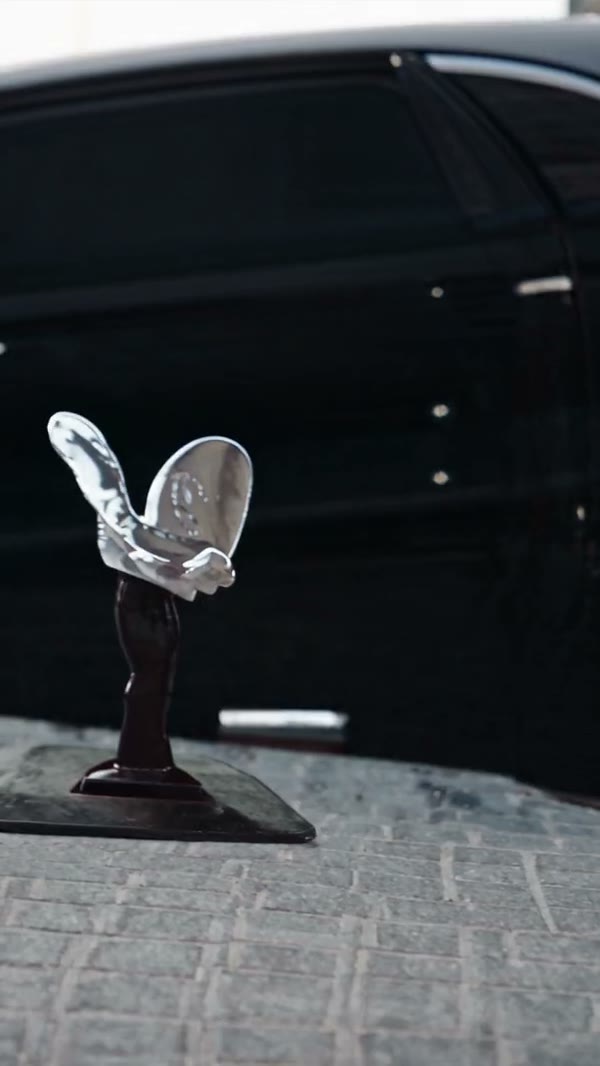
Original follows the full roughly 21-second source. Economy and Standard use the first 14.9 seconds, ending before the final office moment. Check the matching preview and estimate in the workspace.
Understand this recast before you begin.
Only the lead has a photo slot. Background people remain in the reference.
Original includes the later office sequence after the shorter opening.
No. The vehicle is fixed by this scene.
The image guides identity, but generative results can vary.