Create a video

ModelSeedance 2.5 Edit

Configured for this template

Burning Bridges reference · 29.0s

Lead · @Image 1
Background · optional

0 / 29 photos · One person per photo. Leave empty to keep the original crowd.

Burning Bridges AI Cast Remix

Choose the lead. Bring your own supporting cast. Burning Bridges AI turns your photos into a new version of the loaded performance.

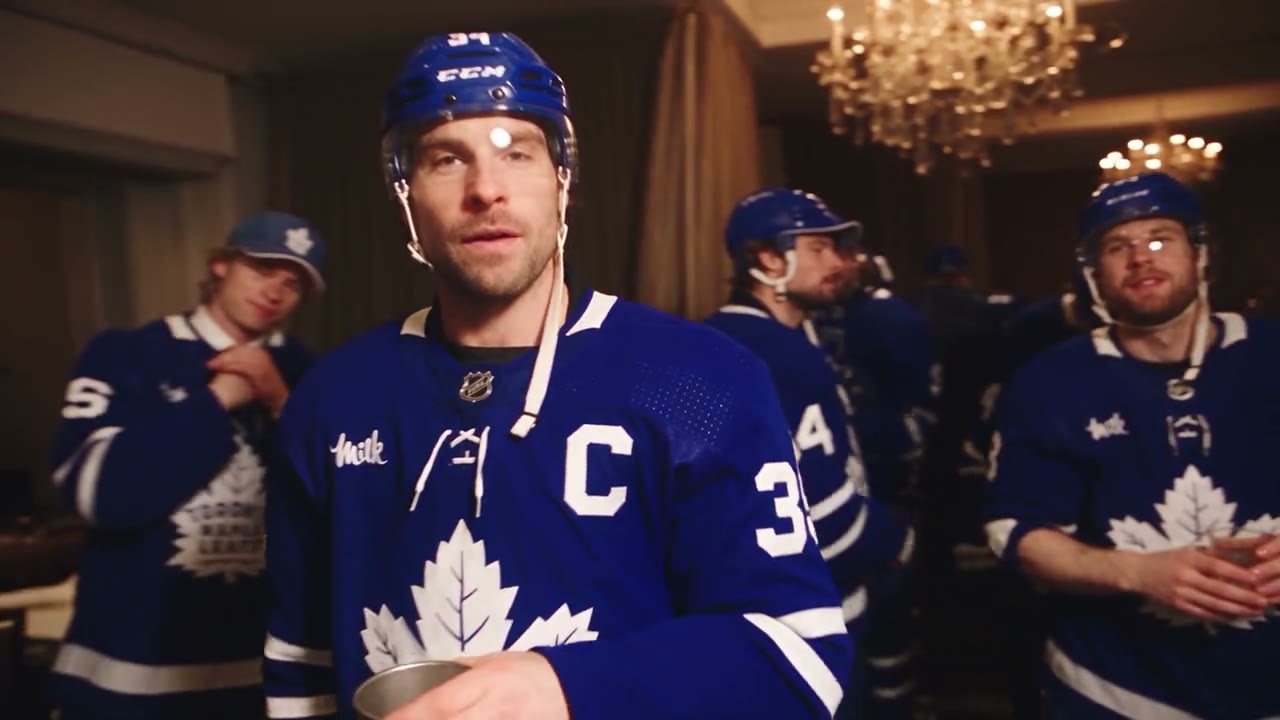
Source clip of a lead performer holding a metal cup in a crowded room with warm pendant lights

A lead performance with room for your cast

Burning Bridges AI recasts a landscape performance with one required lead photo and optional background references. Begin with the main character or make the supporting cast part of the idea. The reference supplies staging and timing; additional pictures guide existing people rather than adding more positions to the scene.

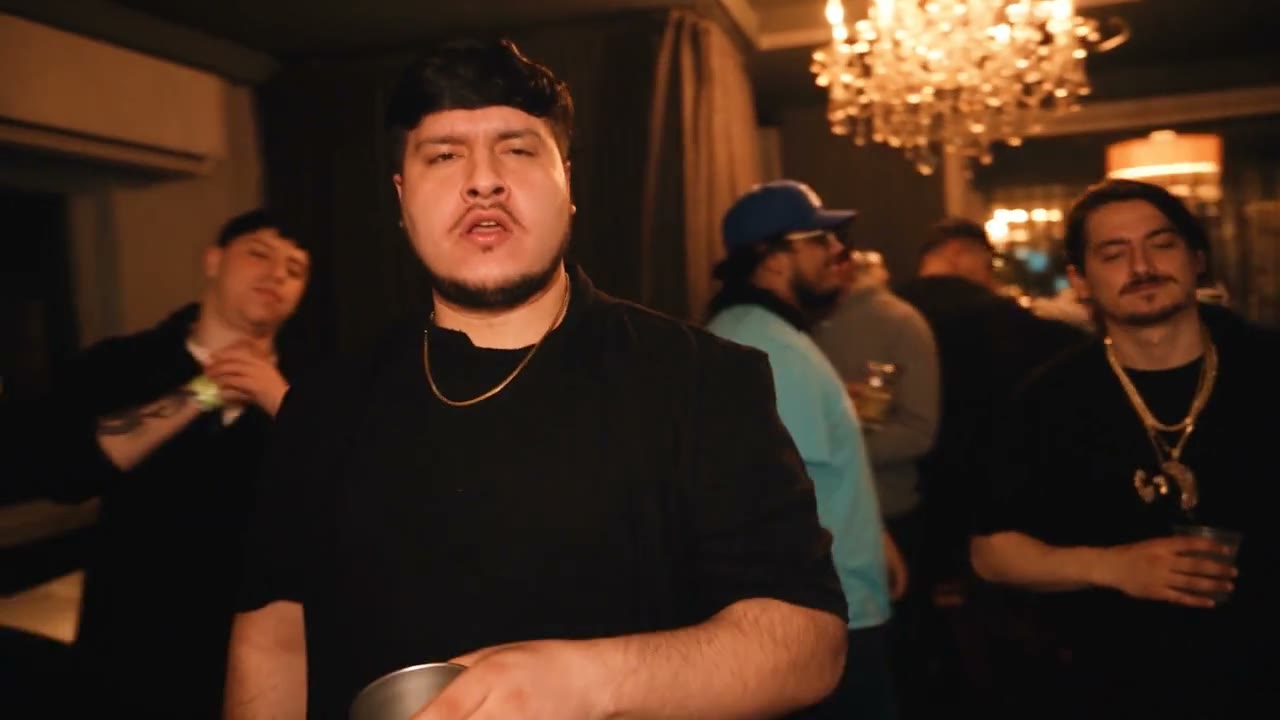
Burning Bridges AI community adaptation with a black-shirted lead holding a metal cup

Create a Burning Bridges AI cast

Begin your Burning Bridges AI cast with one lead and add supporting people when needed.

  1. STEP 1

    Watch the whole source

    Preview the lead, nearby people, and camera changes. Decide which appearances you want to influence before collecting extra photos.

  2. STEP 2

    Add your references

    Upload the lead first, then any optional background people in your chosen order. Inspect the previews, select the output size, and read the estimate.

  3. STEP 3

    Generate and inspect

    Sign in and submit when ready. Play the result in My creations, checking the lead and supporting figures before downloading the version you want.

Your Burning Bridges AI ensemble

Start with a new lead or explore how additional people change the feeling of the performance.

Make the lead recognizable at a glance

The first photo defines the Burning Bridges AI lead. Show a clear face, recognizable hairstyle, and the clothing you want to carry into the scene. A wider view explains the silhouette better than a tiny headshot. Judge the generated appearance through movement, including its hands, accessories, and outfit.
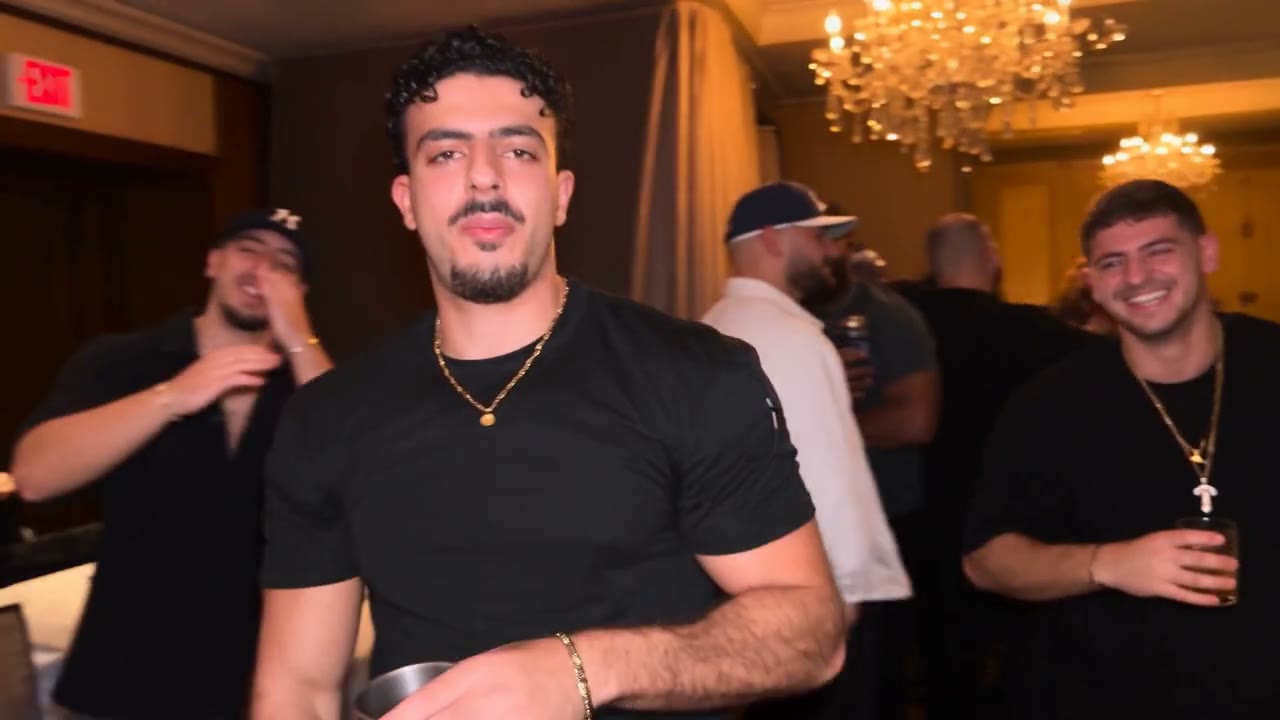
A different lead and party cast · community adaptation

Choose your Burning Bridges AI supporting cast

Add up to 29 optional background photos after the Burning Bridges AI lead, for 30 in total. Choose separate pictures of different intended people in a deliberate order. These guide the supporting cast within the existing scene; they do not guarantee exact placement or equal screen time for every person.

Blue jerseys across the cast · community adaptation

Let the existing performance hold the scene together

The Burning Bridges AI reference runs about 29 seconds in a 16:9 frame. Existing camera choices connect the lead with the surrounding people. Watch the source before collecting extra photos so you know which appearances are visible and matter to your idea. The preset does not invent a new story from the cast.

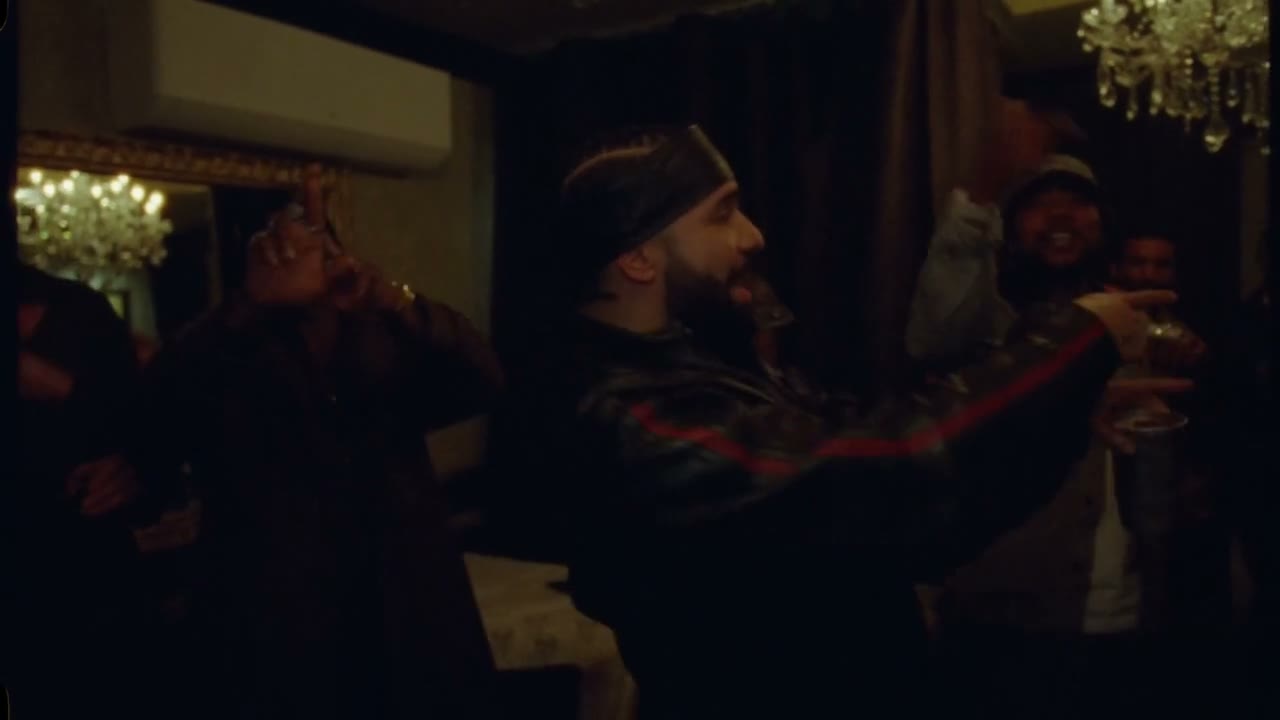
Source frame of the lead pointing while other people remain in the warm room
Performance from the source clip · about 29 seconds

Keep the voice of the reference performance

Burning Bridges AI is configured to add the reference soundtrack to the visual edit. Photos guide appearances, not new voices or dialogue. Listen to the completed video with sound enabled. If you trim a later excerpt, check the audio cut too, and confirm rights for any source sound you publish.

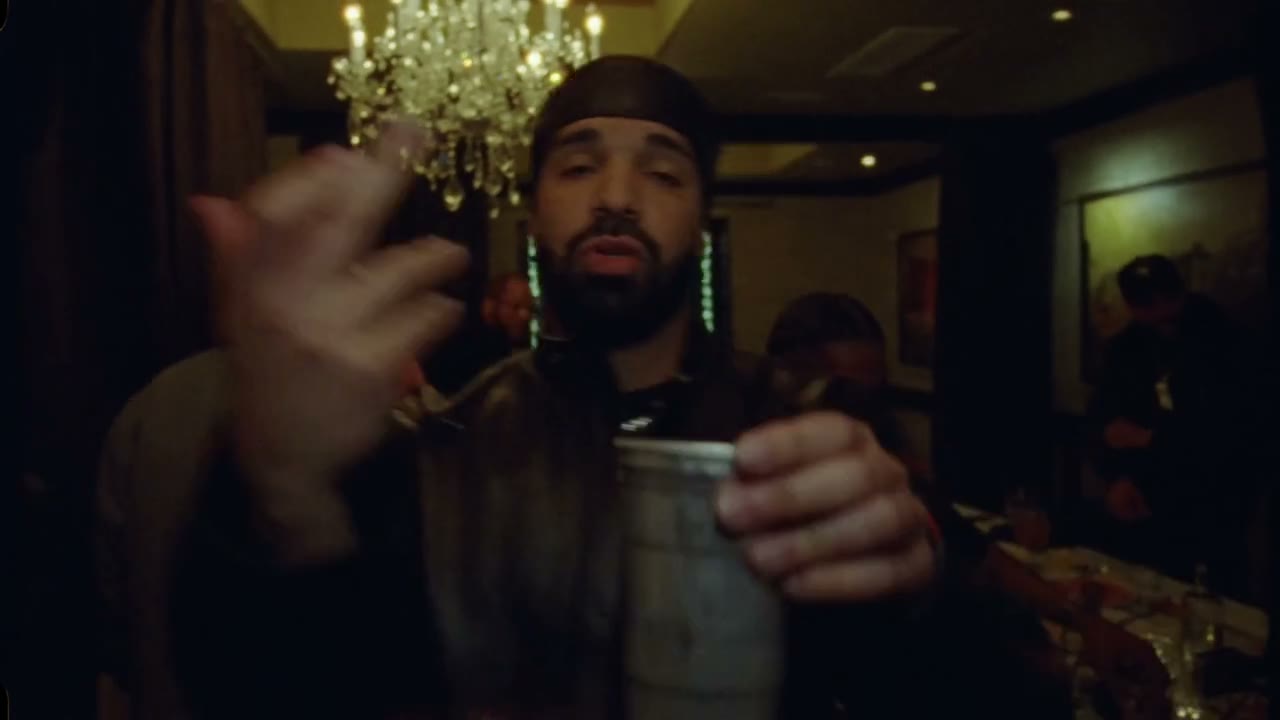
Close source frame of the lead with a metal cup, used only to show the reference scene
Same source · soundtrack stays with this reference

Choose a Burning Bridges AI concept

Choose this preset when the central performance already fits your concept and the surrounding cast adds meaning.

A lead-focused remix

Begin with one strong character image if the main performer is your whole idea. Burning Bridges AI does not require you to populate every background slot. Check the central identity and outfit before deciding whether the supporting cast needs more direction.

A shared-circle concept

Add authorized pictures of friends or collaborators when the people around the lead contribute to the story. Ask permission and review each portrayal. The model interprets the references within the existing scene, so equal visibility or exact placement is not promised.

An original ensemble

Use fictional characters you own to explore an ensemble around a lead. Keep the references visually distinct and choose a coherent wardrobe direction. More images add creative information, but they can also make the requested cast harder to evaluate in a short clip.

Burning Bridges AI controls

Lead first, optional supporting pictures next, and a source-led landscape performance.

One required image

The main character belongs in the first slot. Later pictures guide background people and do not become additional leads. You can generate with no optional background references.

Up to 30 total references

There is room for the lead plus up to 29 supporting photos. Use the displayed counter to check your selection. Extra images do not add positions to the scene or guarantee individual matching.

Approximately 29 seconds

The Burning Bridges AI video follows the prepared 16:9 source. There is no separate length picker. Plan a shorter cut from the completed download if needed.

480p, 720p, or 1080p

Choose a resolution and check the corresponding estimate. Larger dimensions affect the file and cost, while small crowd faces and fine details remain subject to the edit’s interpretation.

Prepared edit and soundtrack

The template uses Seedance 2.5 Edit with the existing performance instructions and a reference-audio workflow. Optional custom prompt changes should preserve the lead-first photo mapping.

Burning Bridges AI credits

The estimate beside Generate reflects your current Burning Bridges AI request. Preparing a draft does not spend generation credits; a submitted variation is a new request.

Starter

For your first ideas.

$8.3/month

$100.0 charged yearly

2,400 credits/year

Up to 400 images

GPT Image 2Nano Banana Pro

Up to 240 videos

Seedance 2.5Kling 3.0 Motion Control
  • Up to 4K images and HD videos, depending on the model
  • Image editing, video creation & motion transfer
  • Watermark-free image & video downloads
  • Generation history in your account
Popular40% OFFSave $238.8

Pro

For a steady creative flow.

$30.0/month$49.9/month

$360.0 charged yearly

21,600 credits/year

Up to 3,600 images

GPT Image 2Nano Banana Pro

Up to 2,160 videos

Seedance 2.5Kling 3.0 Motion Control
  • Up to 4K images and HD videos, depending on the model
  • Image editing, video creation & motion transfer
  • Watermark-free image & video downloads
  • Generation history in your account
  • Use credits across image and video models
Best Value50% OFFSave $599.8

Business

For more creations, more often.

$49.9/month$99.9/month

$599.0 charged yearly

48,000 credits/year

Up to 8,000 images

GPT Image 2Nano Banana Pro

Up to 4,800 videos

Seedance 2.5Kling 3.0 Motion Control
  • Up to 4K images and HD videos, depending on the model
  • Image editing, video creation & motion transfer
  • Watermark-free image & video downloads
  • Generation history in your account
  • Use credits across image and video models

Basic

$0

Try before you subscribe

  • 18 one-time signup credits
  • Generation history included
  • Watermarked previews & downloads
  • Up to 3 images or 1 video
  • Watermark-free downloads require payment

Prices in USD; taxes and total shown at checkout. Subscriptions renew automatically; cancel in Billing settings. Subscription credits expire each period; one-time credits never expire. Refund requests: within 72 hours. Eligible refunds deduct used purchased credits and, where permitted, actual non-returned processing fees. Processing fees are capped at 6% of the original purchase amount, excluding separately charged taxes. Terms · Refund Policy.

Burning Bridges AI FAQ

Lead photos, supporting roles, and Burning Bridges AI results.

How many photos does Burning Bridges AI need?

One Burning Bridges AI lead photo is enough to complete the required character input. You may add up to 29 optional background images. Each should show a clear intended person. Filling every available slot is not necessary to use the preset.

Can Burning Bridges AI add more people to the scene?

Extra Burning Bridges AI references guide the people already in the source. They do not create new standing positions or a longer performance. The model also does not promise an exact one-photo-to-one-person match throughout the background.

What happens if I only upload the lead?

Burning Bridges AI applies the required lead reference with the prepared performance instructions. You leave the supporting cast without extra photo direction. The intended edit still needs a full result review because generated background details can vary.

Does the order of background photos matter?

Keep your Burning Bridges AI lead in the first slot and add optional people afterward in a deliberate order. The preset distinguishes the main character from later supporting references. Reordering or replacing a file changes the draft for the next submitted generation.

Can Burning Bridges AI copy a full outfit?

Your Burning Bridges AI picture guides identity, body, clothing, and overall style. Show the outfit clearly if it is important. Moving poses, occlusion, and fine fabric or accessory details can lead to differences, so judge the finished sequence rather than assuming a precise copy.

How long is Burning Bridges AI?

The Burning Bridges AI source is approximately 29 seconds in a landscape 16:9 frame. Output follows that reference, with no independent duration selector. The page offers up to 1080p, not a 4K option.

Does Burning Bridges AI create new speech?

Burning Bridges AI keeps the reference performance and is configured to restore its soundtrack. It does not infer a new voice from your lead photo or write fresh dialogue. Listen to the output as part of the review.

What is the Burning Bridges AI cost?

Use the Burning Bridges AI estimate beside Generate for the loaded source and chosen resolution. Sign-in and sufficient credits are required. Preparing the lead and background references does not initiate a request; every newly submitted version has its own cost.

Can I publish a Burning Bridges AI video?

For Burning Bridges AI, use images you may transform and get consent from the people represented. Confirm rights to the source footage and soundtrack as well. Community examples offer casting ideas, not permission to reuse the people or media shown in them.

Choose your Burning Bridges AI lead

Start with one character, then add the supporting people your idea needs.

Source clip of a lead performer holding a metal cup in a crowded room with warm pendant lights