Create a video

Required photos1
Settings
Mode
Video length15s
Resolution

Car Drift AI Video Generator

Use one vehicle image to personalize a Car Drift AI snowfield drive and turn.

What is Car Drift AI?

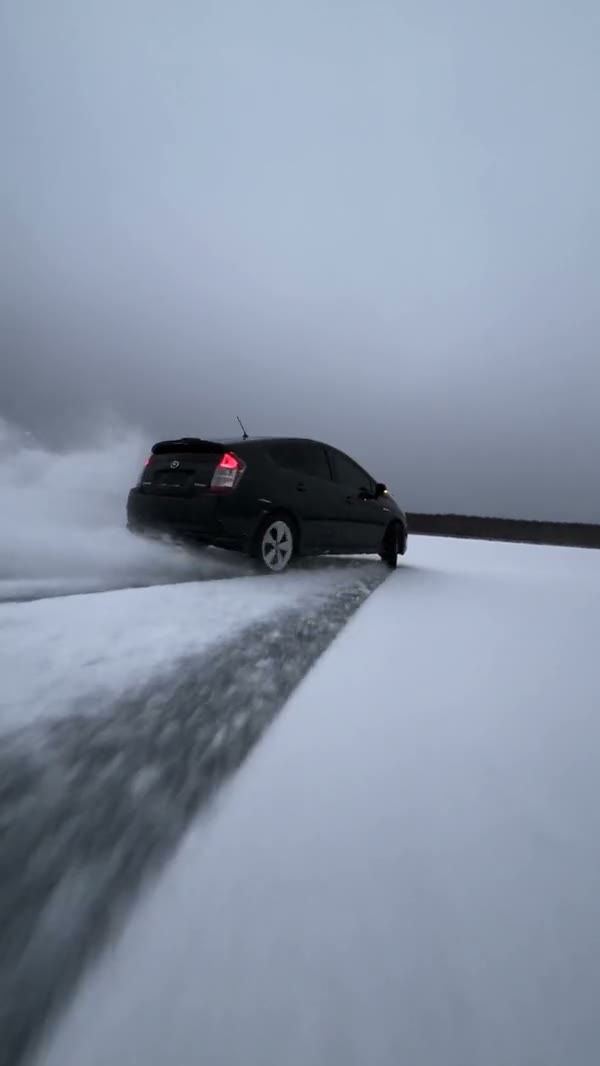
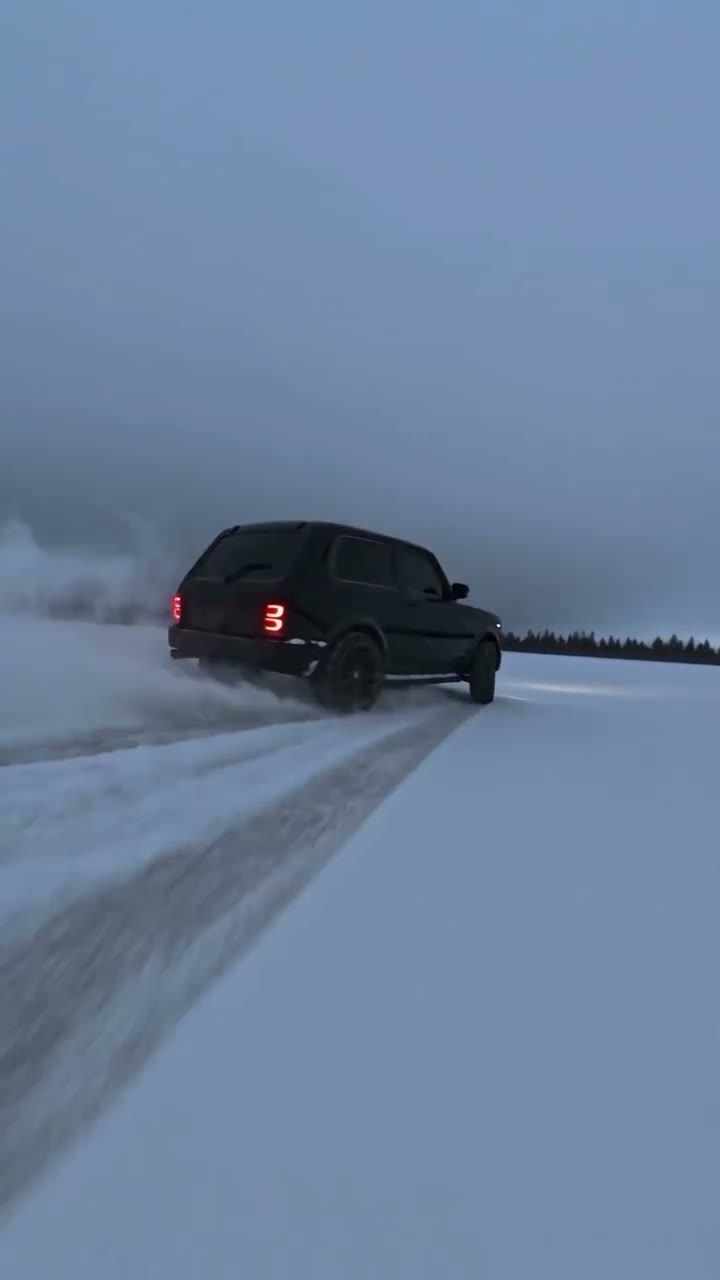
Car Drift AI combines an uploaded vehicle picture with an established vertical driving sequence. A gloved hand appears near the beginning, followed by the car moving across snow and turning. The photograph guides the featured car; the source determines the environment and camera. Generation interprets both inputs, so a result may vary from either one.

A car moves away across snow and slides into a turn

Personalize the Car Drift AI sequence

Use a clear car image and inspect its appearance throughout the motion.

  1. STEP 1

    Choose the reference image

    Upload one authorized vehicle photo with the desired car clearly visible.

  2. STEP 2

    Set the reference mode

    Preview the movement and confirm the duration and estimate.

  3. STEP 3

    Evaluate continuity

    Open the completed generation and compare the car across the sequence.

Car Drift AI

Use one vehicle image to personalize a Car Drift AI snowfield drive and turn.

Choose the identity cues that matter

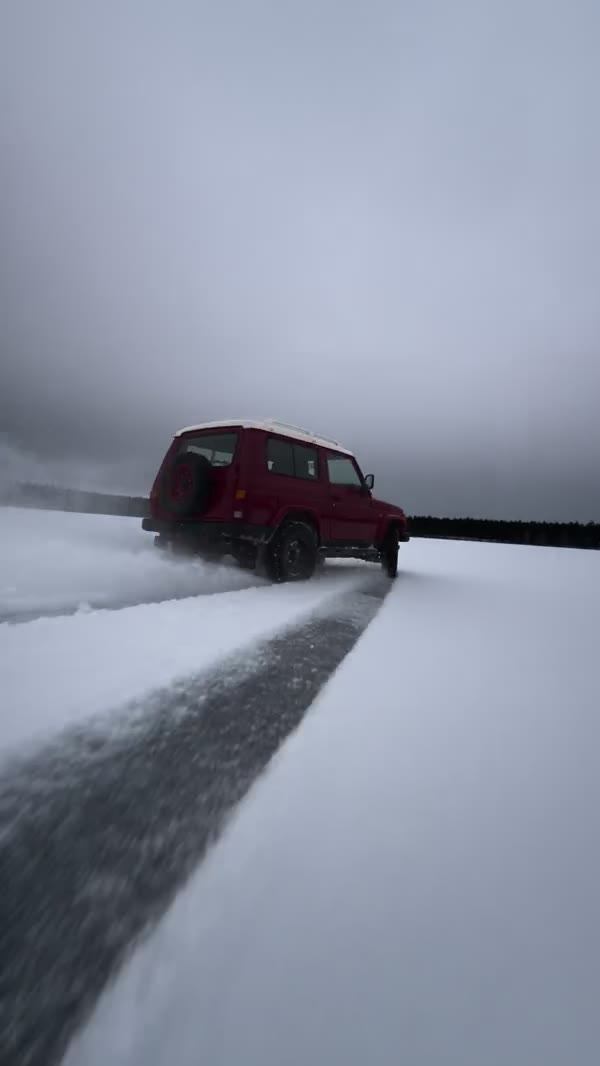
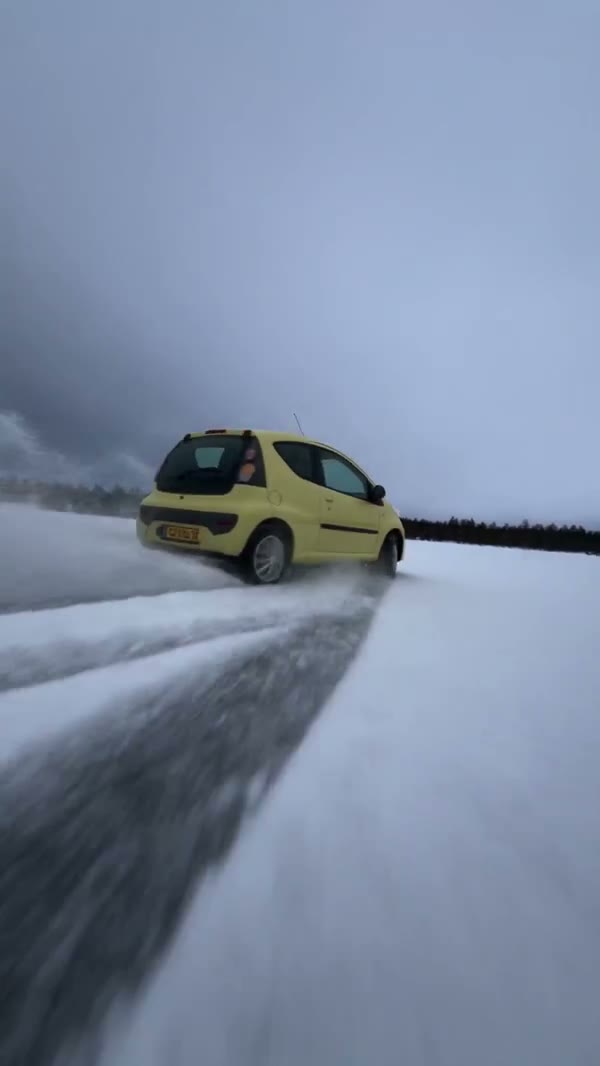
A clear photograph of a single car provides a useful shape and color reference. Include the vehicle body rather than an isolated badge or close-up of a wheel. When the viewpoint changes, the model must infer unseen sides. Distinctive paint, panels, tires and small details can therefore become less consistent as the car turns.
Choose the identity cues that matter

Understand the prepared motion

The reference is a little over 15 seconds and contains the snowy movement shown in the player. Original follows the full source; Economy and Standard use a selection of approximately 14.9 seconds with different generation settings. The workspace displays a rounded duration and the current estimate for the selection.

Understand the prepared motion

Assess the generated movement

Check the car before and during the drift. Look for changes to the silhouette, wheels and contact with the ground, especially as the vehicle becomes smaller in the frame. The workflow attempts to restore the reference audio after visual generation, and the final file should be checked for sound and synchronization.

Assess the generated movement

Car Drift AI FAQ

Use a clear car image and inspect its appearance throughout the motion.

Which object is replaced in Car Drift AI?

The required image guides the featured car. The background, movement and camera come from the prepared snowfield video.

Do I need to include a driver?

The required role is a vehicle image. A separate driver photo is not requested by this template.

Will the paint and badges match exactly?

The source photo guides visual identity, but generated paint, text and fine details can change, particularly through a turn.

Can I direct a new camera angle?

This page follows a fixed reference and does not provide a camera-path editor or separate weather setting.

What about sound?

The system attempts to restore the source audio. Listen to the actual output; restoration and synchronization can vary.

Create Car Drift AI

Compare the reference with other visual interpretations of the drive.

A car moves away across snow and slides into a turn