Create a video

Required photos1
Settings
Mode
Video length17s
Resolution

GTA 6 Convertible Chase AI Video Generator

Use a single image to guide the driver in a GTA 6 Convertible Chase AI rain-soaked pursuit.

What is GTA 6 Convertible Chase AI?

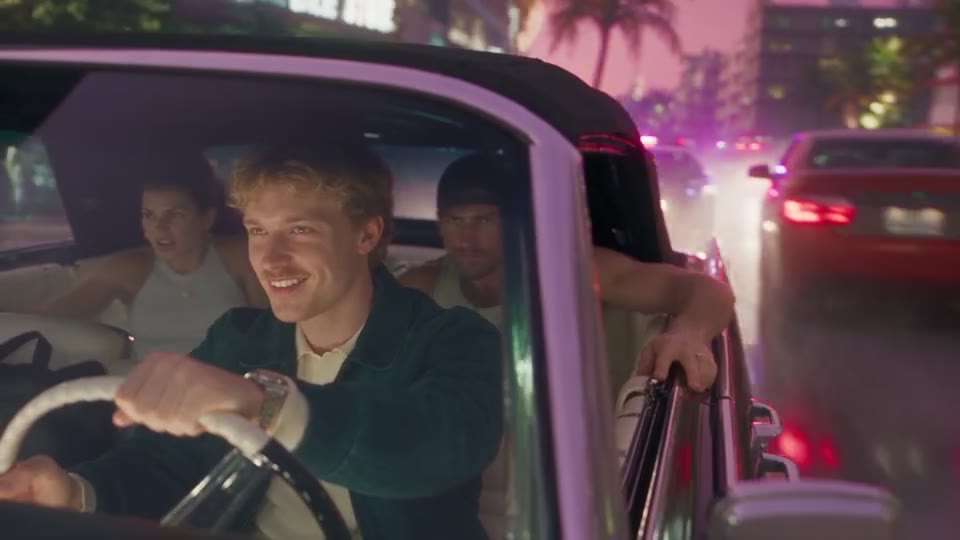
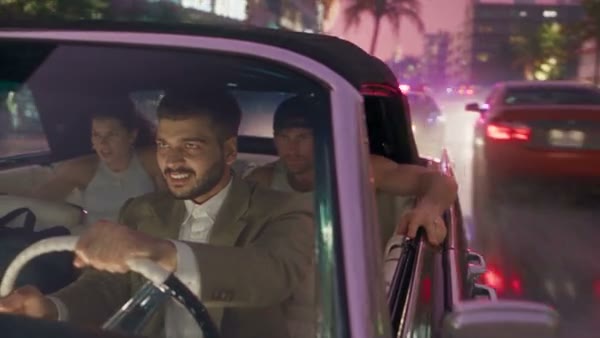
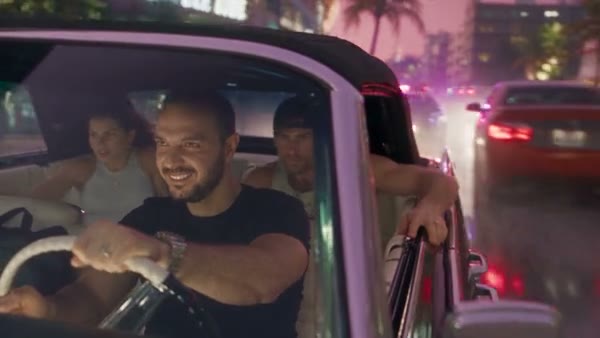
GTA 6 Convertible Chase AI uses a landscape reference showing a convertible in rainy weather, with two passengers and pursuing police and a helicopter. The uploaded picture guides the driver alone. Camera cuts and surrounding action follow the prepared sequence, while individual generated frames can still vary.

A convertible with passengers is pursued in the rain

Assign the driver to the chase

The reference supplies the motion while one image guides the subject.

  1. STEP 1

    Upload one portrait

    Select the person or pet you want to place at the wheel.

  2. STEP 2

    Choose the interval

    Compare the full and shorter reference options and review the estimate.

  3. STEP 3

    Check the result

    Watch all camera changes and listen to the resulting file.

GTA 6 Convertible Chase AI

Use a single image to guide the driver in a GTA 6 Convertible Chase AI rain-soaked pursuit.

Give the driver a clear visual identity

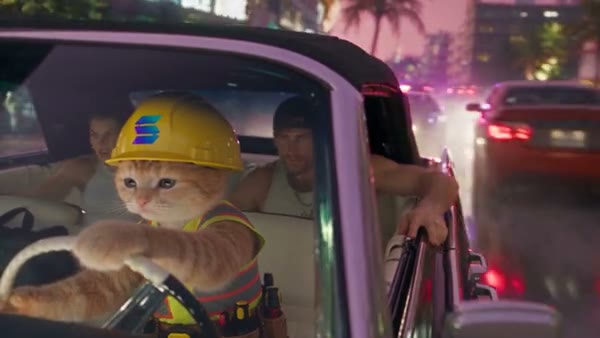
Choose one well-lit image where the intended subject is easy to identify. A visible face and hair help with close shots, while clothing can provide context for wider views. A pet may be tried in the same role, but the human driving pose creates a more challenging interpretation for other body shapes.

Give the driver a clear visual identity

Compare the two source intervals

Original follows the full approximately 16.7-second chase. Economy and Standard use an approximately 14.9-second prepared selection with their own settings. Preview the chosen interval and verify the shown credit amount. There are no separate inputs for passengers, police vehicles or the road.

Compare the two source intervals

Track the subject across cuts

Check facial features and clothing as the driver turns, then review the steering and the position of the passengers. Rain and reflections can make continuity challenging. The reference contains audio, and the workflow attempts to restore it after generation; the actual delivered sound and timing require review.

Track the subject across cuts

GTA 6 Convertible Chase AI FAQ

The reference supplies the motion while one image guides the subject.

How many characters can I assign?

One image guides the driver. The two passengers follow the prepared footage and have no separate upload fields.

Can I try an animal image?

Yes, a pet can be tried in the driver slot. The source uses a human pose, so body shape and movement may be unpredictable.

Does this use the full pursuit?

Original uses the full approximately 16.7-second reference; the short modes use an approximately 14.9-second selection.

Can the police or rain be removed?

The pursuit and weather come from the prepared reference. This page has no separate controls for those details.

Is the video interactive?

No. It is a fan-inspired generated video scene, with no steering or playable game controls.

Create GTA 6 Convertible Chase AI

Explore visual interpretations of the chase and prepare a clear driver image.

A convertible with passengers is pursued in the rain