Create a video

Required photos1
Settings
Mode
Video length15s
Resolution

Dog Doorbell AI Video Generator

Use a pet portrait to guide Dog Doorbell AI through a doorbell-camera scene.

What is Dog Doorbell AI?

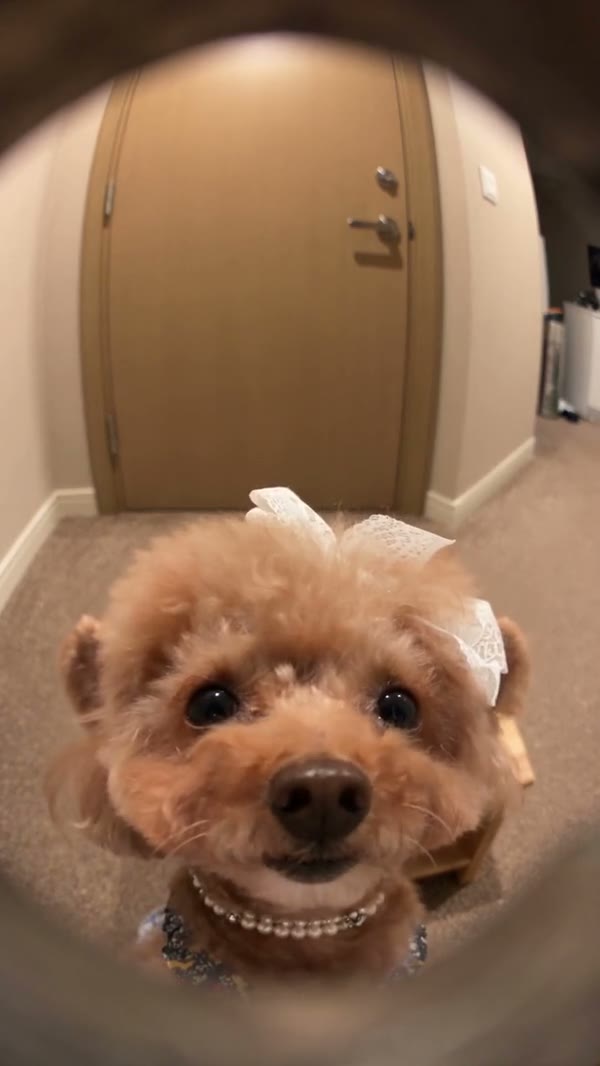
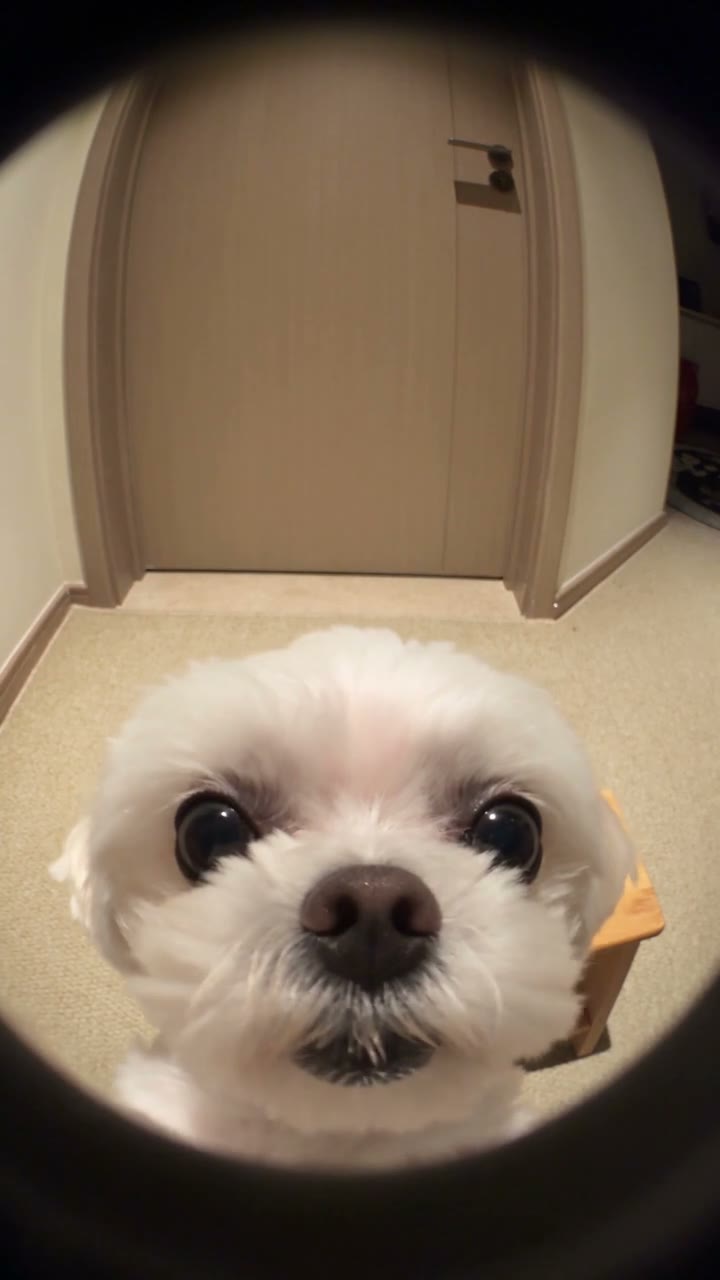
Dog Doorbell AI uses one pet image to guide the animal in a prepared doorway sequence. The reference begins close to the camera, follows the pet back toward a wooden stool and brings it near the lens again. The exaggerated doorbell perspective is part of the footage, while markings and appearance are guided by your image.

A dog moves toward a small stool and looks at a doorbell lens

Create a doorbell-camera pet scene

Upload one recognizable pet and let the prepared action guide the video.

  1. STEP 1

    Select your pet

    Provide one clear picture with visible face and coat.

  2. STEP 2

    Choose a mode

    Preview the sequence and check the displayed generation estimate.

  3. STEP 3

    Review the close-up

    Watch the full result for identity, motion and sound.

Dog Doorbell AI

Use a pet portrait to guide Dog Doorbell AI through a doorbell-camera scene.

Give the model recognizable pet details

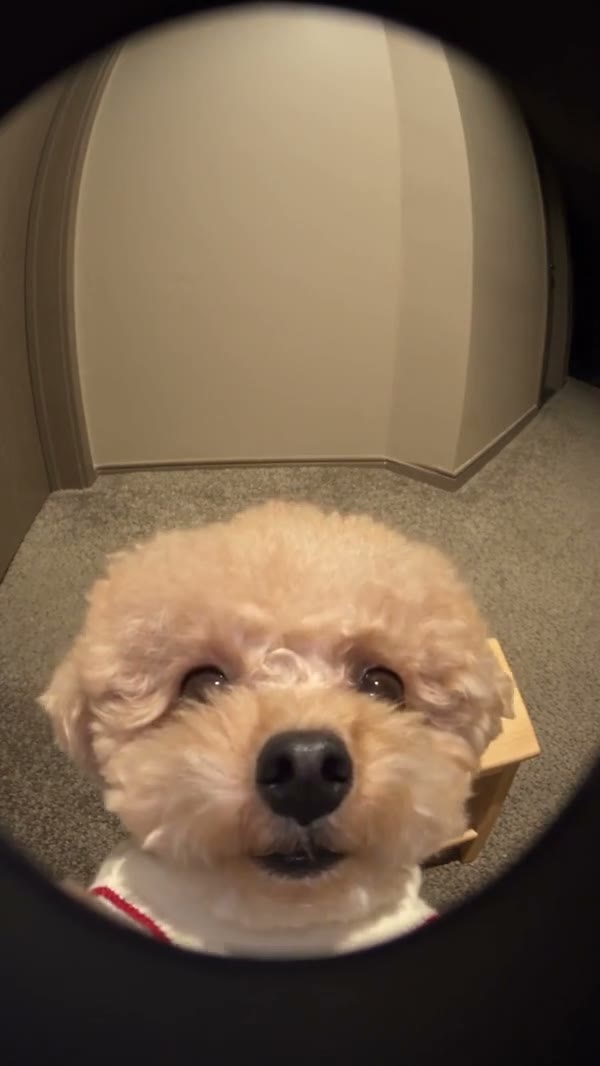
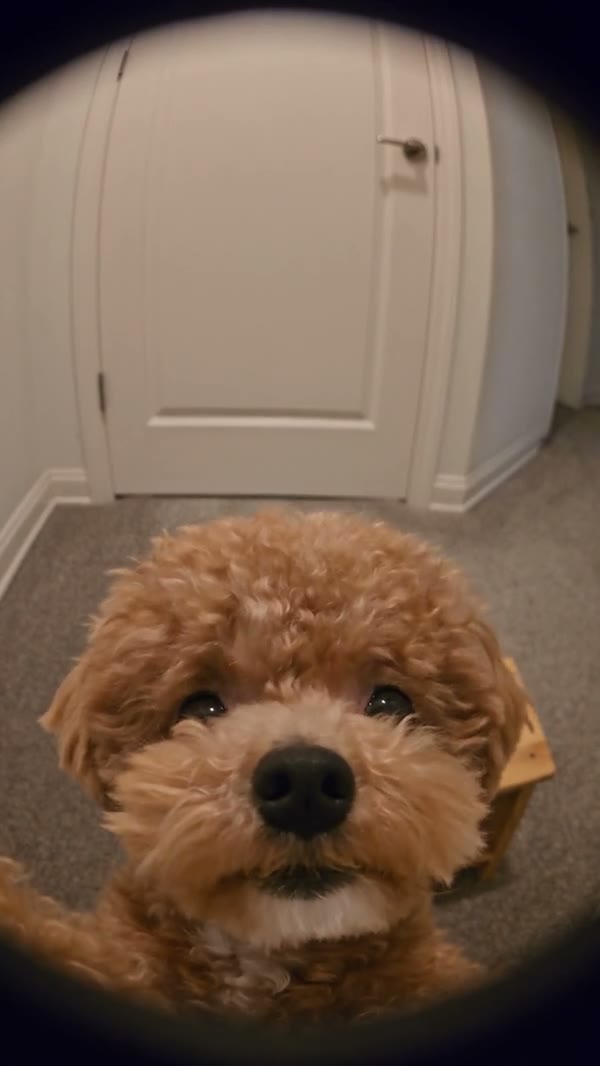
Choose an evenly lit photo that shows the face, ears, muzzle and coat. If the whole body is visible, the model has more context for the moment away from the lens. A small dog provides the original motion. You may try a different pet, but unusual proportions can make the inferred movement less predictable.
Give the model recognizable pet details

Work within the supplied motion

The door, stool, camera and action are already established. Dog Doorbell AI does not offer a second slot for replacing the furniture or location. Original uses the full source of just over 15 seconds; the other modes use a selection of about 14.9 seconds and different generation settings.

Work within the supplied motion

Compare close and wider views

Inspect the animal’s markings when it is near the camera and again at the stool. Features can shift as the pose and distance change, and paws or furniture edges may need attention. The workflow attempts to restore audio from the reference; listen to the final file before reusing it.

Compare close and wider views

Dog Doorbell AI FAQ

Upload one recognizable pet and let the prepared action guide the video.

Which input guides Dog Doorbell AI?

One required pet image guides the animal. The doorway and stool come from the existing reference.

Can I provide a different animal?

You can try another pet. The source motion was performed by a small dog, so different bodies can produce unexpected poses.

Why does the face look different near the lens?

The reference has a wide-angle doorbell perspective and the model infers movement from a still photo. Facial details can vary through the clip.

Can the setting be edited separately?

No separate setting or stool upload is available in this fixed template.

Which model does Original use?

Original uses Genjutsu for this pet replacement. The form provides the current duration and estimate.

Create Dog Doorbell AI

Compare different pets in the scene and choose an image with clear features.

A dog moves toward a small stool and looks at a doorbell lens