Create a video

Required photos1
Settings
Mode
Video length19s
Resolution

Christmas Cat Dance AI

Transfer a festive pet performance to your cat or dog.

How the effect works

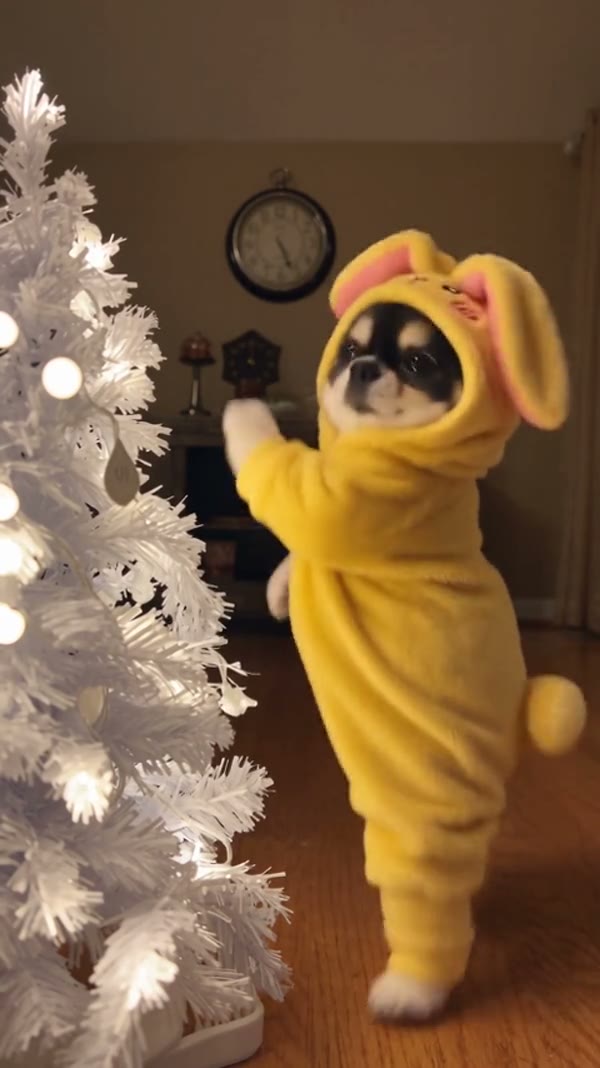
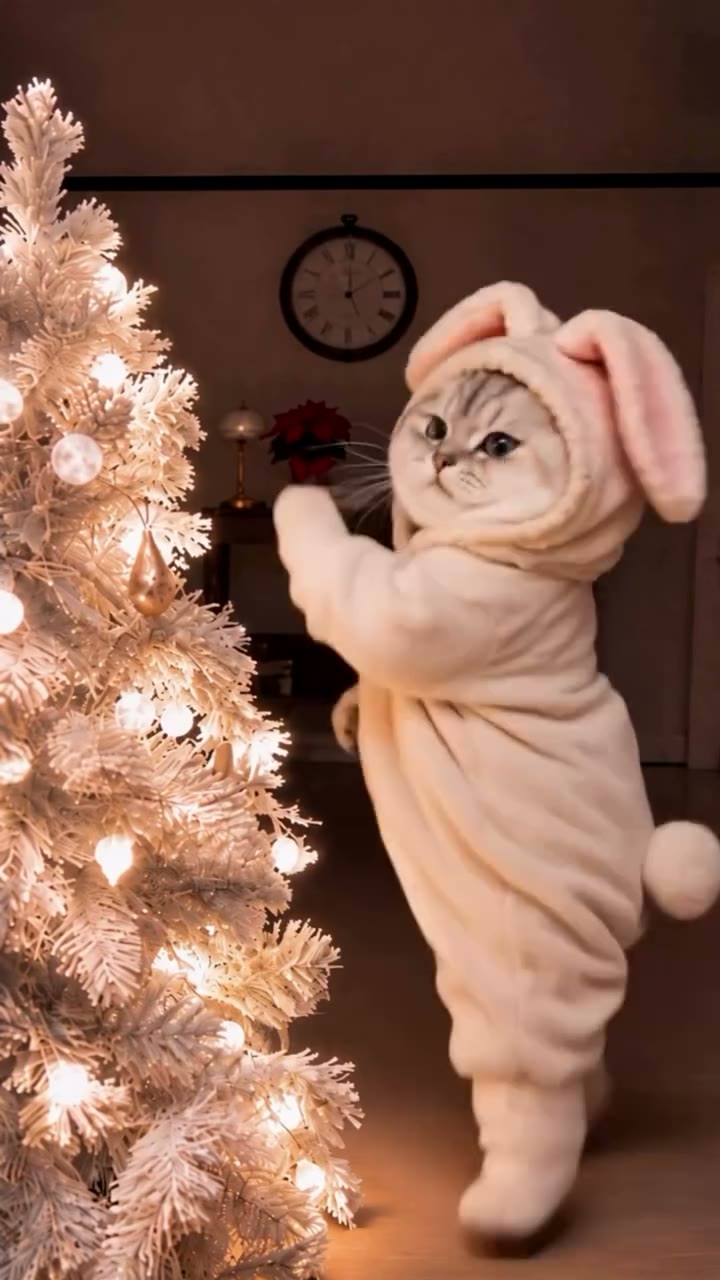
Christmas Cat Dance AI uses a prepared indoor holiday clip to give one pet a standing dance. The source features a cat beside a decorated tree, with paw gestures and a turn. Your uploaded pet photo guides the animal's appearance; the room and sequence come from the reference. Preview this single-pet scene before choosing it for a seasonal video, since other cat dances online have different settings and casts.

A pet dances next to a lit Christmas tree

Create with Christmas Cat Dance AI

Use the ready-made reference and inspect the result.

  1. STEP 1

    Select

    Select one clear photo of a cat or dog to identify the subject.

  2. STEP 2

    Choose

    Choose between the available settings for the roughly 19-second dance or its shorter opening.

  3. STEP 3

    Watch

    Watch the pet’s face and paws during the turn in the generated result.

Understand the motion

An uploaded image guides the subject of this holiday pet scene.

Map your photo

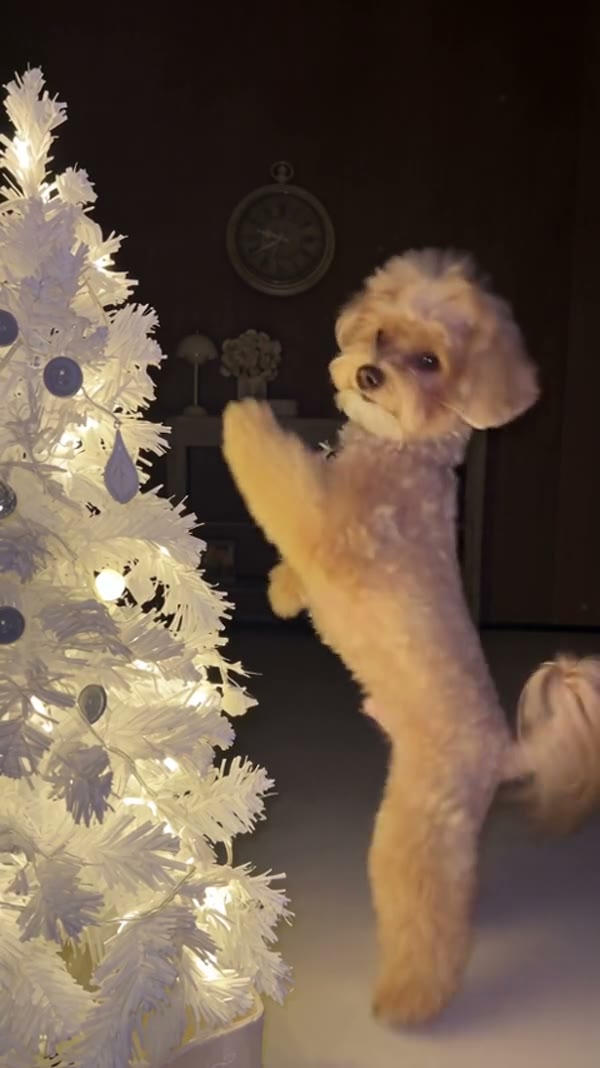
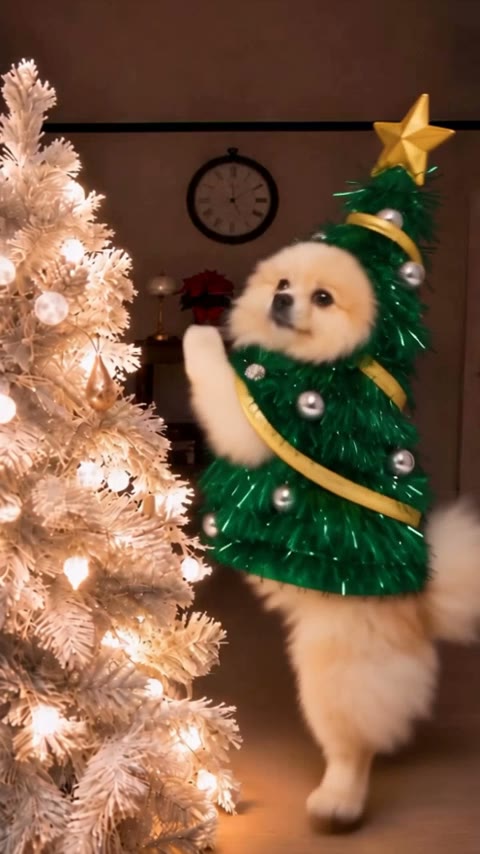
Select one clear cat or dog photograph for Christmas Cat Dance AI. A recognizable face, ear shape and coat markings are useful cues, especially when the animal occupies most of the picture. A still photograph does not have to show the pet standing. The source supplies the action, while unseen angles and body details are interpreted by the model and may vary in motion. For Christmas Cat Dance AI, a slightly wider image can preserve ear shape and body markings that a tightly cropped muzzle loses. Compare possible source pictures before uploading and choose one in which the intended pet is easy to identify.
Map your photo

Understand the motion

The Christmas Cat Dance AI reference turns the animal away from the camera and back toward it. Follow the face, paws and coat through that movement when you review a generated take. The source shows a bunny-style outfit, but there is no independent costume selection. A dog photo can guide the same role, with posture and clothing interpreted by the generation model.

Understand the motion

Compare the options

Original uses the whole Christmas Cat Dance AI reference of about 19 seconds. Economy and Standard use a prepared opening of roughly 15 seconds and different settings. Compare the preview and displayed estimate before starting. After completion, check both the animal and the delivered sound; reference audio restoration is attempted by the workflow but the finished file should be reviewed.

Compare the options

About the Christmas Cat Dance AI scene

What the reference shows in the holiday pet scene.

  1. One pet by a lit tree

    This prepared pet scene takes place next to an illuminated tree, unlike outdoor multi-cat holiday clips. View the supplied pet video

Christmas Cat Dance AI questions

Review the choices and limits of Christmas Cat Dance AI before creating.

What kind of pet image can Christmas Cat Dance AI use?

Christmas Cat Dance AI accepts one photo of a cat or dog for the featured role. Choose a picture where the face and distinctive markings are easy to see. If another animal is prominent in the same image, a careful crop can clarify the intended subject. The reference supplies the standing dance; the source photo need not show that pose.

Can Christmas Cat Dance AI animate several pets together?

The Christmas Cat Dance AI workspace has one required pet-photo slot. It does not provide separate roles for a second or third animal. The reference shows one indoor performer beside a tree, so another multi-cat holiday trend may have different staging and cannot be selected through this fixed page.

Will Christmas Cat Dance AI preserve my pet's markings?

The selected image guides Christmas Cat Dance AI, but generated features can vary as the pet turns. Use a sharp picture showing distinctive areas around the face and ears, then compare the beginning and the return toward the camera. A part of the coat hidden in the input must be inferred and is not guaranteed to match exactly.

Can I select a costume in Christmas Cat Dance AI?

There is no separate outfit picker in Christmas Cat Dance AI. The reference has a bunny-style costume, but the generated pet may look different from the source and the uploaded photo. If a certain accessory matters to your edit, inspect it in the finished clip rather than relying on the preview alone.

How do Christmas Cat Dance AI modes affect duration?

Original follows the complete Christmas Cat Dance AI reference of approximately 19 seconds. Economy and Standard use the first roughly 15 seconds, with their own generation settings. Preview the later movement before choosing if the ending matters, and check the displayed estimate for the selected option. The page does not offer arbitrary trimming.

Can Christmas Cat Dance AI make a greeting card video?

You can use the Christmas Cat Dance AI output as a seasonal clip after reviewing it. The fixed workspace does not include a greeting-text field, so add your message in a separate editor if you want one. Keep text away from the pet's moving face and paws, then preview the portrait frame on the intended device.

Where should I check my Christmas Cat Dance AI result?

Once Christmas Cat Dance AI finishes, My creations provides the completed video for playback or download. Look at the face and markings before, during and after the turn, and listen to the delivered audio. The workflow attempts to restore reference sound; the output can still differ from the photo and from the examples.

Can Christmas Cat Dance AI move the holiday decorations?

The Christmas Cat Dance AI tree, room and decorations come from the supplied video. There is no separate control to move the tree or upload a different background on this page. Watch the reference before choosing it for a greeting when the setting is an important part of your idea.

Does Christmas Cat Dance AI need a photo of the whole animal?

Christmas Cat Dance AI needs one identifiable pet image. Showing the head and characteristic markings helps guide appearance, while a wider photo may provide additional coat and body information. The source supplies the upright pose and movement, so an ordinary clear pet photograph can be used without reproducing the dance.

Try Christmas Cat Dance AI

Choose the roles for the holiday pet scene.

A pet dances next to a lit Christmas tree