Create a video

Required photos2
Settings
Mode
Video length26s
Resolution

Goalkeeper Saves AI: A Two-Person Football Recast

Guide the shooter and the acrobatic goalkeeper with two photos while the reference supplies the scene.

What is Goalkeeper Saves AI?

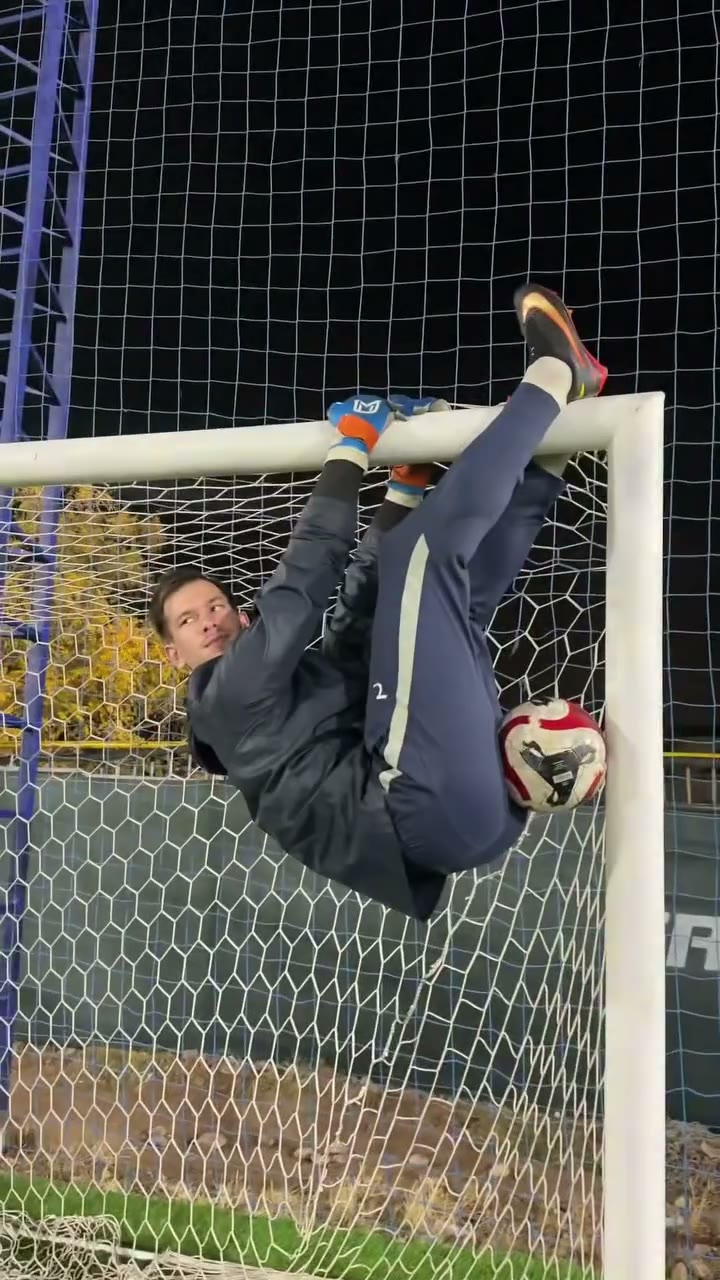
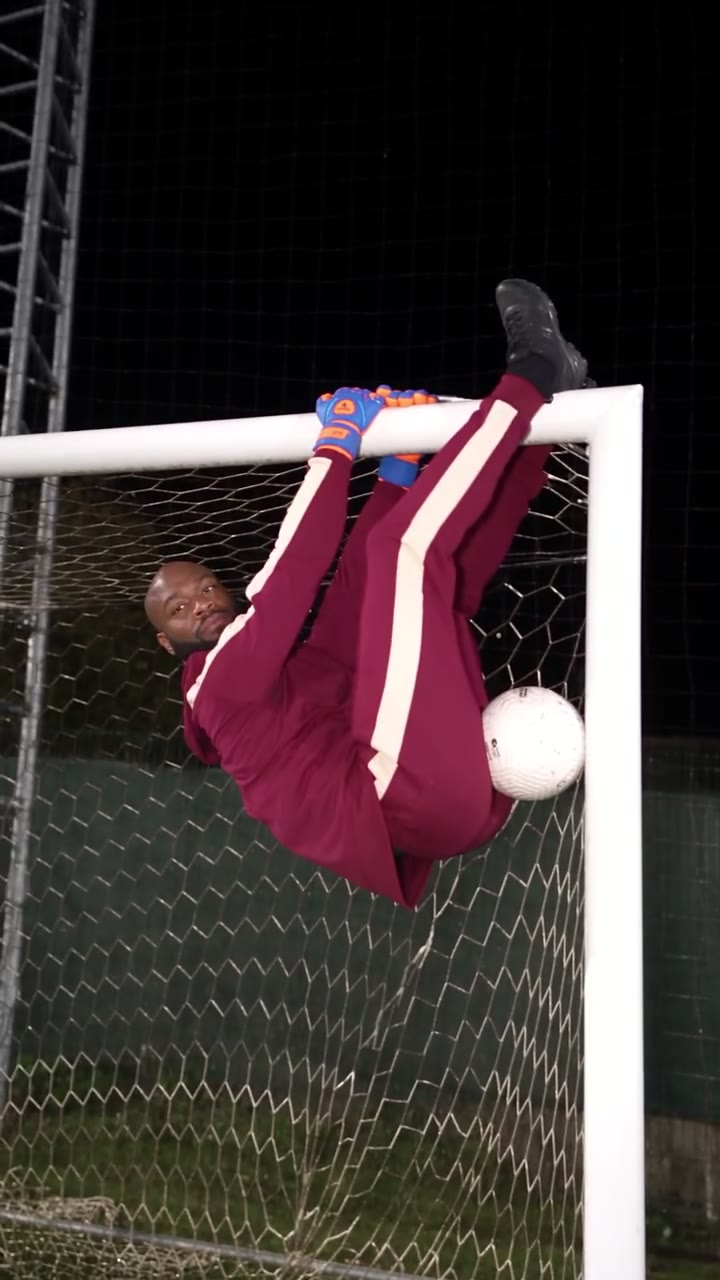
Goalkeeper Saves AI is a fixed-reference football recast with a kicker and a goalkeeper. A player sends shots toward the goal as the keeper saves, hangs and moves around the crossbar under night lighting. Upload Photo 1 for the outfield player and Photo 2 for the goalkeeper. AI Genjutsu uses the prepared scene and the two images to generate a new interpretation of the action. The clip is a visual effect, not a real-match replay with editable statistics or a custom sports simulation. Goalkeeper Saves AI can introduce two friends in a playful football greeting. Preview Goalkeeper Saves AI to decide whether its crossbar action fits the tone you want; the finished video depicts a fictional performance rather than either person’s real sporting ability.

Community cast in the night-pitch reference format

Make a Goalkeeper Saves AI recast

Prepare the cast and select a reference length before starting.

  1. STEP 1

    Place the first player

    Upload an authorized person photo to guide the kicker in Photo 1.

  2. STEP 2

    Place the goalkeeper

    Use a second clear photo for the person performing the saves in Photo 2.

  3. STEP 3

    Choose a mode

    Review the short and full reference lengths and the credit estimate. Sign in to generate, then inspect the video and sound in My creations.

A prepared sports scene with two roles

The reference defines the action; the ordered photos guide its two performers.

Cast both Goalkeeper Saves AI roles

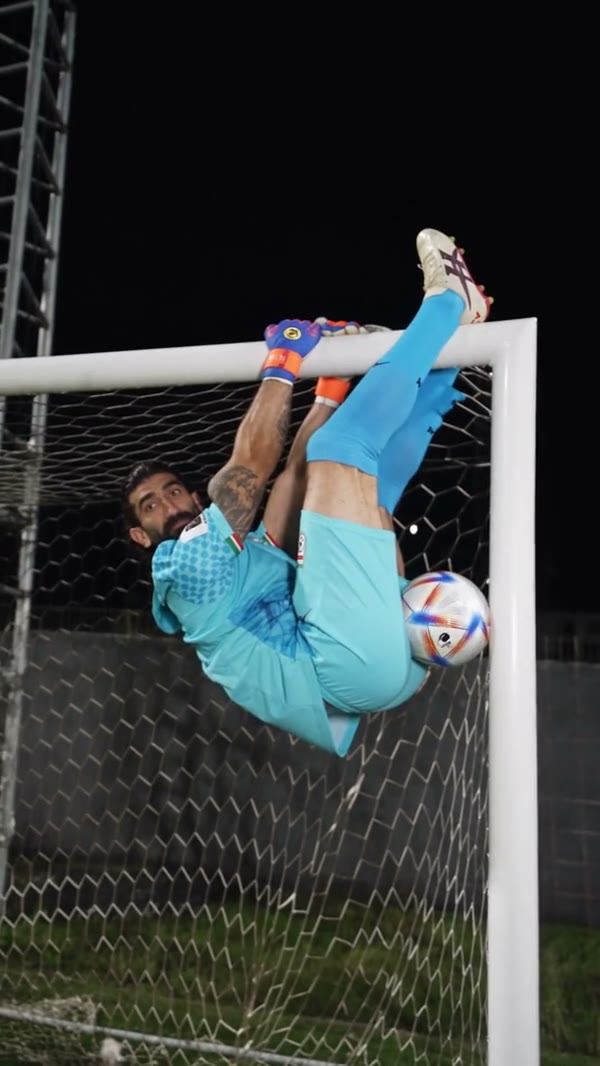
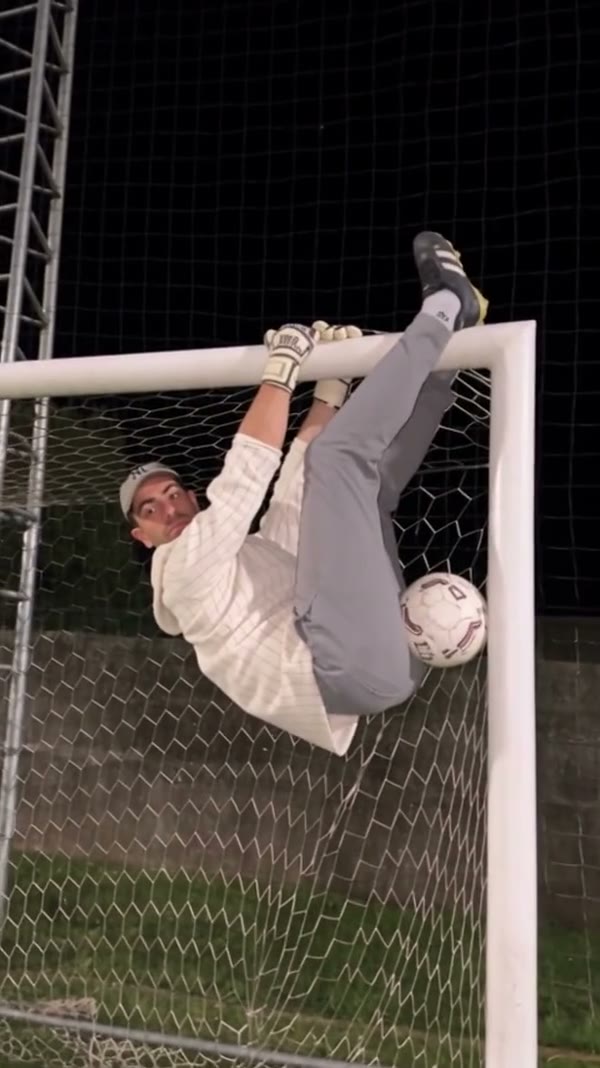
The two Goalkeeper Saves AI photos have different jobs. Put the person taking shots in the first slot and the person in goal in the second. Each image should make one subject clear, with face, hair and clothing visible where possible. The prompt asks the model to follow those roles even when the keeper is inverted or partly obscured. Gloves remain functional reference props. Face, body, clothing and the positions of limbs can still drift as the camera changes, so inspect both players throughout the finished video. For Goalkeeper Saves AI, compare the two pictures before placing them in order. Images with distinct hairstyles and clothing can make the intended assignments easier for you to check, although the model may still mix details during a fast cut or a partially hidden pose. Before choosing an image, look for a visible face without another person blocking it. If the two photos show similar uniforms, note which upload slot represents each player so you can check the completed roles more easily.
Cast both Goalkeeper Saves AI roles

Choose the Goalkeeper Saves AI sequence

The full Goalkeeper Saves AI reference lasts about 25.66 seconds and Original follows the complete source. The two shorter options, Economy and Standard, use the opening 14.9 seconds, shown as a 15-second setting. A later save or camera cut may therefore appear only in the complete version. The prepared clip supplies the pitch, goal, lighting and ball action; this page has no separate controls for changing the venue or designing another save. Compare the current mode settings and credit estimate in the workspace. The Goalkeeper Saves AI short selection starts at the beginning of the reference. Check whether the action you want occurs in that opening before selecting Economy or Standard; the longer Original mode retains the later portion of the source.

Choose the Goalkeeper Saves AI sequence

Review the generated action and audio

When Goalkeeper Saves AI is ready, open My creations and watch the interaction from start to finish. Look closely at ball contact, the keeper’s hands, the goal frame and the two people during fast or inverted motion. The delivery process attempts to restore sound from the chosen reference segment; a failure can result in a silent file. The community videos on this page were created elsewhere and show different casts. They are useful for understanding the format but cannot prove this site’s current generation quality. During a Goalkeeper Saves AI review, pause around the kick and save to check whether the ball and gloves remain visible. Also watch the inverted frames at normal speed: a still image alone can miss changes between camera angles. Check the moment before and after each camera change as well as the save itself. A performer can look recognizable in one shot and drift in another; the reference does not guarantee identical detail across every frame.

Review the generated action and audio

Know what stays in the reference

A fixed action clip leaves the player roles as the primary creative choices.

Night pitch

The goal, grass, lighting and camera changes come from the source.

Two people

The first photo guides the kicker; the second guides the goalkeeper.

Two durations

The short modes use 14.9 seconds while Original uses the whole source.

Goalkeeper Saves AI preset FAQ

Learn the role mapping, reference limits and delivery behavior.

What images does Goalkeeper Saves AI need?

Goalkeeper Saves AI requires two person photos: the first guides the kicker and the second guides the goalkeeper.

Can I switch the Goalkeeper Saves AI roles after uploading?

Place the desired kicker in Photo 1 and the desired goalkeeper in Photo 2 before submitting. Swapping the pictures changes which reference role each guides.

Does the Goalkeeper Saves AI photo need gloves?

The prompt asks to retain the reference gloves as functional props. The generated result may still vary in small details.

Can I upload a football video to Goalkeeper Saves AI?

This fixed page supplies its own reference. A different motion clip requires a workspace that supports an authorized uploaded video.

Which Goalkeeper Saves AI mode covers the full scene?

Goalkeeper Saves AI Original follows the approximately 25.66-second source. Economy and Standard use the opening 14.9 seconds.

Can Goalkeeper Saves AI use another location or save?

The preset follows a fixed night pitch and prepared actions. It has no separate venue or ball-trajectory selector.

Does the completed clip contain sound?

Goalkeeper Saves AI restores the selected reference audio on a best-effort basis during delivery. Check the file because that step may fail.

Why can a Goalkeeper Saves AI face or hand change?

Inverted movement, occlusion and fast cuts can make consistent anatomy and identity difficult for a video model.

Were the shown examples generated on AI Genjutsu?

The Goalkeeper Saves AI community examples were created elsewhere; they illustrate the format and do not establish a result from this page.

What do I pay for generation?

The workspace shows the current Goalkeeper Saves AI credit estimate for your selected mode. Sign in and verify your balance before submitting.

Prepare your Goalkeeper Saves AI cast

Assign both photos and check the reference before generating.

Reference player and goalkeeper on a night pitch