Create a video

Required photos1
Settings
Mode
Video length8s
Resolution

Flower Nose AI Pet Reveal With Genjutsu

Bring a pet photo to a prepared close-up in which a paw reveals a small red flower.

What is Flower Nose AI?

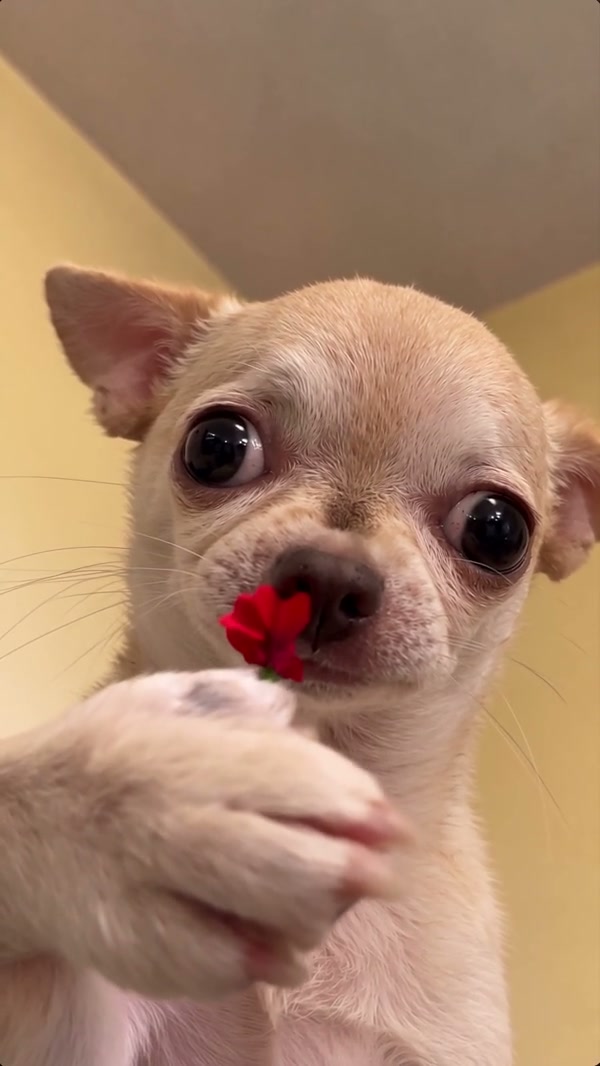
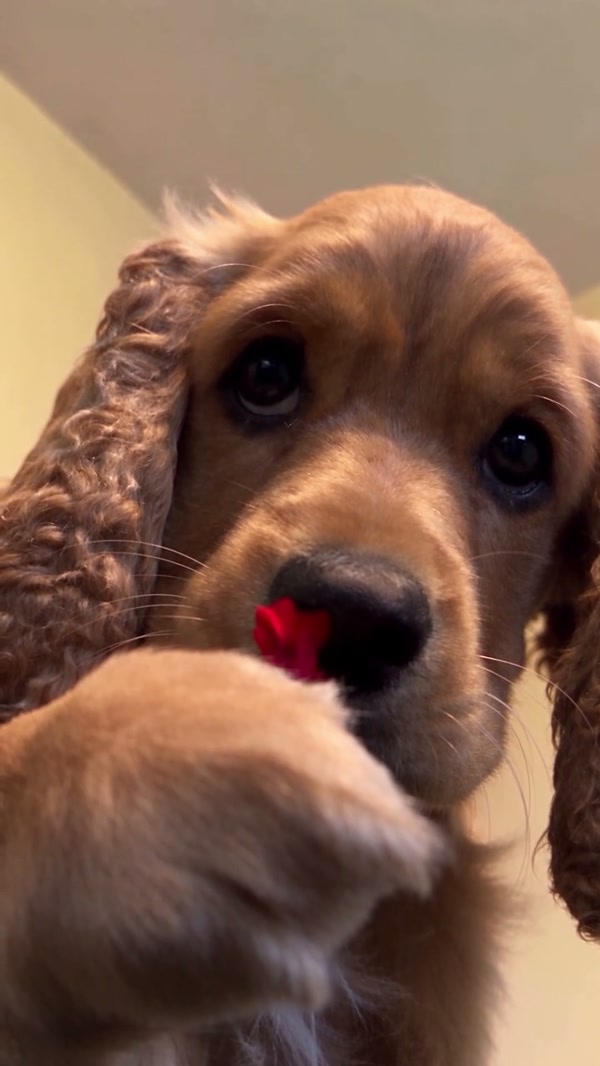
Flower Nose AI is a photo-guided pet scene built around a short reference performance. A dog in an indoor close-up raises a paw to a stem by its nose and holds a red flower toward the viewer. Upload one pet image to guide the featured animal in a newly generated version. The reference provides the setting, camera and sequence; your picture provides the appearance cues. This is a generated visual joke, and the result can differ from both the source and the community examples. A Flower Nose AI clip can work as a pet birthday greeting or an introduction to a short montage. Preview Flower Nose AI before deciding where your message belongs, and leave the animal and flower visible as the scene unfolds.

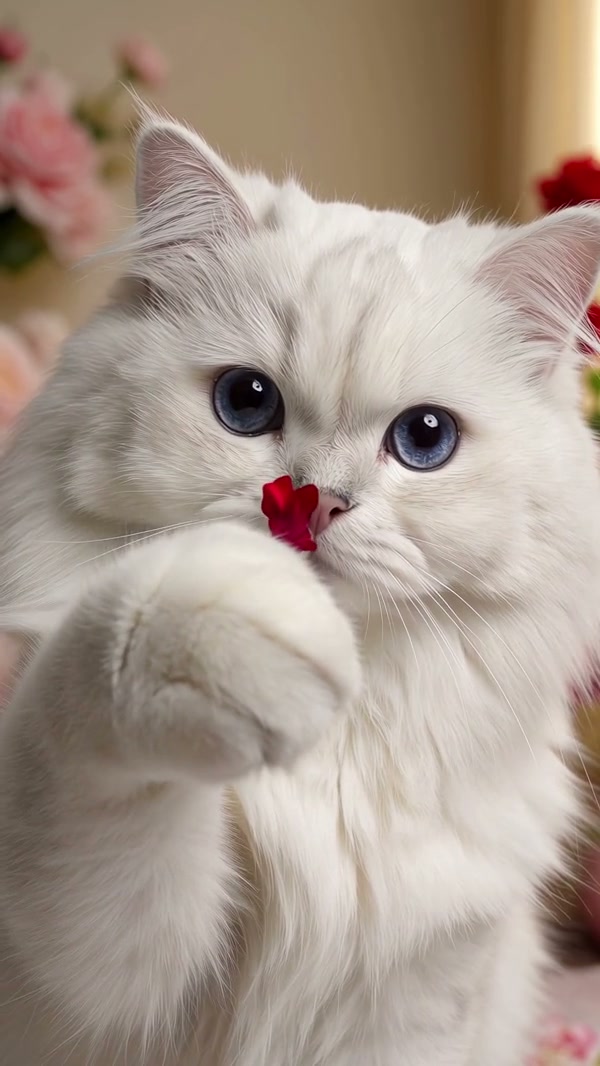
Community cat version of a flower reveal

Create a Flower Nose AI pet clip

Prepare your input, review the preset and inspect the finished file.

  1. STEP 1

    Provide the subject

    Add one permitted pet photo with a clear facial view and recognizable markings.

  2. STEP 2

    Review the preset

    Play the reference and select an available mode. The workspace shows the estimated credits before submission.

  3. STEP 3

    Create and review

    After signing in, generate and return to My creations. Inspect the flower, paw and sound in the completed Flower Nose AI video.

From a portrait to a prepared pet performance

Use the reference to set expectations and the image to guide the animal.

Prepare a Flower Nose AI pet portrait

Start by choosing the pet you want to feature in Flower Nose AI. A recognizable face with visible nose, eyes, ears and coat markings provides useful guidance. Avoid a photograph where another pet covers the subject or the face is far from the camera. The source performance uses a dog. A cat can be attempted in the same slot, but the model must adapt a dog-based paw movement to a different animal and may change anatomy. One photo controls the featured animal; it does not create another pet role. Before submitting Flower Nose AI, compare two candidate portraits at the size they will appear on screen. Pick the one where the nose and coat pattern remain distinct; a picture with a strongly angled face may give the model fewer visible details to follow. When comparing portraits, watch for glare over the eyes or a crop that removes the ears. Those details can make it harder to judge whether the animal in the finished close-up resembles your chosen subject.
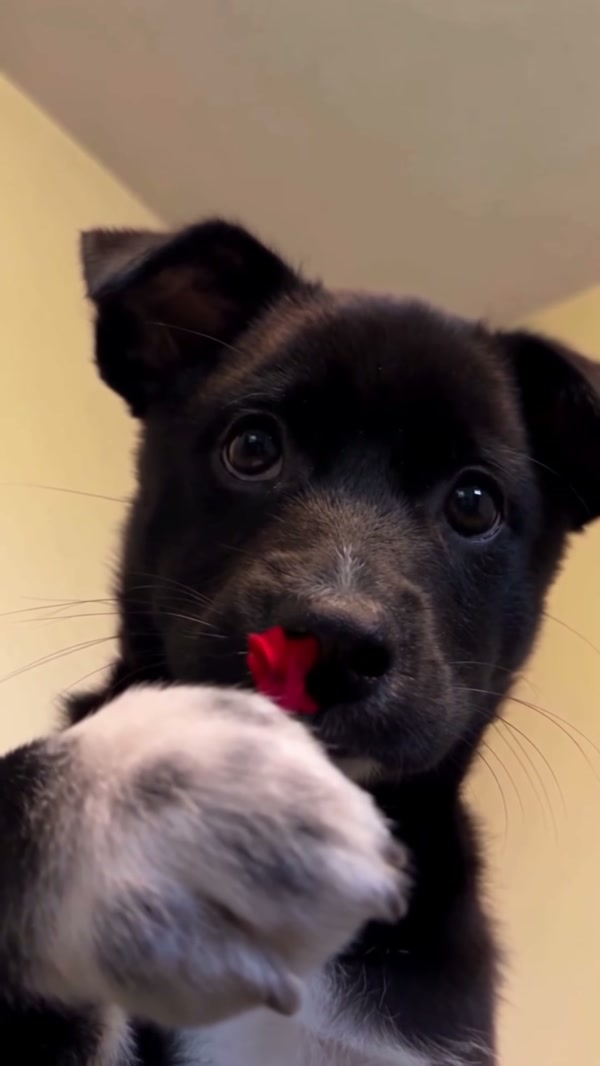
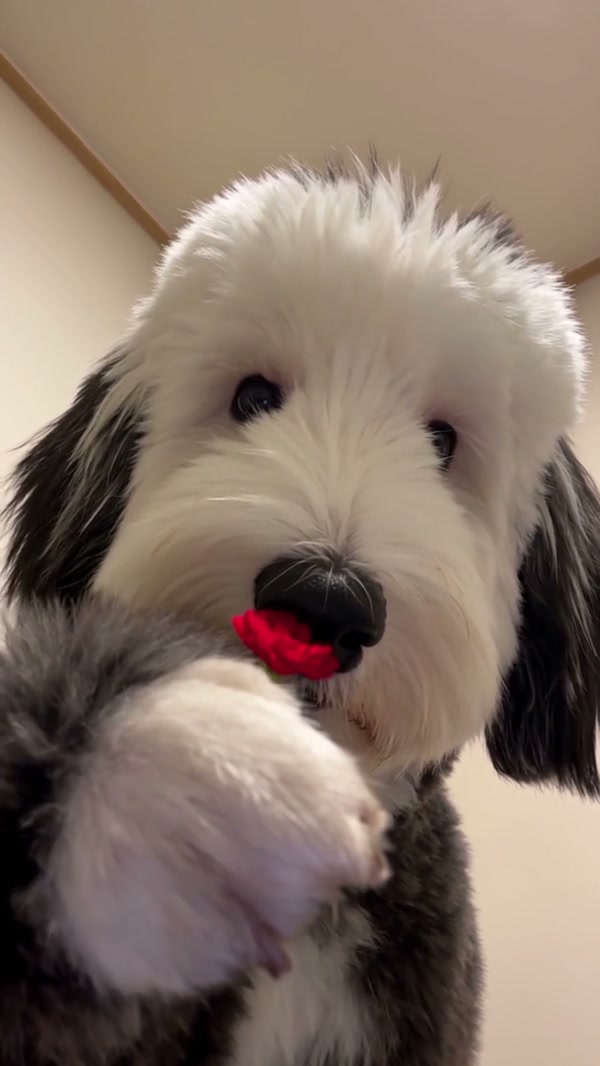
Prepare a Flower Nose AI pet portrait

Understand the fixed reference

The prepared Flower Nose AI clip supplies the green stem, paw gesture, red bloom and close framing. You do not upload a motion video or set the timing of each movement on this page. Original follows the full source; because the reference is only about 8.05 seconds, Economy and Standard use that same complete clip. Modes may still differ in model and settings. Check the workspace for its current duration and credit estimate instead of assuming every mode has the same price. In Flower Nose AI, the movement and background are tied to the prepared clip. You can compare the modes in the workspace, but changing modes does not replace the stem, set a new camera path or add another animal to the scene.

Understand the fixed reference

Review your Flower Nose AI clip

Once Flower Nose AI completes, watch the clip in My creations before deciding whether to download it. Focus on the moment the paw overlaps the muzzle, the flower’s shape and any shifts in the pet’s markings. The delivery pipeline tries to restore the reference audio; it can fail and leave a silent output. Community footage shows alternative appearances created elsewhere, not a verified demonstration of this site’s provider. Confirm you have permission to use the image and any sound you share. A useful Flower Nose AI review includes the frames before and after the paw crosses the face. Compare those moments with your source portrait, then check whether the bloom stays recognizable. If those details matter, a clearer photo may be worth trying. If a frame looks unclear, replay the whole action before deciding what to change. A pause can reveal a moment of overlap, while normal playback helps you judge whether that moment matters to the final clip.

Review your Flower Nose AI clip

Before submitting

The preset gives you a particular prepared action with one image-guided subject.

Photo

One required image guides the pet rather than the flower.

Reference

The indoor close-up and red-flower gesture follow the supplied video.

Modes

The complete short source is used across the three available modes.

Flower Nose AI reference and input FAQ

Understand what the preset can and cannot change.

What is the required input for Flower Nose AI?

Flower Nose AI requires one pet photo. A clear face, nose and fur markings are useful for this close-up.

Does Flower Nose AI accept a person photo?

The prepared role is a pet and the reference features a dog. Use a pet image for the intended effect.

Can Flower Nose AI work with a cat photo?

Yes, a cat photo can be tried. The dog-based motion may be adapted imperfectly, so a particular result is not guaranteed.

Does Flower Nose AI need a motion-video upload?

No. The template includes the motion reference for the flower reveal.

Which Flower Nose AI mode uses the full clip?

All three Flower Nose AI modes use the complete approximately 8.05-second reference. The short-mode cap is longer than the source.

Can Flower Nose AI change the flower?

No separate product or color slot is provided. The flower and stem come from the prepared reference.

Will I hear the original audio?

Flower Nose AI delivery attempts to restore the selected reference audio. Check the completed file because restoration can fail.

Why can the muzzle change in Flower Nose AI?

The paw can obscure part of the face. A video model may change facial details or markings while reconstructing the movement.

Are the example videos made by AI Genjutsu?

The Flower Nose AI community examples were created elsewhere. They show visual possibilities, not a verified output from this page.

Where do I see the price?

The workspace shows the current Flower Nose AI credit estimate for the selected settings before generation. Sign-in and sufficient credits are required.

Prepare your Flower Nose AI video

Select a pet photo and review the reference in the workspace.

The fixed dog reference for the flower reveal