Create a video

Required photos1
Settings
Mode
Video length30s
Resolution

Goodbye GTA 5 AI Character Video

Give the traveler your chosen look for a cinematic goodbye. One image guides that character through a prepared waterfront sequence.

What is Goodbye GTA 5 AI on AI Genjutsu?

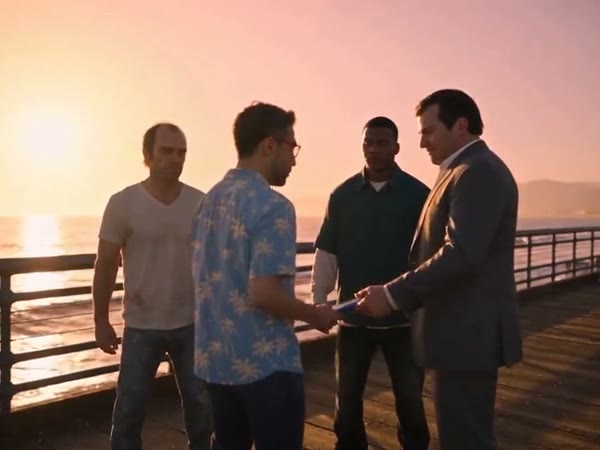
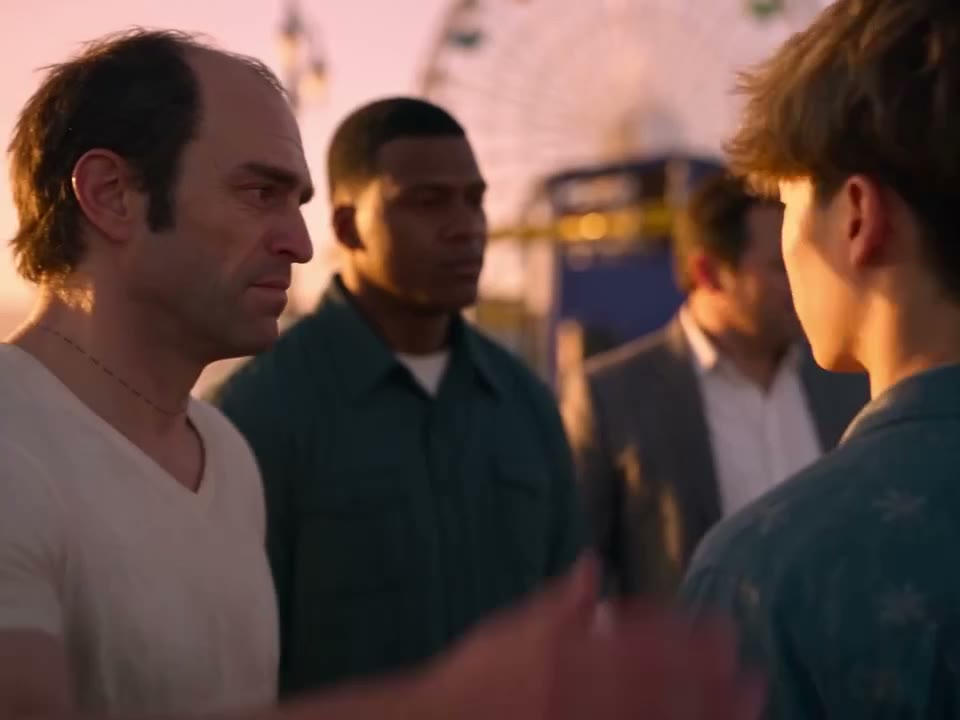
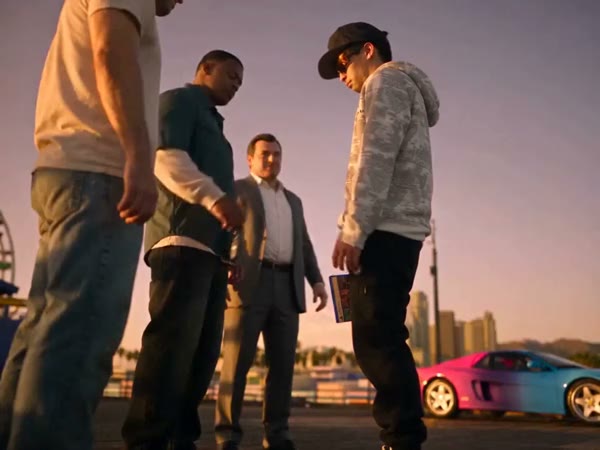
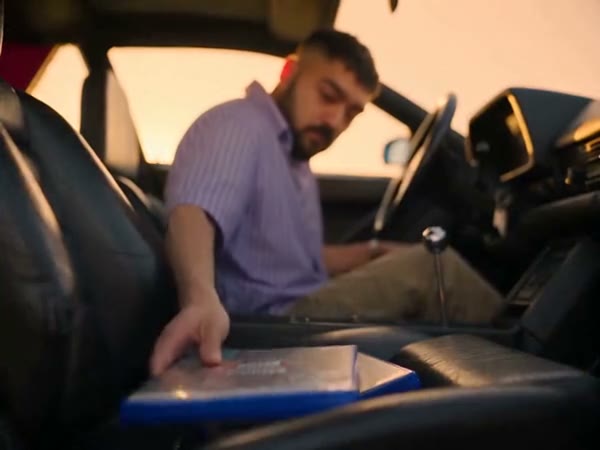
Goodbye GTA 5 AI lets you cast a person from a photo in a ready-made farewell video. The character meets three people at a sunset pier, shares an emotional departure and gets into a car. In the full reference, the meeting includes a game case and keys before the drive. On AI Genjutsu, the Goodbye GTA 5 AI video generator uses your image to guide one role across the source clip’s changing viewpoints. The setting and other people remain part of the reference; the output is an interpretation and can differ from the photo.

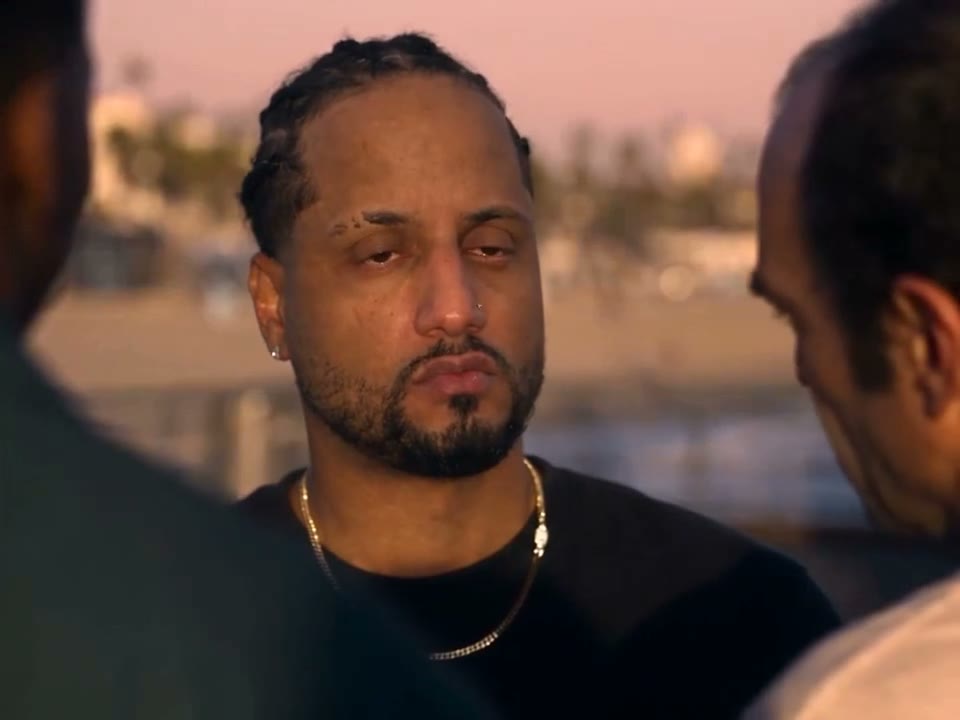
A community interpretation of a character at the pier

How to cast your Goodbye GTA 5 AI character

The fixed scene is ready; choose the subject and the reference length.

  1. STEP 1

    Select one character photo

    Add a clear image to the traveler slot. Use only media you have permission to provide.

  2. STEP 2

    Choose how much to include

    Original includes the opening and longer drive; Economy and Standard use the later highlight.

  3. STEP 3

    Review the generated scene

    Check the credit estimate and create the video. Find the finished result in My creations.

From one character image to a farewell

Explore the role, prepared story and details to check in your result.

Choose details that should identify your character

Start with a well-lit image of one person whose face and hair are easy to distinguish. Include enough clothing to give the model context when the framing moves away from the close-up. The preset asks the model to follow the photo’s appearance instead of adding an unrelated outfit. A strong source can help, but identity, accessories and fabric can still change between shots, especially when the traveler turns or is partly covered.

Choose details that should identify your character

Follow the character from meeting to departure

The reference handles the camera positions, the surrounding cast and the sequence of actions. There is one upload slot for the traveler, rather than separate images for the three companions or a replacement vehicle. Choose Original if the opening exchange matters to your story: it follows the entire roughly 30-second source. The two short modes use a later 14.9-second segment and show a 15-second setting, beginning after that opening.

Follow the character from meeting to departure

Compare continuity across the finished video

After the job finishes, play the output from the group shot through the car scene. Look for the same hairstyle, clothing and face as the perspective changes, and check hand contact around the exchanged objects. If details are unclear, try another authorized photo with less obstruction. Audio from the chosen reference is restored when the delivery step succeeds; check the downloaded file because restoration can fail.

Compare continuity across the finished video

A single role across a changing scene

Your image guides the traveler while the reference supplies the other visual ingredients.

Character appearance

The photo provides the featured person’s face, hair and outfit.

Scene and cast

The waterfront, three companions, car and camera cuts come from the prepared clip.

Reference length

Choose the full sequence or a later highlight before generating.

Goodbye GTA 5 AI character questions

What to know about your photo and the prepared scene.

How many people can I cast?

The traveler is the only uploaded role. Add one photo; the three companions stay part of the reference.

Should the person’s clothes be visible?

A photo that clearly shows the face, hair and outfit gives the model more appearance information. Results may still change as the framing and movement change.

Which mode includes the first exchange?

Original uses the complete approximately 30-second source and includes the game case and keys. Economy and Standard use a later 14.9-second highlight.

Can I provide a different car?

This page uses a fixed car and location from the reference. It does not provide a separate vehicle input.

Is the reference audio included?

The delivery process attempts to restore audio from the selected reference. If restoration fails, the result may be silent; review the file before sharing.

Are these examples generated by AI Genjutsu?

The examples are sourced elsewhere and illustrate possible variations. They do not establish how a particular upload will turn out.

Is the template affiliated with GTA?

AI Genjutsu is an independent service and is not endorsed by Rockstar Games or the owners of Grand Theft Auto. The relevant marks belong to their owners.

How do I download my result?

When generation completes, open My creations, inspect the video and choose its download action.

Cast your traveler

Bring one character photo to the prepared goodbye sequence.

A waterfront farewell example