Create a video

ModelSeedance 2.5 Edit

Configured for this template

Migos AI performance · 23.0s

Left person
Right person

Migos AI Duet Remix

Recast the recognizable duet with Migos AI. Choose two characters and let the loaded performance set the scene.

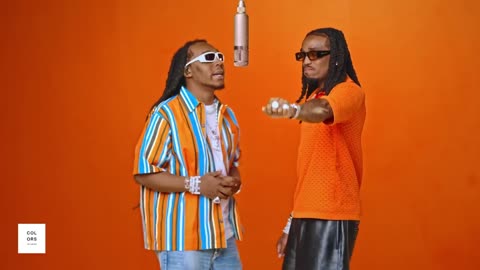
Orange studio with two performers and a hanging microphone

Different people, recognizable staging

Community examples illustrate how the cast changes this performance. They do not show verified generations from AI Genjutsu.

Cat meets dog
A golden duo
A black-tie remix
Two cats, one mic
Friends on stage
A feline co-star

Migos AI, built around the duet you recognize

Migos AI opens the recognizable two-person orange-stage format for a new cast. The microphone, framing, and gestures are present in the loaded reference. Assign one photo to each side to reinterpret that performance. AI Genjutsu is independent; this page provides no official artist partnership, music catalog, or voice-cloning feature.

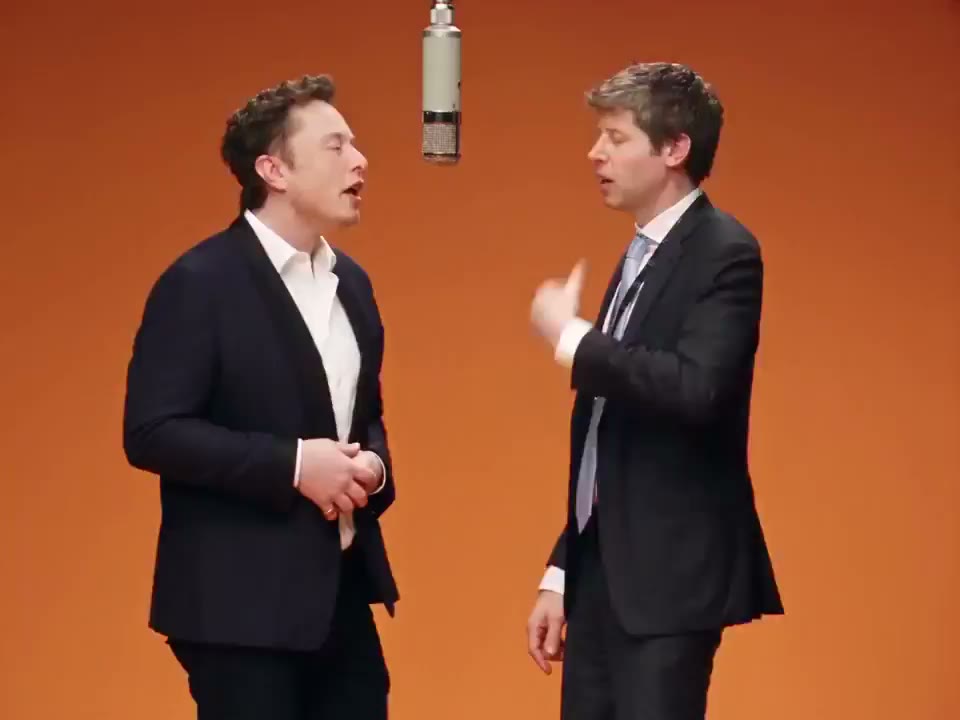
Two suited characters in the orange studio used by the template

Make a Migos AI remix

Start with the performance preview, then choose your two leads.

  1. STEP 1

    Confirm the scene

    Watch the orange-stage reference so you know which duet this page uses. Check the full clip rather than relying on its opening thumbnail.

  2. STEP 2

    Choose the cast

    Upload a person or character for the left side and one for the right. Check the outfits and faces together, select a resolution, and read the estimate.

  3. STEP 3

    Review your version

    Sign in and submit when ready. In My creations, watch the completed Migos AI clip with playback sound enabled, then download it if the result suits your idea.

The same stage, your own casting decision

Compare the reference with the character ideas illustrated below.

Keep the visual cues that make it familiar

The orange backdrop and hanging microphone make the Migos AI scene familiar before viewers notice the new performers. Use that contrast to give an original-character pairing or personal remix its impact. The preset follows the prepared staging, with faces, hands, and background details to inspect in your actual output.
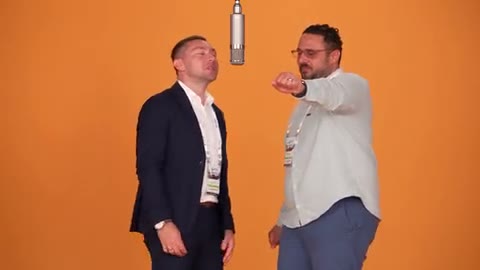
Keep the visual cues that make it familiar

Keep the reference as your point of comparison

The Migos AI examples show different casts in the same performance. They identify the routine and suggest visual directions, but they are external references rather than verified site outputs. Compare your own result with your uploaded pictures through the full duet, especially during turns and overlapping gestures.

Cast the left performer deliberately

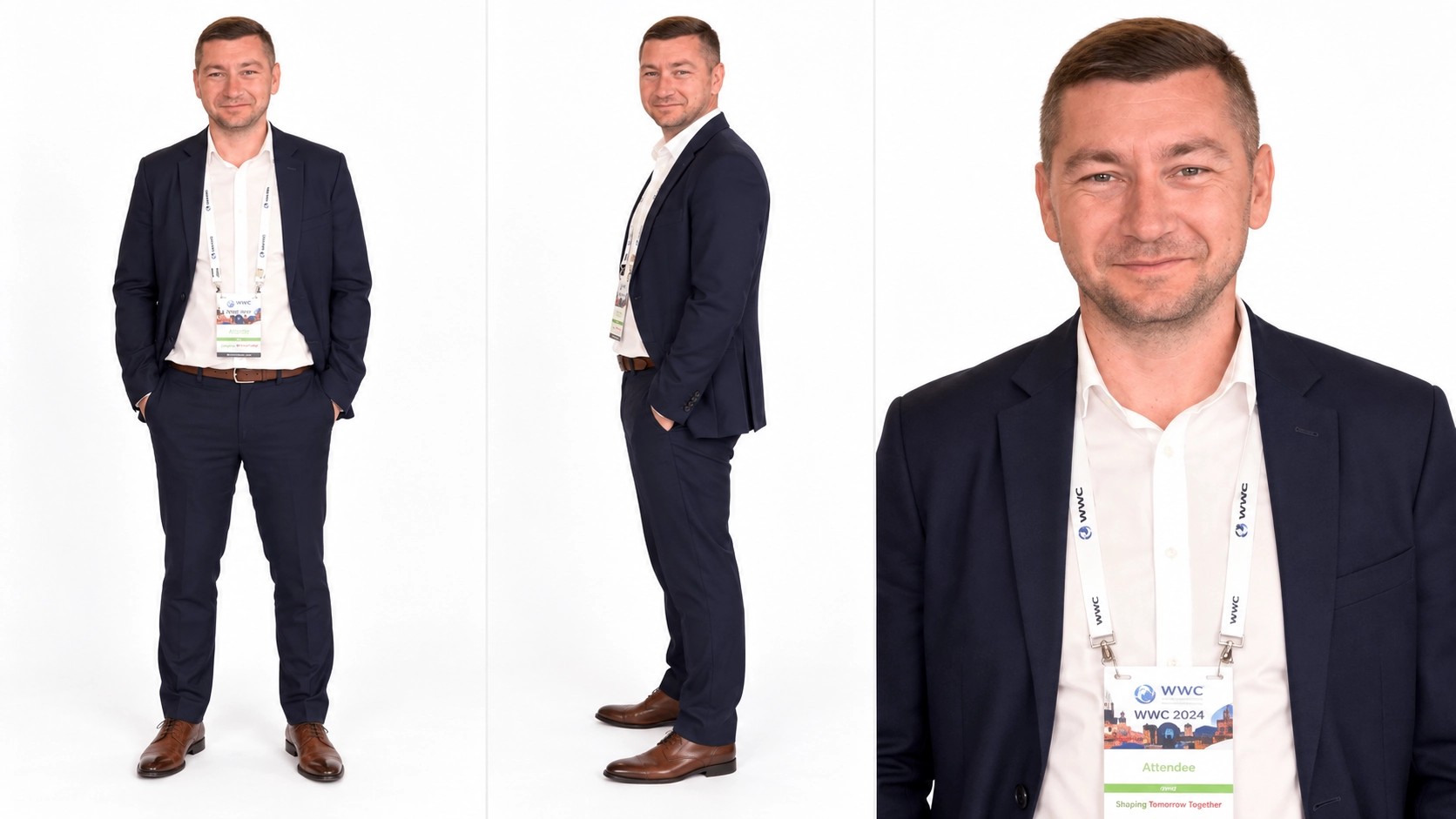
Photo 1 controls the left performer in Migos AI. Use a readable face, hairstyle, and outfit; a wider portrait gives useful clothing information. Your picture does not need to mimic the source gesture. The image shown here illustrates the left role, and your authorized upload provides its new appearance.

Left-side character reference with a suit and several crops

Find the right counterpart

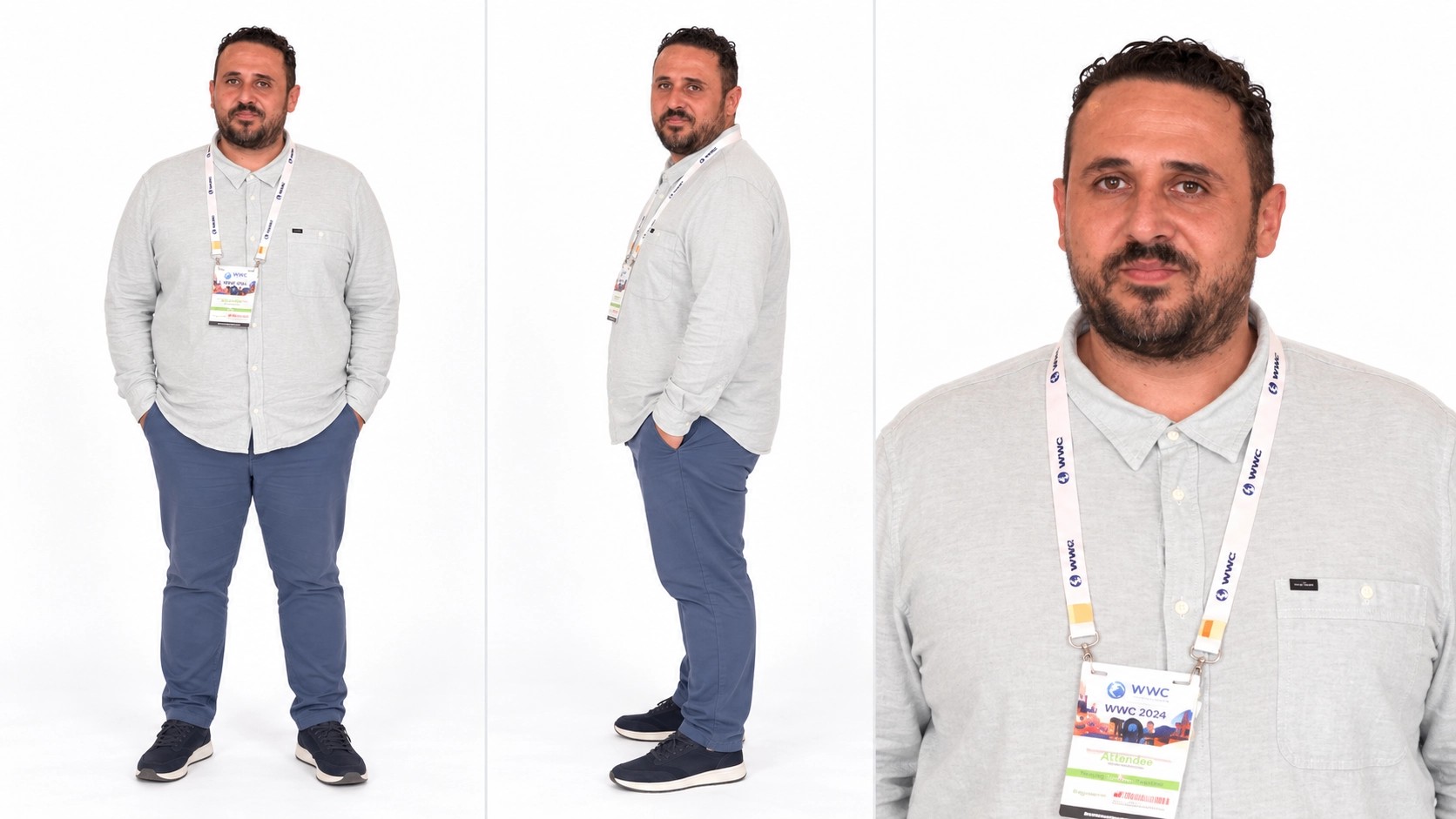
Photo 2 belongs to the right performer in Migos AI. Think about how this character complements the first through color or silhouette. Separate pictures clarify each assignment, even when the two people appear together in another photo. Replace either selected image to compare the pairing before generating again.

Right-side character reference with a light shirt and several crops

Use Migos AI for this specific visual format

This template is a focused way to reinterpret the familiar duet.

A personal take on a familiar clip

Cast yourself and a consenting friend to connect a recognizable scene with people your audience knows. A clear, flattering reference is more useful than a heavily filtered screenshot. Review the output together before sharing a portrayal of someone else.

An original-character remix

Bring two authorized fictional designs into Migos AI to test how they read as a pair. Contrasting outfits can keep their roles easy to distinguish, especially when the camera and hands move. Detailed accessories may be reinterpreted.

A visual tribute or playful reference

Use the format as a visual reference while keeping the new cast distinct. Do not present the generated scene as an authentic artist recording or endorsement. The preset’s title identifies an editing idea, and your finished video remains an AI-created reinterpretation.

What Migos AI prepares for you

The template carries the staging while your inputs carry the new appearance.

The duet is already loaded

Seedance 2.5 Edit and the prepared role instructions are selected for this entrance. There is no need to find a separate performance clip to try the template.

Two explicit photo roles

Both the left and right slots need a picture. Replace an upload to adjust that role; adding several faces inside a single image makes the assignment less clear.

A landscape performance

Migos AI follows the source duration and frame. The dedicated page has no independent length selector. Plan a later trim if you only want one moment from the duet.

An output size you choose

480p, 720p, and 1080p are available in Settings. Look at the current estimate after switching. More pixels do not guarantee a closer identity match or an unchanged wardrobe.

The source soundtrack

The workflow adds the reference audio to the generated picture. It does not turn the two uploaded photos into voice samples, and it does not generate a new song by the original performers.

Migos AI credits

The estimate beside Generate reflects your current migos ai request. Preparing a draft does not spend generation credits; a submitted variation is a new request.

Starter

For your first ideas.

$8.3/month

$100.0 charged yearly

2,400 credits/year

Up to 400 images

GPT Image 2Nano Banana Pro

Up to 240 videos

Seedance 2.5Kling 3.0 Motion Control
  • Up to 4K images and HD videos, depending on the model
  • Image editing, video creation & motion transfer
  • Watermark-free image & video downloads
  • Generation history in your account
Popular40% OFFSave $238.8

Pro

For a steady creative flow.

$30.0/month$49.9/month

$360.0 charged yearly

21,600 credits/year

Up to 3,600 images

GPT Image 2Nano Banana Pro

Up to 2,160 videos

Seedance 2.5Kling 3.0 Motion Control
  • Up to 4K images and HD videos, depending on the model
  • Image editing, video creation & motion transfer
  • Watermark-free image & video downloads
  • Generation history in your account
  • Use credits across image and video models
Best Value50% OFFSave $599.8

Business

For more creations, more often.

$49.9/month$99.9/month

$599.0 charged yearly

48,000 credits/year

Up to 8,000 images

GPT Image 2Nano Banana Pro

Up to 4,800 videos

Seedance 2.5Kling 3.0 Motion Control
  • Up to 4K images and HD videos, depending on the model
  • Image editing, video creation & motion transfer
  • Watermark-free image & video downloads
  • Generation history in your account
  • Use credits across image and video models

Basic

$0

Try before you subscribe

  • 18 one-time signup credits
  • Generation history included
  • Watermarked previews & downloads
  • Up to 3 images or 1 video
  • Watermark-free downloads require payment

Prices in USD; taxes and total shown at checkout. Subscriptions renew automatically; cancel in Billing settings. Subscription credits expire each period; one-time credits never expire. Refund requests: within 72 hours. Eligible refunds deduct used purchased credits and, where permitted, actual non-returned processing fees. Processing fees are capped at 6% of the original purchase amount, excluding separately charged taxes. Terms · Refund Policy.

Migos AI FAQ

Answers to help you choose your inputs and understand the finished result.

Is this an official Migos AI product?

No. AI Genjutsu is an independent video tool. Migos AI describes the visual format on this page; it does not imply an official artist partnership, approval, or access to private recordings. The loaded reference identifies the scene being recreated.

Does Migos AI make music in the artists’ voices?

Migos AI changes the visual cast of an existing performance. Its soundtrack comes from the reference clip. It does not synthesize a new artist voice, write a song, or transform the people in your photos into new vocal recordings.

What pictures should I upload to Migos AI?

Migos AI uses two separate, clear character pictures, one for each side. Show the face, hairstyle, and outfit you want to use. Avoid covered faces, dense group shots, and tiny subjects. Your rights to use and transform those pictures still apply.

Is this different from Hotel Lobby AI?

Migos AI and Hotel Lobby AI open the same underlying duet template. Migos AI is an entrance for users looking for the recognizable performance by that name. Hotel Lobby AI provides the direct named-template route. The photos, role mapping, and generation settings are shared.

Can Migos AI create a full group?

Migos AI assigns two performers. A third person in a reference picture does not add another stage position. Choose STORM II AI if your idea is a lead in front of a supporting formation.

Can I change the Migos AI song or setting?

Migos AI is arranged around its loaded performance and reference audio. For a different scene, bring an authorized clip to the main workspace and choose inputs supported by its selected model. This dedicated page does not provide a music-selection control.

Why might my Migos AI result look different from the photo?

Migos AI interprets a still across moving frames. Changes in pose, overlapping arms, and small clothing details can affect resemblance. Check both characters throughout the sequence and choose clearer inputs before deciding whether another paid attempt is useful.

What do I pay for with Migos AI?

Migos AI uses credits according to the current estimate and selected resolution. Choosing photos is draft preparation; pressing Generate with the required account and balance starts the request. A new cast or revised output is a separate generation.

Can I publish a Migos AI remix?

Before sharing Migos AI, confirm permission for the photos, the performance footage, and the soundtrack you intend to share. Access to the template does not transfer those rights. Avoid presenting the video as an authentic artist performance, and disclose AI creation when your platform requires it.

Try your cast in Migos AI

Add a left and right character to reinterpret the familiar duet.

Orange studio with two performers and a hanging microphone