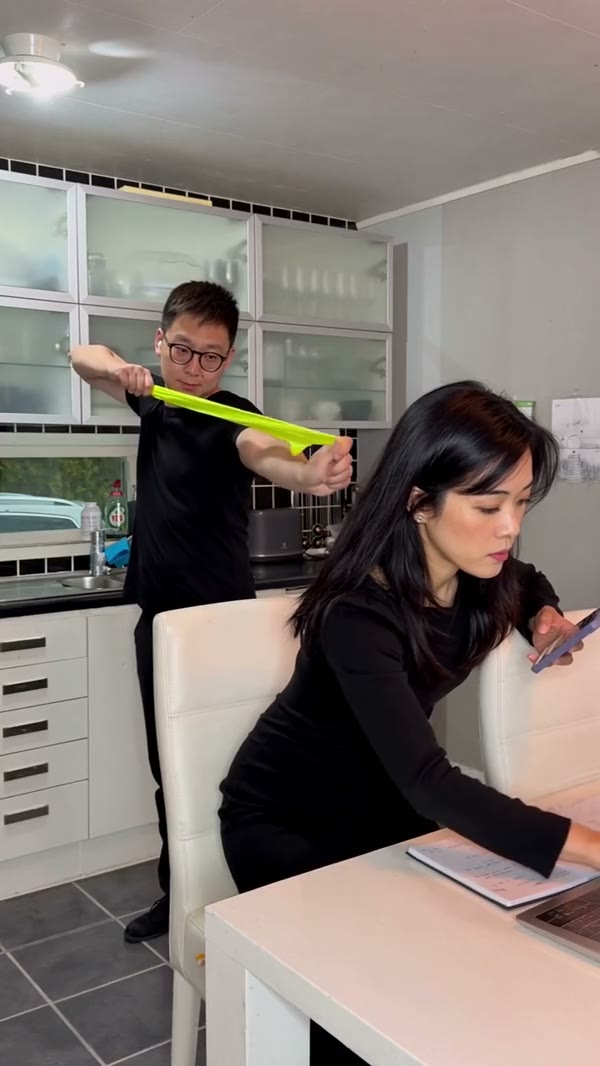
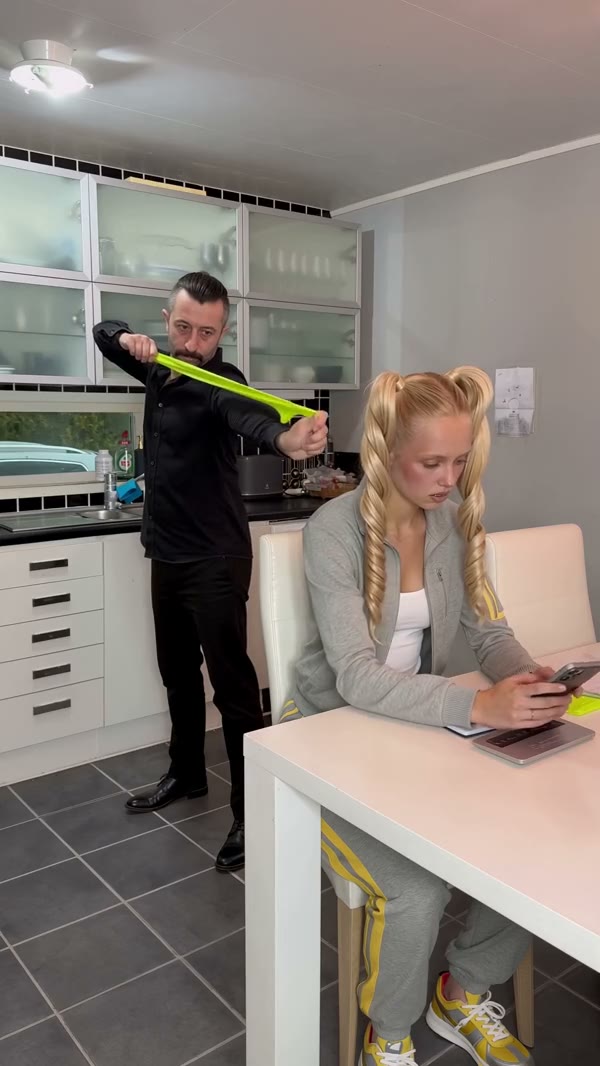
What photos does Rubber Band Prank AI need?
Photo 1 belongs to the person standing with the band. Photo 2 belongs to the friend seated at the table. The labeled uploads are the best way to confirm who will stand and who will sit before you send the request.
What sound does Rubber Band Prank AI use?
The delivery process attempts to restore reference audio. If restoration fails, the result can be silent. Check the audio and relevant sharing rights before publishing.
Do I need to upload motion footage for Rubber Band Prank AI?
The preset already supplies the reference video. Add the required photos and preview the selected mode in the workspace.
Can I change the setting in Rubber Band Prank AI?
The prepared reference supplies this scene, camera and action. For a different performance, choose another template or use a workspace that accepts your own reference.
Who receives Photo 1 in Rubber Band Prank AI?
Photo 1 is the standing prankster holding the band. Photo 2 is the person seated at the table. Verify both slots before you generate. Watch the full result after generation, since a fast-moving band or a turning face can look different from the reference.
What happens to the band in Rubber Band Prank AI?
In the prepared scene, the stretched green band snaps back toward the standing prankster. The seated friend then turns to look; it is a generated skit.
Does the short Rubber Band Prank AI cut include the entire reaction?
The shorter modes use the first 14.9 seconds of an approximately 18-second source. Original follows the full reference, including the later counter reaction.
Can I use one photo for both Rubber Band Prank AI roles?
The form asks for two role images, one for each character. Using distinct photos makes it easier to see who is standing and who is seated throughout the skit. Check the label on each upload and get permission from both people before using their images.
Can I edit the timing in Rubber Band Prank AI?
The reference supplies the sequence and timing of the scene. Economy and Standard use an opening selection; Original follows the complete clip. Preview the selected version before paying attention to the snap and reaction, then review the generated result for moving-prop details.
How much does Rubber Band Prank AI cost?
The workspace shows a current credit estimate for the selected mode and settings. You need to sign in and have sufficient credits before generating.
Will Rubber Band Prank AI always match my photo?
Results vary with the photo, movement and changing camera angles. Review the full output and try a clearer source image if important details are difficult to recognize.