Create a video

Required photos1
Settings
Mode
Video length28s
Resolution

Pet Barista AI Cafe Recast From One Photo

Use the Pet Barista AI video generator with one photo to guide a full cafe performance or a later milk-and-latte segment.

What is Pet Barista AI?

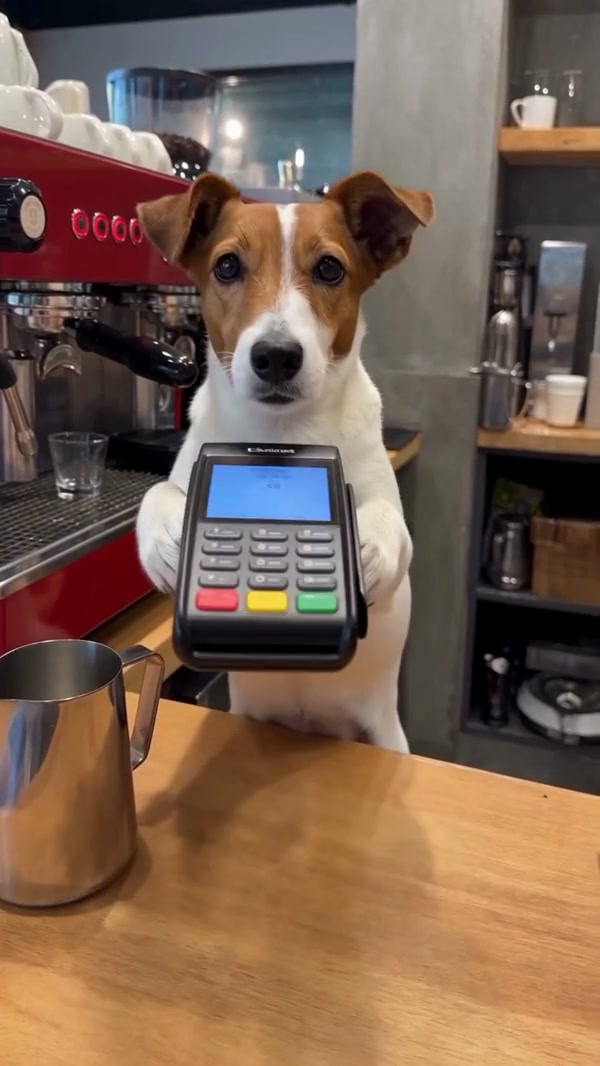
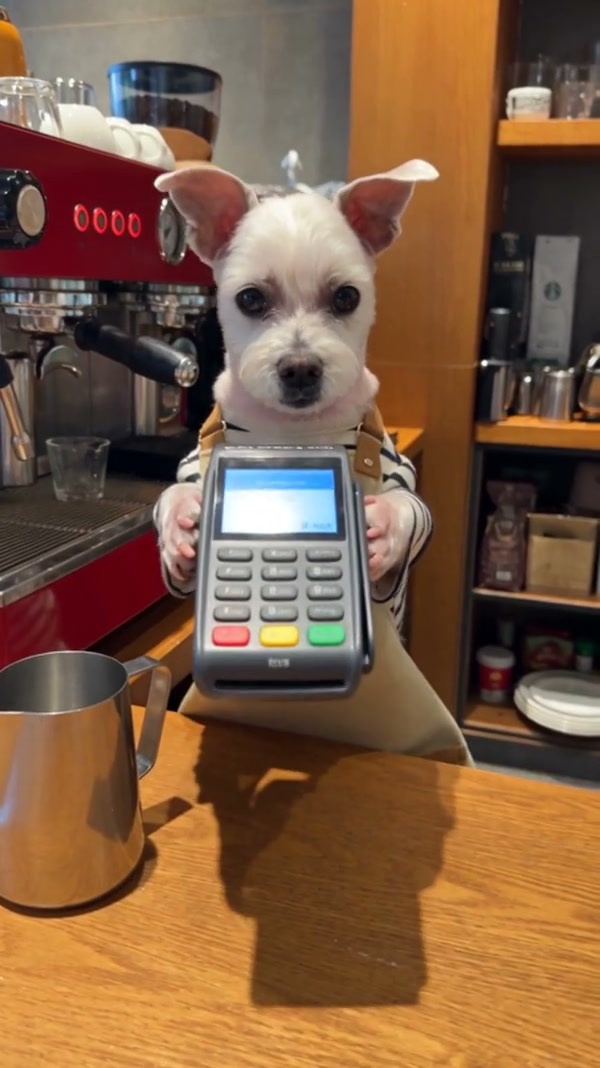
Pet Barista AI is a photo-guided pet recast based on a prepared coffee-shop performance. The source follows a dog behind a counter as it interacts with espresso equipment, handles milk and a pitcher, and presents a finished drink when those shots appear. Upload one pet photo to guide the barista’s appearance. The cafe, props, camera and timing follow the selected reference, and AI Genjutsu produces a new interpretation. Community examples show other creators’ variations; the generated animal and object contact can differ. Pet Barista AI can add a cafe-themed scene to a pet greeting or a short montage. Watch the opening and the final drink shot in Pet Barista AI before deciding whether the full reference gives you the sequence you want.

Community dog preparing coffee

Create a Pet Barista AI recast

Set up the one-pet role and choose which portion of the reference to follow.

  1. STEP 1

    Provide the subject

    Add one authorized photo of a clearly visible pet.

  2. STEP 2

    Compare modes

    Preview Original for the complete routine or a shorter mode for the later milk-and-latte selection, then inspect the current credit estimate.

  3. STEP 3

    Create and review

    Sign in and generate. Open My creations to watch the finished clip, check the sound and download it.

Choose the animal and the section

The source clip provides the coffee-shop action and the uploaded image guides the pet.

Choose the Pet Barista AI subject

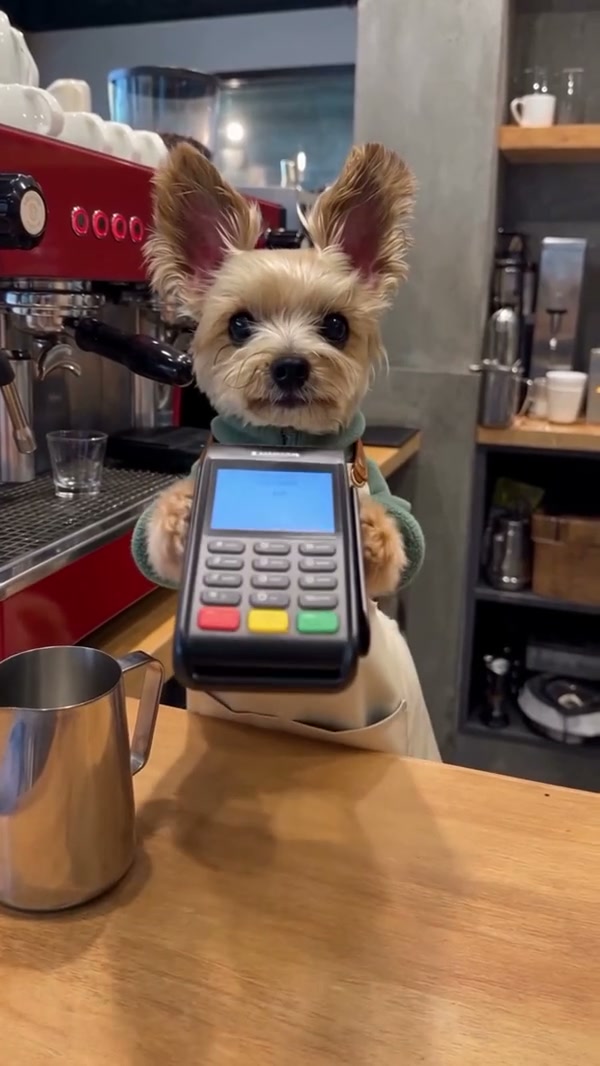
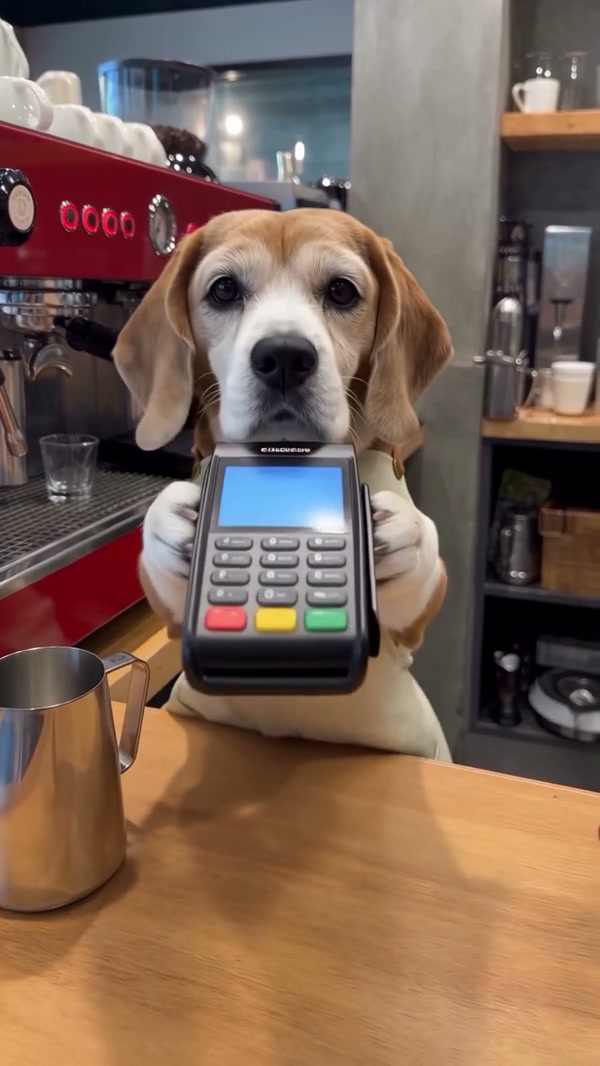
For Pet Barista AI, choose a single, well-lit pet photo with the face, ears and distinctive markings visible. A wider view can help convey the animal’s body as it reaches toward cafe equipment. The source performance uses a dog; a cat or another pet is possible to try, but the model may adapt paws and body shape imperfectly. Avoid an image where several animals obscure the intended subject. The template supplies one photo role and does not offer a separate second barista. For Pet Barista AI, compare possible pictures at the size used for upload and favor one where the eyes, muzzle and coat are easy to distinguish. A full view can provide clothing or body context, but no photograph guarantees exact anatomy in every moving frame. Look for one subject separated from the background, with a visible face and enough light to show distinctive fur. If the pet is partly covered by a toy or another animal, choose a clearer picture when available.
Choose the Pet Barista AI subject

Pick the Pet Barista AI segment

Original follows the complete roughly 27.6-second Pet Barista AI reference, including the opening and espresso-machine action. Economy and Standard use a later 14.9-second segment, starting at about 12.5 seconds and ending near 27.4 seconds, so the opening shots are not included. On this site, the reference preview follows the selected full or short mode. A different drink, machine or cafe is not independently selectable in this preset. Check the workspace’s estimate for the chosen settings. The Pet Barista AI mode choice changes the reference segment as well as the available generation settings. Watch the matching preview before submitting: the short cut begins during the routine, so an early machine shot should not be expected in that version.

Pick the Pet Barista AI segment

Inspect the finished cafe performance

When your Pet Barista AI task completes, watch the pet’s face and markings as the camera changes, then check paws around the cup, milk and pitcher. A Dog Barista AI or Dog Making Coffee AI result can vary in object contact and appearance. The delivery process tries to restore audio from the selected reference; if restoration fails the final file can be silent. Play the download and confirm rights for the image and sound before sharing. A careful Pet Barista AI review covers more than the final cup. Follow the paws through the pouring motion, check that the pitcher remains recognizable and compare the animal across cuts. Retry with a clearer authorized image if the pet is difficult to identify. Watch the opening and the last drink shot separately when reviewing the full version. If you choose a short mode, compare the completed clip with the later reference segment instead of expecting the omitted opening sequence.

Inspect the finished cafe performance

A quick guide to the reference

The page offers an established cafe action with one customizable subject.

Pet photo

One required image guides the featured animal.

Prepared scene

The coffee machine, counter and actions come from the reference.

Two reference lengths

Original follows the full source; short modes use a later 14.9-second section.

Pet Barista AI preset FAQ

Understand the photo role, selected reference and delivery.

What does Pet Barista AI need from me?

Pet Barista AI requires one authorized pet photo. The prepared reference already supplies the cafe performance.

Can Pet Barista AI use a dog photo?

A clear dog photo is appropriate for the dog-based reference. Individual face, fur and paw details can vary.

Can Pet Barista AI try another type of pet?

You can try a cat or another pet. The model may have difficulty adapting the dog reference’s body and contact with equipment.

How long is the Original Pet Barista AI reference?

It is approximately 27.6 seconds and includes the opening espresso-machine sequence.

Which Pet Barista AI segment do short modes use?

Both use a later 14.9-second segment, around 12.5–27.4 seconds of the full source, covering the milk and finished latte.

Can Pet Barista AI change the cafe equipment?

The counter, machine, cup and pitcher follow the fixed reference; there is no dedicated equipment or venue input.

Can I upload another motion video on this page?

This Pet Barista AI preset comes with its own reference. A different motion clip requires a workspace that accepts an authorized video.

Is the audio guaranteed?

Pet Barista AI delivery attempts to restore the selected reference audio; a failure can leave the output silent.

Are the example videos AI Genjutsu results?

The Pet Barista AI community examples were created elsewhere and are illustrative; they are not verified outputs from this page.

Where is the price?

Check the Pet Barista AI credit estimate in the workspace for your selected settings. Sign-in and sufficient credits are needed to submit.

Prepare your Pet Barista AI recast

Upload a pet photo and choose the reference section.

Pet Barista AI community example