Create a video

Your pet · Photo 1

Your pet stars in Otsukare Summer Dog AI

Turn one pet photo into the Otsukare Summer Dog AI dance. Keep the playful paws, pastel scene, close-ups, and original soundtrack ready for your own star.

A small dance with your pet at the center

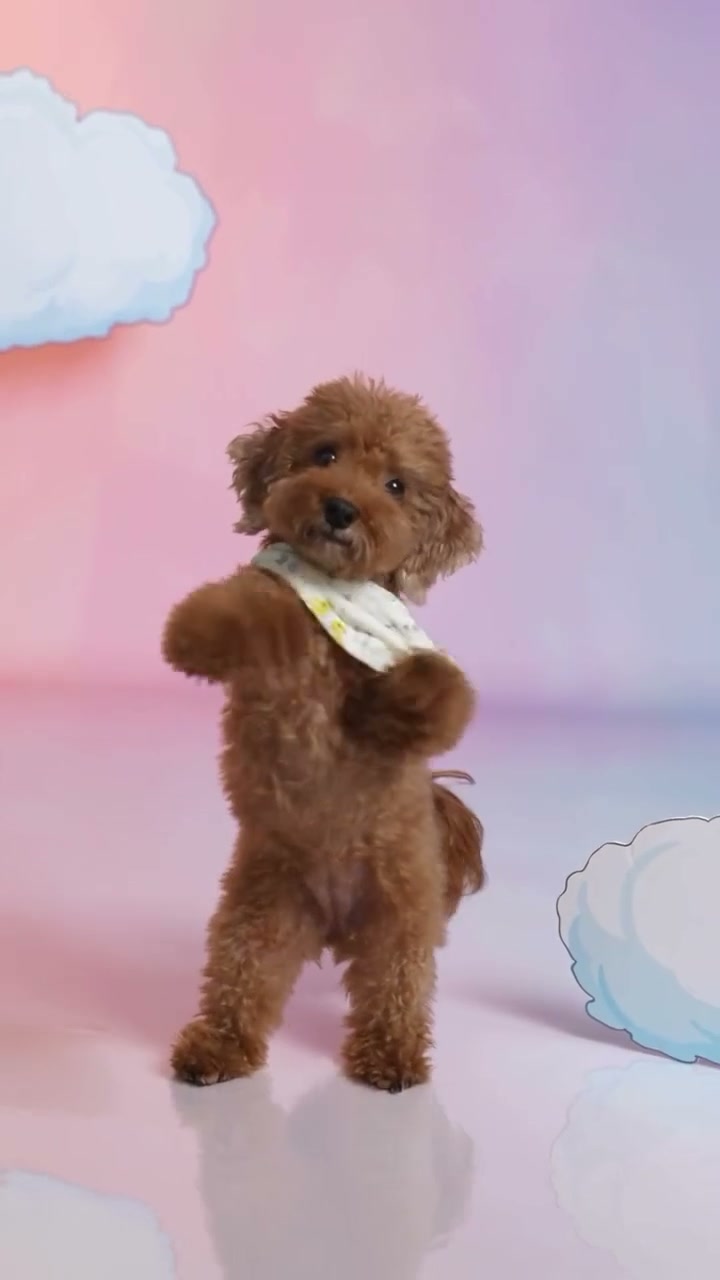
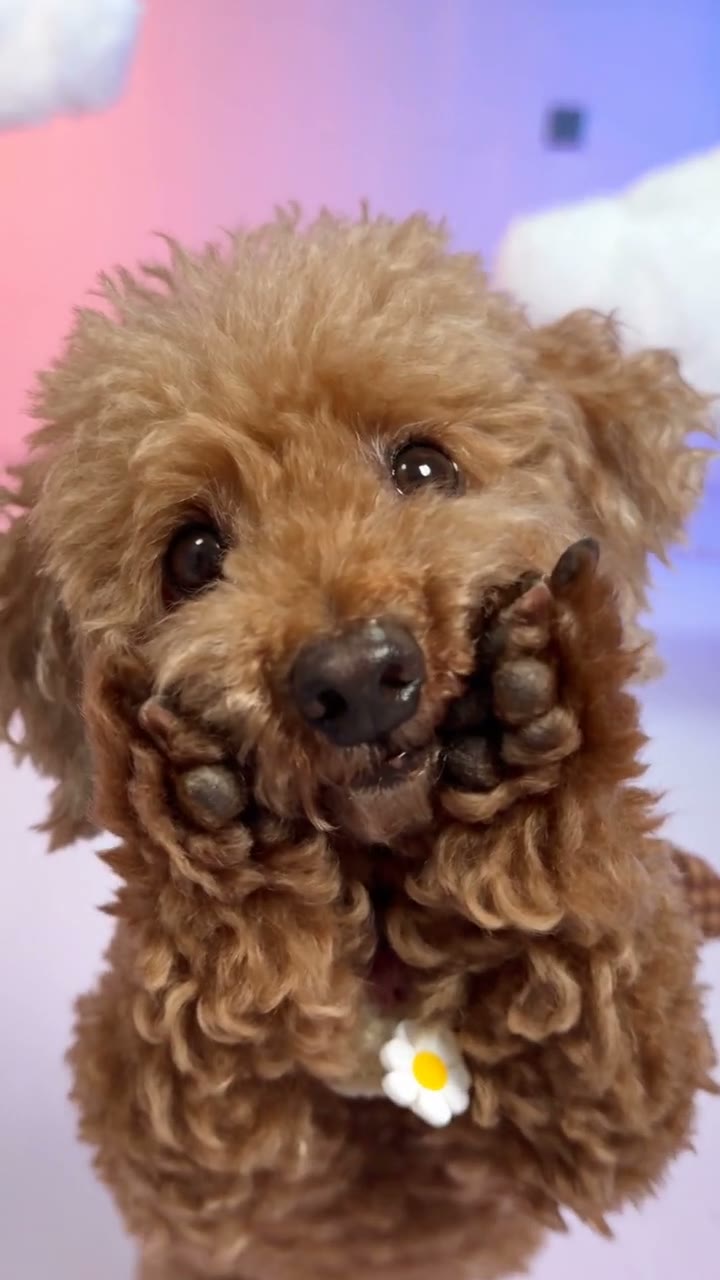
Otsukare Summer Dog AI turns a pet portrait into a short, expressive performance. Raised paws and side-to-side movement lead into close-ups against a soft cloud backdrop. The scene is already prepared, so the creative choice is simple: which pet and which look should take the spotlight? Play the original above to see the full routine, then choose one clear picture. The photo provides appearance and the video provides the movement.

The puppy lifts its paws through the Otsukare Summer Dog routine in a pastel cloud setting.

Create your Otsukare Summer Dog AI video

The performance is prepared. Start with one photo and review the roles before submitting.

  1. STEP 1

    Choose your pet

    Photo 1 supplies the single dancing pet throughout the close-ups and wider views. Choose a sharp picture that shows the eyes, muzzle, ears, fur markings, and body. Keep accessories you want visible, and avoid another animal overlapping the subject.

  2. STEP 2

    Review and generate

    Choose an available resolution in Settings, then read the credit cost on Generate. Sign in when prompted and submit once your photo is ready. Selecting or replacing an image only updates your input.

  3. STEP 3

    Watch your finished take

    Open My creations and play the complete Otsukare Summer Dog AI result with sound. Pay attention to the paws beside the face and the appearance staying consistent across close-ups and full-body cuts. Use the download action to save the version you want to keep.

See the Otsukare Summer Dog AI idea in motion

Explore the casting possibilities, then use the original preview above to check the performance this preset follows.

Keep the details that make your pet recognizable

Coat color, ear shape, muzzle, and visible accessories all help define your Otsukare Summer Dog AI character. A sweater or bandana can add personality when it is clearly shown in the input. A full-body or three-quarter picture also gives the edit guidance for the paws and upright stance. Small collar tags, lettering, and fine fur patterns may change during movement. Choose the reference for a clear overall likeness and inspect details in the result.
Keep the details that make your pet recognizable

Paw gestures, changing views, and original sound

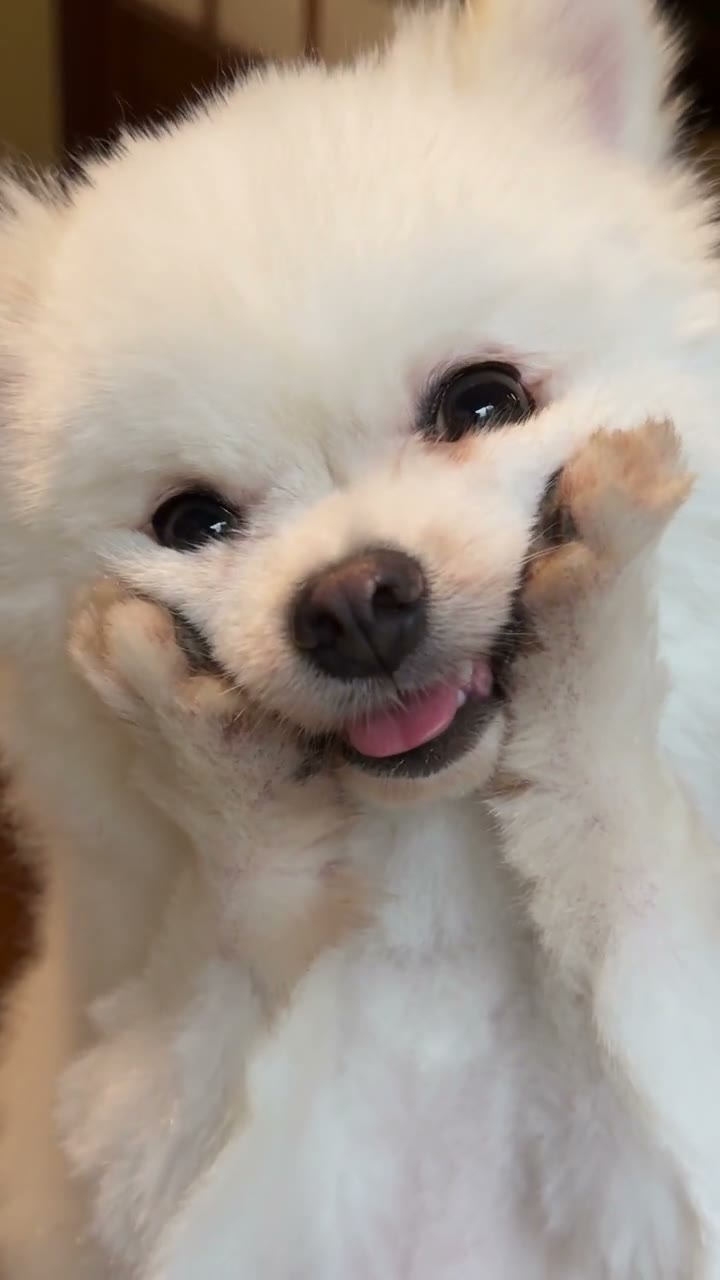
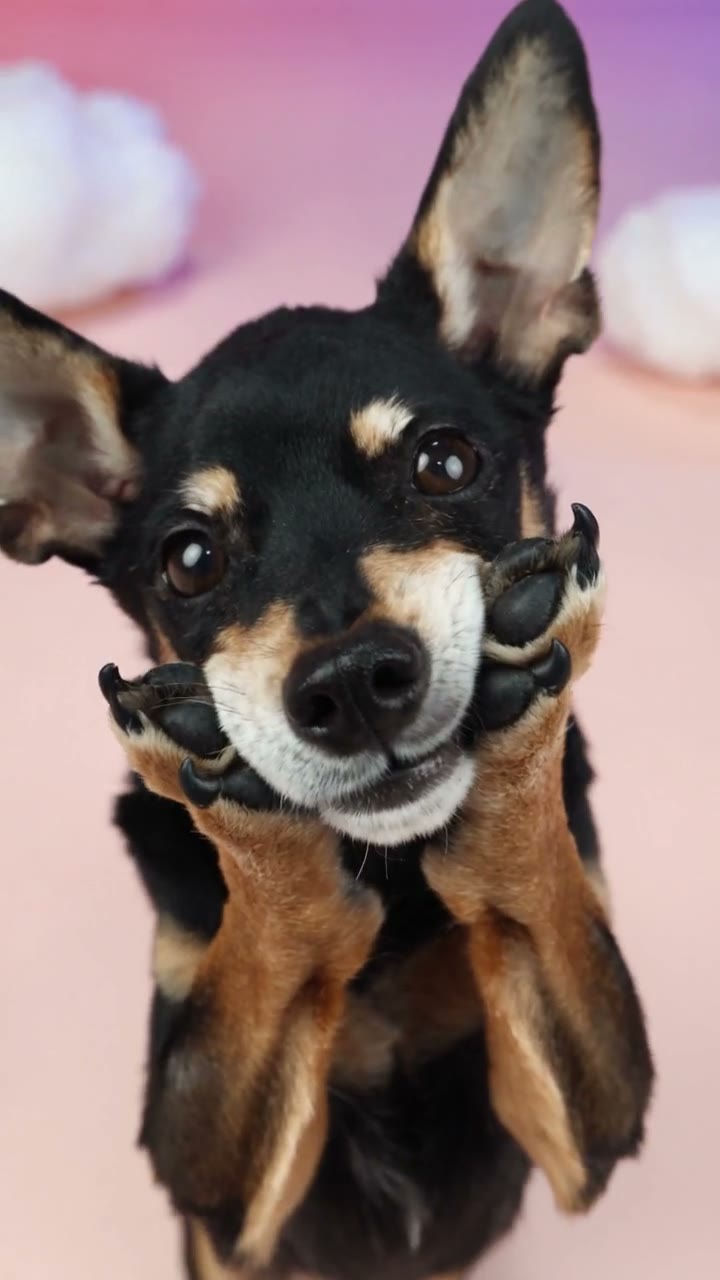
The near views and wider shots are part of the charm of Otsukare Summer Dog AI. The preset follows those cuts and the original rhythm while adapting the dance to your pet. The final clip includes the reference soundtrack without a separate music upload. Different bodies can produce different gestures, so watch the paws, tail, and face through every camera cut. Community examples offer style inspiration; the original preview remains the guide for this template’s setting and routine.

Paw gestures, changing views, and original sound

Find your angle on Otsukare Summer Dog AI

The performance stays recognizable while your casting choice gives it a different personality. Choose a use that fits the scene you can preview.

A personal post with a recognizable lead

Use your own subject or someone who has agreed to the edit. Otsukare Summer Dog AI gives the post a prepared action. Choose a look that fits the occasion, and present the result as an AI recreation when sharing.

An original character in a moving scene

Bring a character design you are entitled to use into Otsukare Summer Dog AI. A clear silhouette and visible outfit help communicate the look. Review proportions throughout the movement before using the clip in a larger creative project.

A controlled comparison of looks

Compare another look using the same Otsukare Summer Dog AI performance. Replace the photo you want to change before submitting a new version. Each generation uses its own credits; replacing an input or watching an available result does not start another job.

Credits for your Otsukare Summer Dog AI edit

Use the amount displayed on Generate for the selected request. The general plan examples below may describe other models or video lengths.

Starter

For your first ideas.

$8.3/month

$100.0 charged yearly

2,400 credits/year

Up to 400 images

GPT Image 2Nano Banana Pro

Up to 133 videos

Seedance 2.5Kling 3.0 Motion Control
  • Up to 4K images and HD videos, depending on the model
  • Image editing, video creation & motion transfer
  • Watermark-free image & video downloads
  • Generation history in your account
Popular40% OFFSave $238.8

Pro

For a steady creative flow.

$30.0/month$49.9/month

$360.0 charged yearly

21,600 credits/year

Up to 3,600 images

GPT Image 2Nano Banana Pro

Up to 1,200 videos

Seedance 2.5Kling 3.0 Motion Control
  • Up to 4K images and HD videos, depending on the model
  • Image editing, video creation & motion transfer
  • Watermark-free image & video downloads
  • Generation history in your account
  • Use credits across image and video models
Best Value50% OFFSave $599.8

Business

For more creations, more often.

$49.9/month$99.9/month

$599.0 charged yearly

48,000 credits/year

Up to 8,000 images

GPT Image 2Nano Banana Pro

Up to 2,666 videos

Seedance 2.5Kling 3.0 Motion Control
  • Up to 4K images and HD videos, depending on the model
  • Image editing, video creation & motion transfer
  • Watermark-free image & video downloads
  • Generation history in your account
  • Use credits across image and video models

Basic

$0

Try before you subscribe

  • 18 one-time signup credits
  • Generation history included
  • Watermarked previews & downloads
  • Up to 3 images or 1 video
  • Watermark-free downloads require payment

Prices in USD; taxes and total shown at checkout. Subscriptions renew automatically; cancel in Billing settings. Subscription credits expire each period; one-time credits never expire. Refund requests: within 72 hours. Eligible refunds deduct used purchased credits and, where permitted, actual non-returned processing fees. Processing fees are capped at 6% of the original purchase amount, excluding separately charged taxes. Terms · Refund Policy.

Otsukare Summer Dog AI: before you create

Practical answers about the input, preset, and finished video.

What do I upload for Otsukare Summer Dog AI?

Prepare one photo, with one subject per slot. Photo 1 supplies the single dancing pet throughout the close-ups and wider views. The reference is included, so no separate performance recording or location image is required. A collage cannot reliably communicate separate role assignments; use individual images and check their placement before generating.

Does my dog need to stand upright in the photo?

A natural sitting or standing photo can provide the appearance. The reference supplies the upright dance, so your pet does not need to perform a trick. A visible body gives more guidance for proportions and paws than a tightly cropped face. You can use an ordinary photo background.

Can I try a cat or another pet?

You can try another pet in the single subject slot. The source routine was designed around a dog, so different anatomy can change the balance, paw positions, or turns. The result needs a full playback check. A community adaptation demonstrates a direction, without guaranteeing the same outcome for every animal.

Will the home setting in an example become my background?

The original player defines this preset: the loaded performance uses the pink-and-blue cloud scene. Community examples may show adaptations in other locations. Choosing a pet photograph does not select one of those locations. Bring a different reference into the main workspace if another setting is central to your idea.

Do I have to write a Otsukare Summer Dog AI prompt?

No. The template already carries the role instructions and a configured Seedance 2.5 Edit model. The compact input panel keeps those technical controls out of the way. Choose your photos and resolution here. For custom wording or a different reference, use the main AI Genjutsu workspace; a restored draft keeps its previously saved inputs.

Can I change the duration or camera format?

This preset follows its portrait reference, which runs about 8 seconds. The resolution control changes the requested output quality, without choosing another performance or extending the scene. If a different length or composition is essential, start with another permitted source in the main workspace instead of trying to change this fixed routine.

How does sound work in Otsukare Summer Dog AI?

The result uses the audio from the reference rather than a newly generated song. Page previews show examples; check the reference soundtrack on your completed result. After generation, check the completed video in My creations. If it reports an audio-processing issue, review the available recovery action before sharing.

Can I preview Otsukare Summer Dog AI without spending credits?

Yes. Watching the original and preparing your photos does not start a generation. A submitted request requires sign-in and enough credits for the price displayed on Generate. Resolution and the request details affect that amount. A new attempt is another generation, so check the input and estimate before deciding to run it again.

How can I judge whether the result worked?

Play the video through to the end and check the paws beside the face and the appearance staying consistent across close-ups and full-body cuts. Look for changes to faces, clothes or fur, and overlapping limbs. A sharp thumbnail only represents one moment. AI editing can vary across frames, so keep a take that works as a complete sequence, including its soundtrack.

Where can I save my Otsukare Summer Dog AI result?

Use My creations in this workspace or open your video history. Available completed videos can be played and downloaded using the actions provided for your account. Replaying or downloading an existing result does not generate a new take. Check the full scene and audio before saving the version you intend to share.

What should I check before sharing the clip?

Use pictures you have permission to edit, and consider the people or characters represented in the result. Access to a preset does not grant rights to the reference footage or soundtrack. Confirm the permissions for your intended publication and follow the destination platform’s rules for AI-created media. Community adaptations on this page are examples of the visual idea, not promises of an identical result.

Your cast. Your Otsukare Summer Dog AI take.

Choose one photo, check the original performance, and bring your own appearance to the scene. Your next step starts in the workspace above.

A brown puppy wearing a light bandana dances against pink and blue clouds in the Otsukare Summer Dog AI source.