Create a video

Driver · Photo 1

Night Tunnel Driver AI Video Generator

Give your character a late-night driving scene. Night Tunnel Driver AI moves from the driver to the glowing dashboard and tunnel, then back again. One photo supplies the person and their outfit; reference sound accompanies the result.

What is Night Tunnel Driver AI?

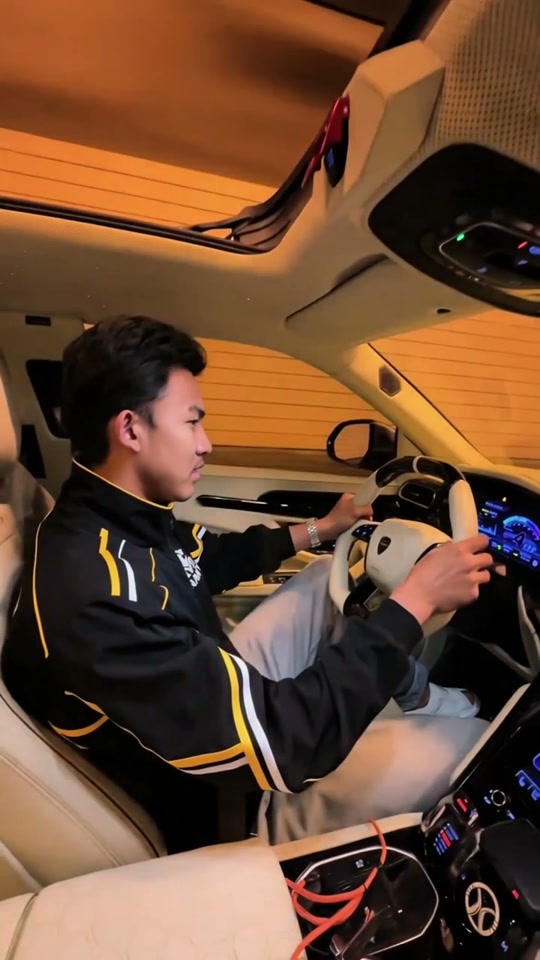
Night Tunnel Driver AI is a portrait-format in-car effect with a passenger-seat camera and a single driver. The reference combines steering and glances with a pan across the dashboard, passing tunnel lights and a return to the driver. AI Genjutsu lets you replace that person’s complete appearance and clothing using one image. The cabin, steering wheel, instruments, road environment and camera rhythm stay part of the prepared video. The creative choice is who inhabits the scene, with the nighttime atmosphere already supplied.

Night Tunnel Driver AI prepared performance reference

How to create Night Tunnel Driver AI

Night Tunnel Driver AI already has its performance reference loaded. Prepare the images for your version.

  1. STEP 1

    Cast your Night Tunnel Driver AI scene

    Pick one person photo with clear hair, facial features and upper-body clothing. Watch the whole cabin pan before starting.

  2. STEP 2

    Choose settings for Night Tunnel Driver AI

    Upload one person photo to the assigned positions. Review the resolution and credit quote, then sign in and generate. Uploading an image alone does not start the job.

  3. STEP 3

    Keep your preferred Night Tunnel Driver AI take

    Check the driver’s return, steering-hand contact and outfit under the changing light, then listen to the final clip. Open the finished attempt in My creations and download the take you want to keep.

Make Night Tunnel Driver AI your own

Choose the appearance, follow the prepared action and shape a clip around your idea.

Set the character for Night Tunnel Driver AI

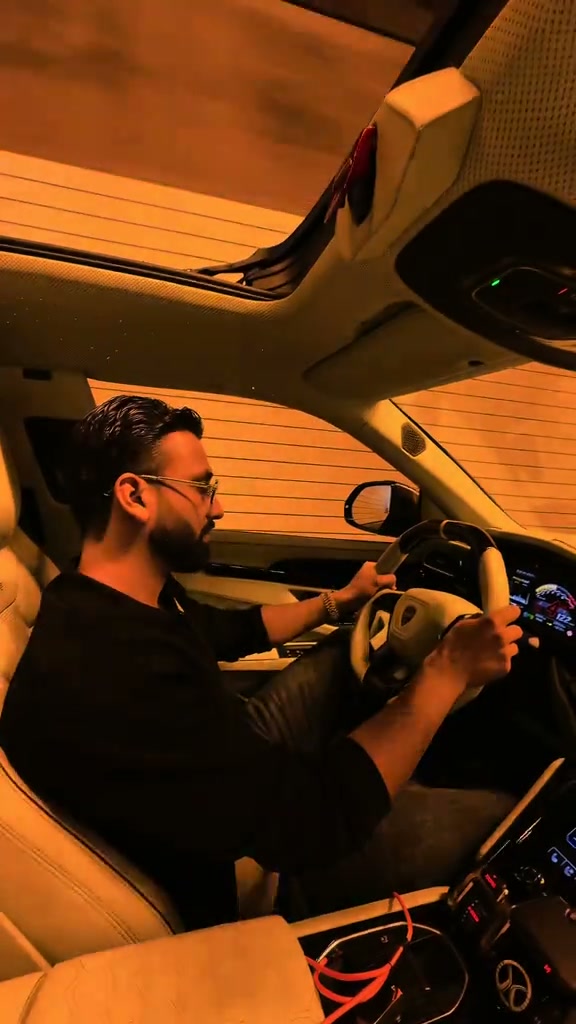
A person’s hairstyle, glasses and upper-body outfit can establish the mood of an in-car shot. Night Tunnel Driver AI takes those visual cues from one reference image and applies them to the seated driver. Choose a sharp, unobstructed photo with readable clothing and shoulders. The image does not need to contain a car or a steering pose. A bright reference can be useful even for this dark scene because it gives the model details to interpret under the changing cabin light. The prepared action supplies the driver’s movement and gaze.
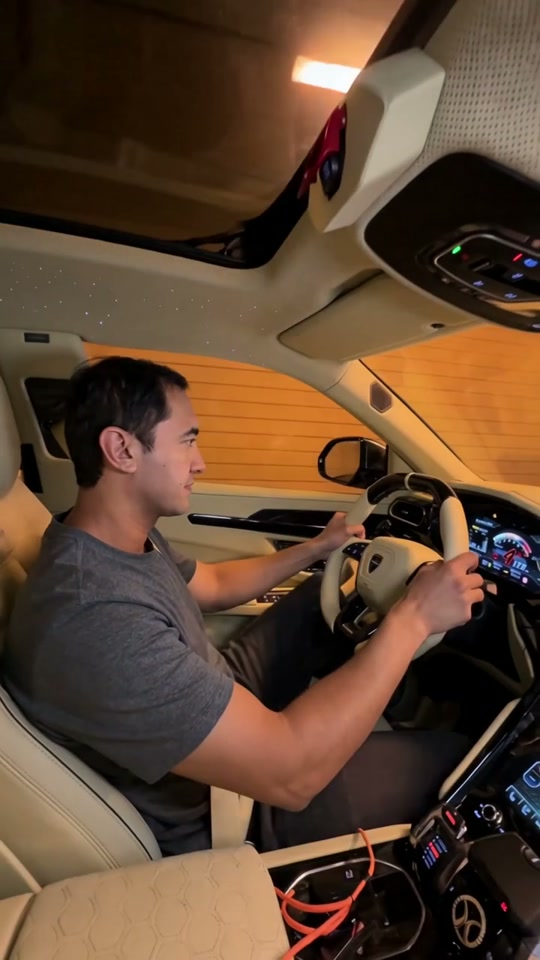
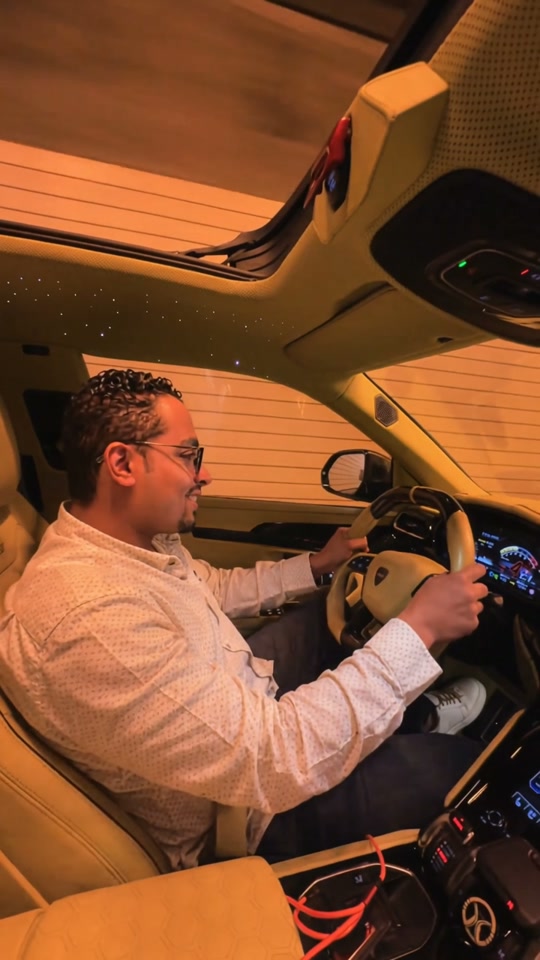
Set the character for Night Tunnel Driver AI

Keep the passenger view in Night Tunnel Driver AI

Night Tunnel Driver AI spends time on the car interior as well as the person. The passenger viewpoint moves across the illuminated controls and tunnel before returning to the driver, making the setting an active part of the short sequence. Your uploaded character should remain consistent across that absence. Review the returning view for changed facial features, hair or clothing, and inspect how the hands meet the wheel. The template requests continuity, but it cannot guarantee every small detail through low light, camera motion and reflections.

Keep the passenger view in Night Tunnel Driver AI

Set the mood with Night Tunnel Driver AI

Night Tunnel Driver AI can act as a quiet character beat between more energetic clips, or as a short late-night mood post on its own. Keep the interior pan if you want the passenger-seat viewpoint to be clear. The output is a fictional edit of a prepared driving scene; it does not require you to film on a road. If the story needs an exterior vehicle reveal, a chase or a different car, choose a template centered on that action. This page’s one photo personalizes the driver while retaining the supplied car and tunnel.

Set the mood with Night Tunnel Driver AI

Plan your Night Tunnel Driver AI edit

Start with the creative direction, then check that the template’s cast and scene fit.

The mood to create

A personal character moment inside an illuminated car at night.

Your preparation

Have one person photo ready. Clear subject details matter more than matching the background of the original performance.

The fixed part of the scene

One driver, with the cabin, tunnel and camera motion supplied by the reference.

Night Tunnel Driver AI generation credits

Review the quote for the prepared clip and your chosen output settings before submitting. Browsing this scene is separate from starting a generation.

Starter

For your first ideas.

$8.3/month

$100.0 charged yearly

2,400 credits/year

Up to 400 images

GPT Image 2Nano Banana Pro

Up to 133 videos

Seedance 2.5Kling 3.0 Motion Control
  • Up to 4K images and HD videos, depending on the model
  • Image editing, video creation & motion transfer
  • Watermark-free image & video downloads
  • Generation history in your account
Popular40% OFFSave $238.8

Pro

For a steady creative flow.

$30.0/month$49.9/month

$360.0 charged yearly

21,600 credits/year

Up to 3,600 images

GPT Image 2Nano Banana Pro

Up to 1,200 videos

Seedance 2.5Kling 3.0 Motion Control
  • Up to 4K images and HD videos, depending on the model
  • Image editing, video creation & motion transfer
  • Watermark-free image & video downloads
  • Generation history in your account
  • Use credits across image and video models
Best Value50% OFFSave $599.8

Business

For more creations, more often.

$49.9/month$99.9/month

$599.0 charged yearly

48,000 credits/year

Up to 8,000 images

GPT Image 2Nano Banana Pro

Up to 2,666 videos

Seedance 2.5Kling 3.0 Motion Control
  • Up to 4K images and HD videos, depending on the model
  • Image editing, video creation & motion transfer
  • Watermark-free image & video downloads
  • Generation history in your account
  • Use credits across image and video models

Basic

$0

Try before you subscribe

  • 18 one-time signup credits
  • Generation history included
  • Watermarked previews & downloads
  • Up to 3 images or 1 video
  • Watermark-free downloads require payment

Prices in USD; taxes and total shown at checkout. Subscriptions renew automatically; cancel in Billing settings. Subscription credits expire each period; one-time credits never expire. Refund requests: within 72 hours. Eligible refunds deduct used purchased credits and, where permitted, actual non-returned processing fees. Processing fees are capped at 6% of the original purchase amount, excluding separately charged taxes. Terms · Refund Policy.

Night Tunnel Driver AI: questions before generating

Inputs, scene choices, sound and the conditions to check before starting.

Who does Night Tunnel Driver AI replace?

The driver is the only photo-controlled role. Your input describes their complete appearance, including visible clothing and hair. The reference keeps the vehicle and cabin around them.

Does Night Tunnel Driver AI require a driving photo?

No. Use a clear person photo with the upper body and intended outfit visible. The seated pose, steering movement and gaze come from the reference. Avoid a face covered by a phone or very deep shadow.

Can Night Tunnel Driver AI change the car interior?

The dashboard, steering wheel and interior belong to the fixed reference. There is no vehicle-image slot or interior selector. A photo of a different car will not perform the intended driver replacement.

How does Night Tunnel Driver AI handle the camera returning?

The prepared instructions request the same driver and outfit after the pan across the cabin. Compare the opening and return views in the result, especially glasses, hair and shirt shape. Consistency is a goal to inspect, not an automatic guarantee.

What timing and framing does the template use?

Night Tunnel Driver AI follows a portrait reference of about 13.3 seconds. The camera sits on the passenger side, pans across the dashboard and tunnel, and returns. There is no custom route, passenger role or shot-timing control on this fixed page.

Is sound part of Night Tunnel Driver AI?

Yes. Night Tunnel Driver AI pairs the new visuals with the reference soundtrack. It does not create a new voice or offer a song selector. Listen to the preview and check the completed download with sound.

How do I start Night Tunnel Driver AI without writing instructions?

The reference and instructions are already loaded in Night Tunnel Driver AI. Upload the required photos, check your settings and generate. Existing drafts retain their inputs; use the main workspace to choose a different performance.

How many credits does Night Tunnel Driver AI use?

The Night Tunnel Driver AI workspace shows the current quote for your settings. Sign in with sufficient credits before submitting. Browsing is free of generation charges; each new attempt uses its own quoted credits.

Can I rely on the Night Tunnel Driver AI examples as guaranteed quality?

Examples show the intended effect, without guaranteeing your result. Review the full video and soundtrack before sharing. Use photos you have permission to edit, and check any footage or sound permissions for your intended use.

Put your idea into Night Tunnel Driver AI

Bring one person photo to the workspace and confirm the cast before generating.

Night Tunnel Driver AI community interpretation of the prepared scene