Create a video

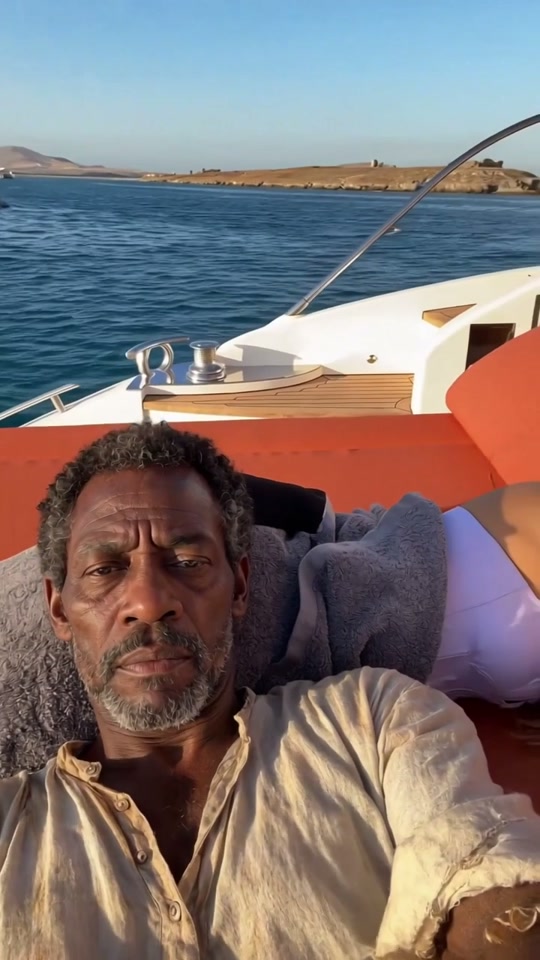
Selfie taker · Photo 1
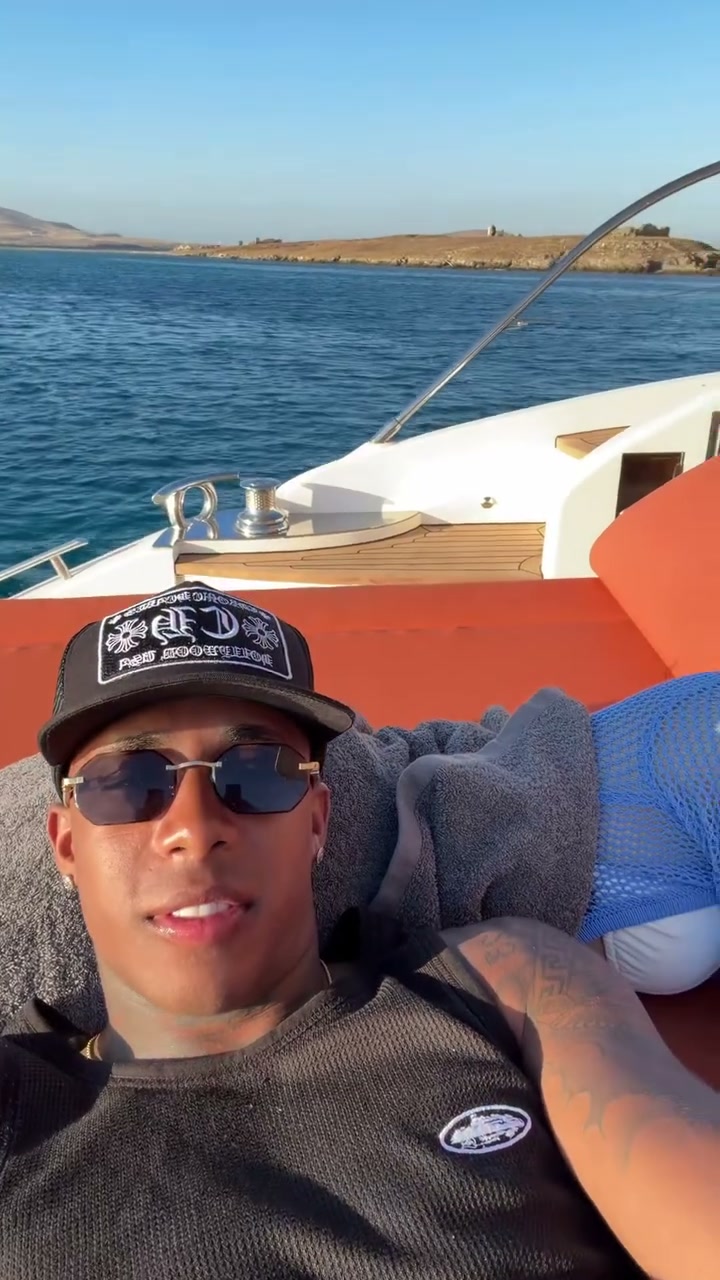
Reclining companion · Photo 2

Yacht Selfie AI Video Generator

Imagine a shared afternoon on the water. Yacht Selfie AI brings two individually photographed people into a relaxed handheld scene: one takes the selfie, the other reclines beside them. Reference sound accompanies the result.

What is Yacht Selfie AI?

Yacht Selfie AI is a paired-character motion template set on a yacht with orange cushions and open water behind the subjects. Its handheld view moves between the selfie taker, the reclining companion and the surrounding scenery. AI Genjutsu uses two individual photos to cast those roles, carrying each person’s full appearance and clothes into the prepared sequence. The boat, relaxed poses, gestures, sunlit setting and camera movement come from the reference. The two people can start in unrelated photographs; the template supplies their shared fictional travel moment.

Yacht Selfie AI prepared performance reference

How to create Yacht Selfie AI

Yacht Selfie AI already has its performance reference loaded. Prepare the images for your version.

  1. STEP 1

    Cast your Yacht Selfie AI scene

    Select two individual images and decide who takes the selfie. Put the reclining companion in the second role.

  2. STEP 2

    Choose settings for Yacht Selfie AI

    Upload two separate person photos to the assigned positions. Review the resolution and credit quote, then sign in and generate. Uploading an image alone does not start the job.

  3. STEP 3

    Keep your preferred Yacht Selfie AI take

    Compare each person before and after the camera pans, then check the relaxed poses and the final return. Open the finished attempt in My creations and download the take you want to keep.

Make Yacht Selfie AI your own

Choose the appearance, follow the prepared action and shape a clip around your idea.

Cast the pair in Yacht Selfie AI

Decide which person should feel closest to the camera and which should relax beside them. Yacht Selfie AI assigns those parts through the order of your uploads: the camera holder is Photo 1, the reclining companion is Photo 2. Each reference can have its own styling, making the pair feel intentionally chosen without requiring matching outfits. Use separate, clear images of one person each. A joint photo or collage leaves less separation between the two appearances and does not replace the two required role assignments.
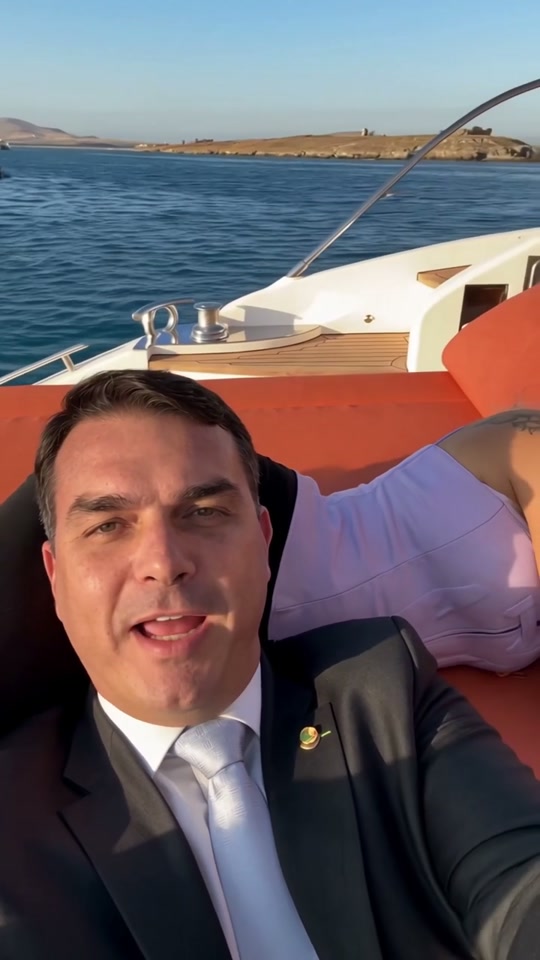
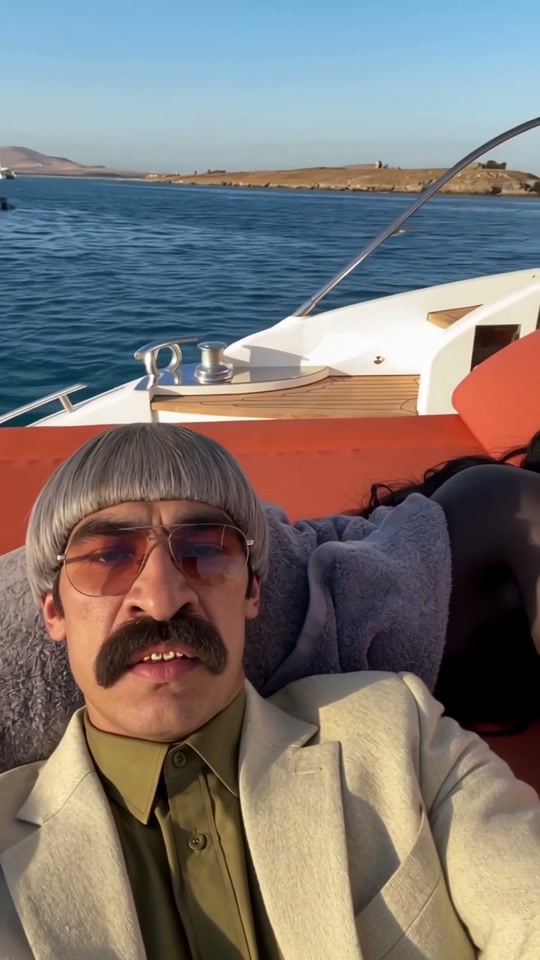
Cast the pair in Yacht Selfie AI

Keep both roles clear in Yacht Selfie AI

Yacht Selfie AI follows a casual handheld viewpoint instead of holding the pair in a formal pose. Water, cushions and deck enter the frame as the camera moves away and back. That motion creates the travel-video feeling while the photos determine who appears in it. Keep the role assignments fixed through those pans. When reviewing the generated result, compare each person’s first and later appearances, including their clothes and posture. The source’s relaxed body positions are part of the reference, but details around arms and cushion contact can still need a closer look.

Keep both roles clear in Yacht Selfie AI

Create a shared travel fantasy with Yacht Selfie AI

Yacht Selfie AI can support a couple’s vacation concept, a friendship montage or a fictional character pairing. Its value is bringing two chosen people into one coherent scene without organizing a joint shoot. Be clear about the invented setting when that matters to the audience; the video does not document a real trip. Choose another duo template if the relationship you want to show depends on singing, dancing or a specific interaction. Here, the appeal is the relaxed proximity, handheld framing and open-water backdrop.

Create a shared travel fantasy with Yacht Selfie AI

Plan your Yacht Selfie AI edit

Start with the creative direction, then check that the template’s cast and scene fit.

The mood to create

A shared fictional travel moment made from two separate person photos.

Your preparation

Have two separate person photos ready. Clear subject details matter more than matching the background of the original performance.

The fixed part of the scene

Two people in a fixed yacht scene; the clip does not document a real visit.

Yacht Selfie AI generation credits

Review the quote for the prepared clip and your chosen output settings before submitting. Browsing this scene is separate from starting a generation.

Starter

For your first ideas.

$8.3/month

$100.0 charged yearly

2,400 credits/year

Up to 400 images

GPT Image 2Nano Banana Pro

Up to 133 videos

Seedance 2.5Kling 3.0 Motion Control
  • Up to 4K images and HD videos, depending on the model
  • Image editing, video creation & motion transfer
  • Watermark-free image & video downloads
  • Generation history in your account
Popular40% OFFSave $238.8

Pro

For a steady creative flow.

$30.0/month$49.9/month

$360.0 charged yearly

21,600 credits/year

Up to 3,600 images

GPT Image 2Nano Banana Pro

Up to 1,200 videos

Seedance 2.5Kling 3.0 Motion Control
  • Up to 4K images and HD videos, depending on the model
  • Image editing, video creation & motion transfer
  • Watermark-free image & video downloads
  • Generation history in your account
  • Use credits across image and video models
Best Value50% OFFSave $599.8

Business

For more creations, more often.

$49.9/month$99.9/month

$599.0 charged yearly

48,000 credits/year

Up to 8,000 images

GPT Image 2Nano Banana Pro

Up to 2,666 videos

Seedance 2.5Kling 3.0 Motion Control
  • Up to 4K images and HD videos, depending on the model
  • Image editing, video creation & motion transfer
  • Watermark-free image & video downloads
  • Generation history in your account
  • Use credits across image and video models

Basic

$0

Try before you subscribe

  • 18 one-time signup credits
  • Generation history included
  • Watermarked previews & downloads
  • Up to 3 images or 1 video
  • Watermark-free downloads require payment

Prices in USD; taxes and total shown at checkout. Subscriptions renew automatically; cancel in Billing settings. Subscription credits expire each period; one-time credits never expire. Refund requests: within 72 hours. Eligible refunds deduct used purchased credits and, where permitted, actual non-returned processing fees. Processing fees are capped at 6% of the original purchase amount, excluding separately charged taxes. Terms · Refund Policy.

Yacht Selfie AI: questions before generating

Inputs, scene choices, sound and the conditions to check before starting.

Which Yacht Selfie AI role uses each photo?

Photo 1 supplies the selfie taker. Photo 2 supplies the companion reclining on the cushions. Both images are required, and their assignments remain the same when the camera pans away or returns.

Must the Yacht Selfie AI photos match each other?

They can be taken at different times and places. Choose clear images with each person’s visible hairstyle, clothing and body shape. The template supplies a common location and performance; matching source-photo backgrounds are unnecessary.

Can Yacht Selfie AI work from a single couple photo?

The page expects two separate role images. Prepare an individual image for each person so the intended appearance is clear in each slot. A single upload cannot fill both required parts of the scene.

Can I choose a third passenger or another yacht?

Yacht Selfie AI has exactly two replacement roles. The yacht, cushions and seascape follow the prepared reference, with no boat upload or additional passenger slot. Use another scene when the cast or location needs to differ.

What should I inspect in the Yacht Selfie AI result?

Watch the entire approximately 14.2-second portrait sequence. Check both people after the camera returns, especially hair, clothing, hands and contact with the cushions. A convincing first selfie frame does not establish continuity for the later views.

Is sound part of Yacht Selfie AI?

Yes. Yacht Selfie AI pairs the new visuals with the reference soundtrack. It does not create a new voice or offer a song selector. Listen to the preview and check the completed download with sound.

How do I start Yacht Selfie AI without writing instructions?

The reference and instructions are already loaded in Yacht Selfie AI. Upload the required photos, check your settings and generate. Existing drafts retain their inputs; use the main workspace to choose a different performance.

How many credits does Yacht Selfie AI use?

The Yacht Selfie AI workspace shows the current quote for your settings. Sign in with sufficient credits before submitting. Browsing is free of generation charges; each new attempt uses its own quoted credits.

Can I rely on the Yacht Selfie AI examples as guaranteed quality?

Examples show the intended effect, without guaranteeing your result. Review the full video and soundtrack before sharing. Use photos you have permission to edit, and check any footage or sound permissions for your intended use.

Put your idea into Yacht Selfie AI

Bring two separate person photos to the workspace and confirm the cast before generating.

Yacht Selfie AI community interpretation of the prepared scene