Create a video

Opening dancer · Photo 1
Second dancer · Photo 2

Wipe Me Down AI Video Generator

Make a two-character dance relay in a kitchen. Upload two separate photos for Wipe Me Down AI; choose the appearance and let the prepared scene supply the performance. Reference sound is included.

What is Wipe Me Down AI?

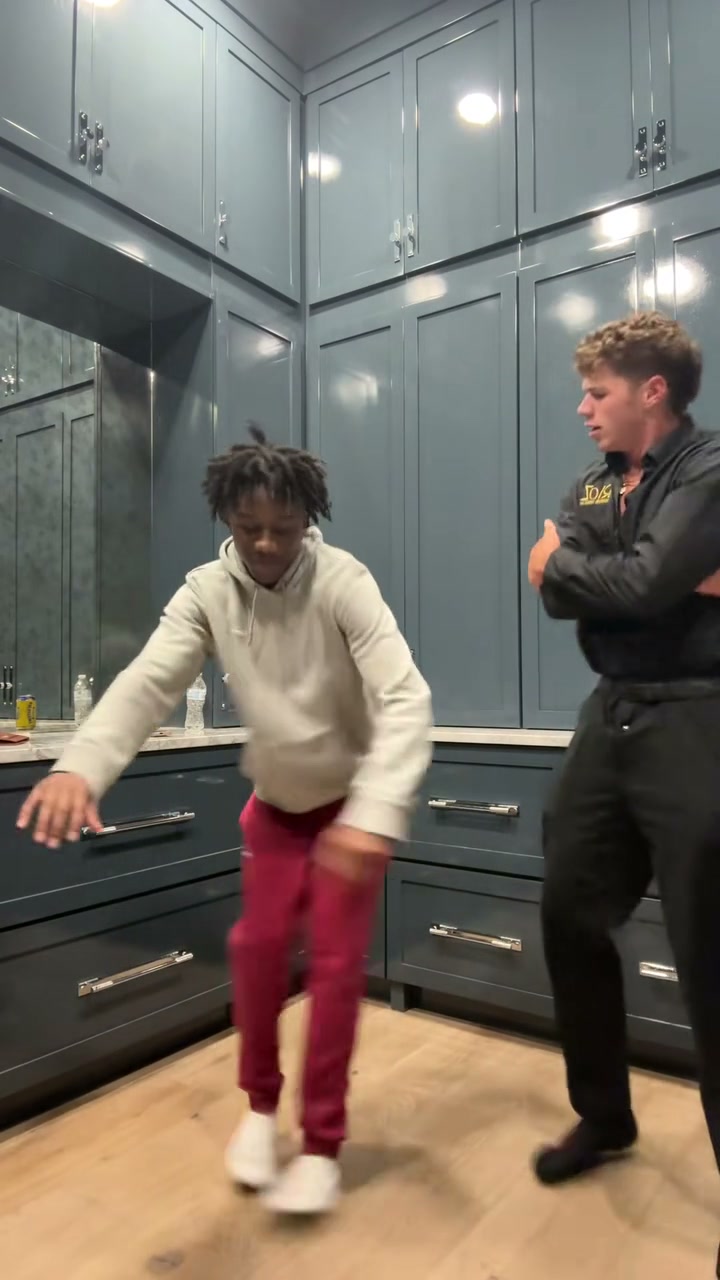
Wipe Me Down AI is a photo-driven video effect for a two-character dance relay in a kitchen. In the prepared scene, the opening performer leans in and sweeps their hands down before moving aside for the partner. AI Genjutsu lets you cast the replacement subject from two separate photos, using the complete appearance rather than asking you to record the performance. The reference video provides the movement, camera work and setting. The prepared clip is approximately 15 seconds long; its framing and sequence guide your output. The finished video uses the reference soundtrack. Watch the sequence here to see precisely which version of Wipe Me Down AI this page makes.

Wipe Me Down AI reference showing a two-character dance relay in a kitchen

How to create Wipe Me Down AI

Use the Wipe Me Down AI workspace above. The reference is already selected, so you can focus on your images.

  1. STEP 1

    Choose your Wipe Me Down AI references

    Add two separate photos to the labeled slots. Look at the preview and check that every upload matches the intended role. Replace an unclear image before continuing.

  2. STEP 2

    Review settings and generate

    Confirm the selected Wipe Me Down AI template and available resolution, then review the credit quote. Sign in to submit when the inputs are ready. Uploading a photo alone does not start a paid video job.

  3. STEP 3

    Review the completed Wipe Me Down AI clip

    Open the result in My creations and watch the entire sequence. Examine downward hand gestures, the second entrance and both identities at the switch, then download the version you want to keep. A new attempt uses a new generation job.

Create your version of Wipe Me Down AI

Choose the subject, keep the recognizable performance and make the scene useful for your own idea.

Give Wipe Me Down AI your chosen appearance

Choose the two complete looks for a dance whose appeal comes from the handover. Wipe Me Down AI uses visual references for the subject's recognizable details, so the image you choose is an important creative decision. Keep one person in each photo and decide who should open before uploading. It is an AI interpretation, so details still need checking in the finished video.
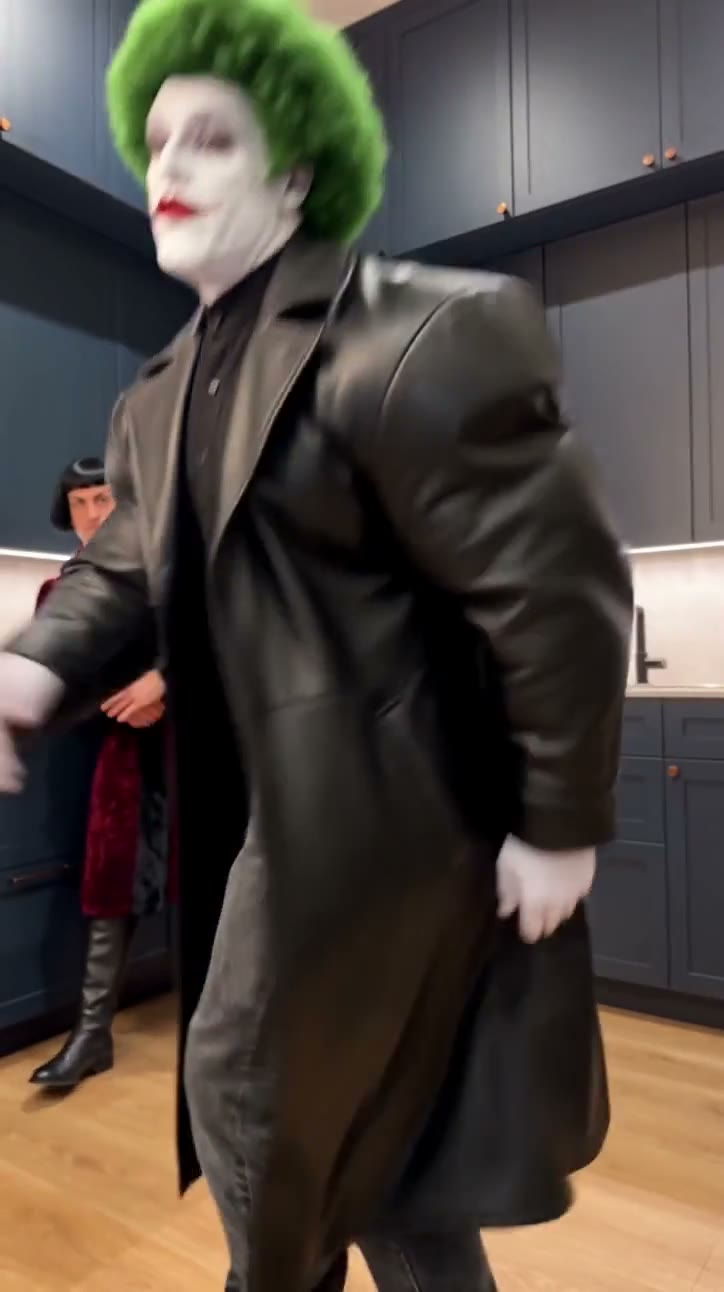
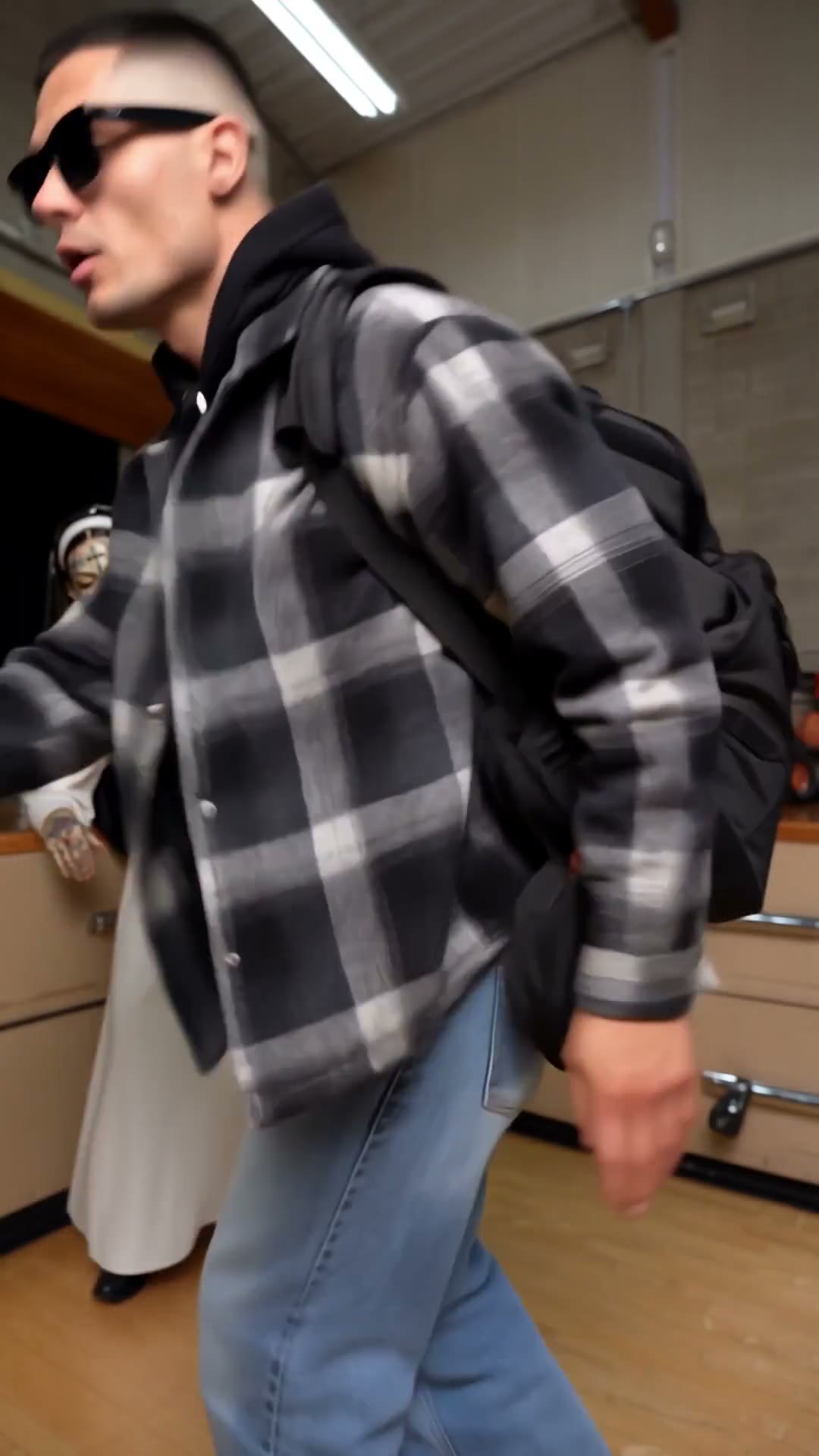
Give Wipe Me Down AI your chosen appearance

Follow the complete Wipe Me Down AI sequence

The appeal of Wipe Me Down AI comes from how the action develops: the opening performer leans in and sweeps their hands down before moving aside for the partner. Starting from the prepared reference saves you from piecing together separate shots, arranging a location or describing every movement in a prompt. The upload controls the cast or subject, while the reference guides the performance. The roles follow the reference handover; changing the input order changes who takes each turn. Preview the beginning and ending before generating; both are part of the clip you are choosing.

Follow the complete Wipe Me Down AI sequence

Where your Wipe Me Down AI video fits

Make a friend-to-friend challenge or a paired character joke. Wipe Me Down AI gives you a self-contained scene that can stand alone or become part of a longer edit. The finished video uses the reference soundtrack. You can review and download the completed result in My creations, then make any finishing edits in your usual editor. For public or commercial sharing, check the permissions for the photographs, reference footage and any soundtrack.

Where your Wipe Me Down AI video fits

Is Wipe Me Down AI right for your idea?

Choose Wipe Me Down AI when the prepared performance fits the result you want. These are the decisions to make before generating.

Start with the intended result

Make a friend-to-friend challenge or a paired character joke.

Match the available inputs

The template needs two separate photos. Keep one person in each photo and decide who should open before uploading.

Keep the scope clear

The roles follow the reference handover; changing the input order changes who takes each turn.

Wipe Me Down AI credits

Use the quote on Generate for this reference and your chosen settings. The plan cards describe account options and may use different example durations.

Starter

For your first ideas.

$8.3/month

$100.0 charged yearly

2,400 credits/year

Up to 400 images

GPT Image 2Nano Banana Pro

Up to 133 videos

Seedance 2.5Kling 3.0 Motion Control
  • Up to 4K images and HD videos, depending on the model
  • Image editing, video creation & motion transfer
  • Watermark-free image & video downloads
  • Generation history in your account
Popular40% OFFSave $238.8

Pro

For a steady creative flow.

$30.0/month$49.9/month

$360.0 charged yearly

21,600 credits/year

Up to 3,600 images

GPT Image 2Nano Banana Pro

Up to 1,200 videos

Seedance 2.5Kling 3.0 Motion Control
  • Up to 4K images and HD videos, depending on the model
  • Image editing, video creation & motion transfer
  • Watermark-free image & video downloads
  • Generation history in your account
  • Use credits across image and video models
Best Value50% OFFSave $599.8

Business

For more creations, more often.

$49.9/month$99.9/month

$599.0 charged yearly

48,000 credits/year

Up to 8,000 images

GPT Image 2Nano Banana Pro

Up to 2,666 videos

Seedance 2.5Kling 3.0 Motion Control
  • Up to 4K images and HD videos, depending on the model
  • Image editing, video creation & motion transfer
  • Watermark-free image & video downloads
  • Generation history in your account
  • Use credits across image and video models

Basic

$0

Try before you subscribe

  • 18 one-time signup credits
  • Generation history included
  • Watermarked previews & downloads
  • Up to 3 images or 1 video
  • Watermark-free downloads require payment

Prices in USD; taxes and total shown at checkout. Subscriptions renew automatically; cancel in Billing settings. Subscription credits expire each period; one-time credits never expire. Refund requests: within 72 hours. Eligible refunds deduct used purchased credits and, where permitted, actual non-returned processing fees. Processing fees are capped at 6% of the original purchase amount, excluding separately charged taxes. Terms · Refund Policy.

Wipe Me Down AI: questions before you create

Check the inputs, scene limits, sound and review steps before committing credits.

What do I upload for Wipe Me Down AI?

Wipe Me Down AI requires two separate photos. Keep one person in each photo and decide who should open before uploading. Use images you own or have permission to edit. A blurred crop, collage or heavily obscured subject gives the model less evidence to work with.

How are photos assigned in Wipe Me Down AI?

Wipe Me Down AI uses the labeled upload positions to identify each replacement role. Opening dancer: Photo 1 — Replaces the dancer in black nearest the camera at the start, who later moves to the right. Use one person per photo with their appearance and outfit visible. Second dancer: Photo 2 — Replaces the dancer in the light hoodie and red trousers by the back counter, who takes over around 9 seconds. Use a separate photo for this role. Check the assignment before generating. If the source changes camera angle or the subject moves across the frame, that does not create a new role. Keep the input associated with the same character or object through the sequence; do not use one picture containing several subjects when a slot calls for one.

What stays unchanged in Wipe Me Down AI?

The prepared video guides the setting, movement, camera framing, edits and timing for Wipe Me Down AI. The roles follow the reference handover; changing the input order changes who takes each turn. The instructions request those features, but a generated result can still vary in small details.

Does Wipe Me Down AI include sound?

The finished video uses the reference soundtrack. For Wipe Me Down AI, the model creates the new visuals without generating a replacement soundtrack, and the existing delivery flow restores the reference audio. Use the sound control in the preview to hear the supplied track. There is no song selector or text-to-speech field on this page. The new appearance does not imply a newly recorded voice, and using the template does not grant soundtrack rights.

Can I change the length or framing of Wipe Me Down AI?

The prepared clip is approximately 15 seconds long; its framing and sequence guide your output. Wipe Me Down AI follows that reference rather than offering a separate timeline or shot editor. Available resolution settings affect the output option and credit quote. They do not turn the prepared routine into a longer story. If you need a different reference performance, use the main AI Genjutsu workspace; for this page, first make sure the shown scene is the one you want.

Do I need to write a prompt for Wipe Me Down AI?

No. The Wipe Me Down AI template already supplies its motion instructions and reference video. Your main choices are the input images and available settings. The role descriptions beside the uploads explain how to cast the scene. You do not need to paste a prompt from another site.

How do I get a more recognizable Wipe Me Down AI result?

Keep one person in each photo and decide who should open before uploading. In Wipe Me Down AI, the model has to interpret your reference through movement and changing viewpoints. Details that are hidden in the photo may be invented, especially on a back view or near overlapping subjects. Start with a clean, well-lit reference and inspect downward hand gestures, the second entrance and both identities at the switch. A clearer image may help, but neither the examples nor a new attempt guarantee perfect identity or anatomy.

Are the Wipe Me Down AI examples guaranteed results?

No. The videos illustrate the prepared scene and, where supplied, external community variations. They are not a record of a successful generation from your photos on AI Genjutsu. Wipe Me Down AI has the input roles and fixed sequence described here; an example showing a broader change does not add an upload slot or enable a different workflow.

How much does Wipe Me Down AI cost?

You can inspect this Wipe Me Down AI page and its examples before creating a job. To generate, sign in and have enough credits for the quote displayed with your selected settings. The reference duration and resolution matter to that quote. A fresh generation is a new job; watching or downloading a result you already created does not start a new generation. General plan examples may describe a different model or clip length, so use the current Generate quote for this template.

What should I check before sharing Wipe Me Down AI?

Play the full Wipe Me Down AI result, including the final moments, and examine downward hand gestures, the second entrance and both identities at the switch. Listen to the sound as well as watching the picture. Check the rights and consent relevant to the people, characters, footage and audio in your intended use. Present an invented scene honestly as an AI edit where appropriate.

Ready to make Wipe Me Down AI?

Choose your photos and return to the Wipe Me Down AI workspace to check the settings and quote.

Wipe Me Down AI reference showing a two-character dance relay in a kitchen